 Eltima AI Headshot Generator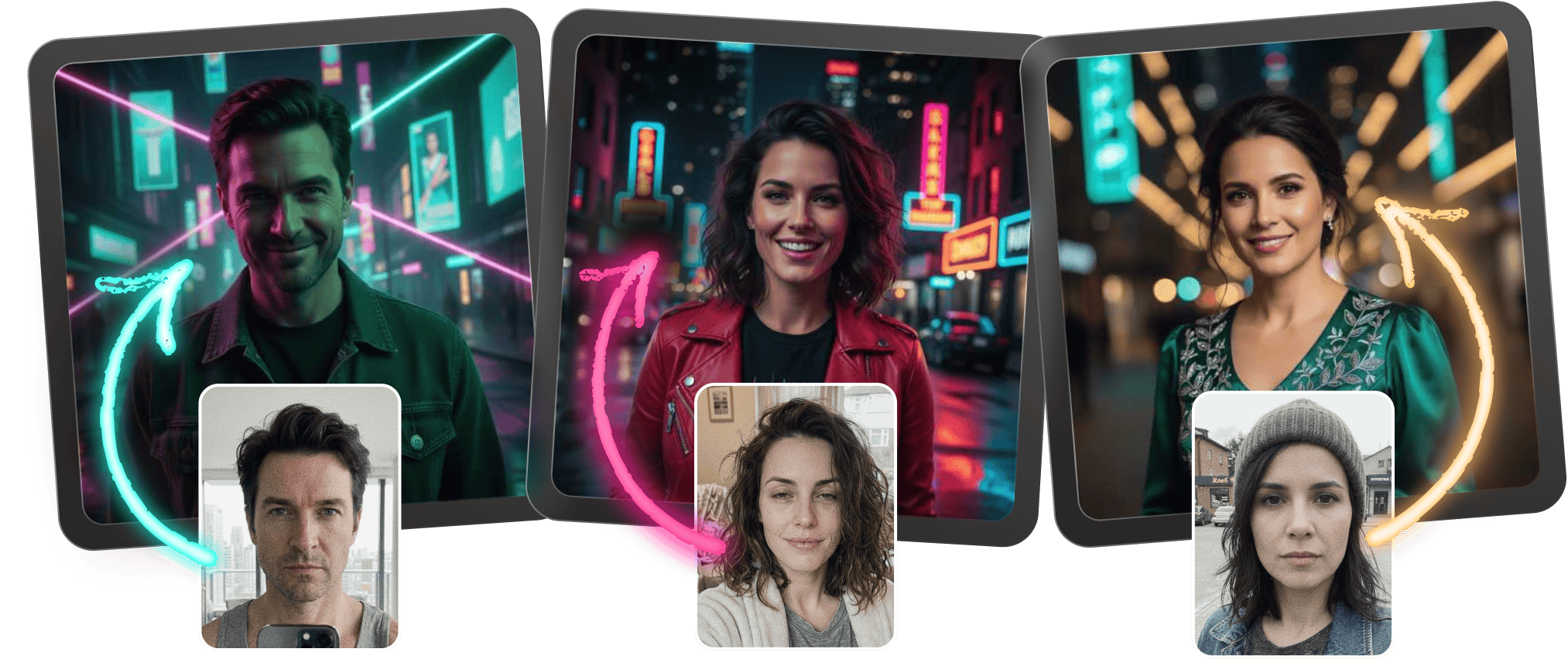
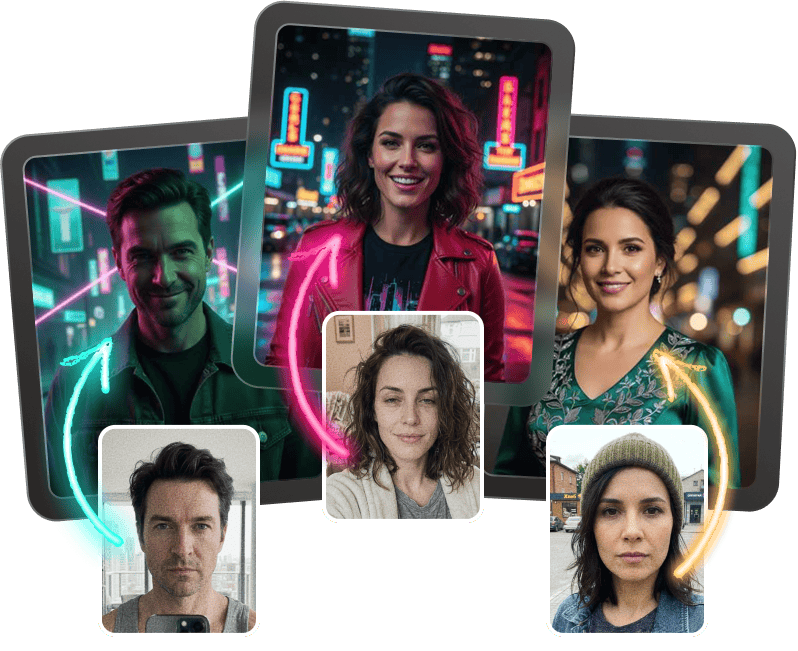
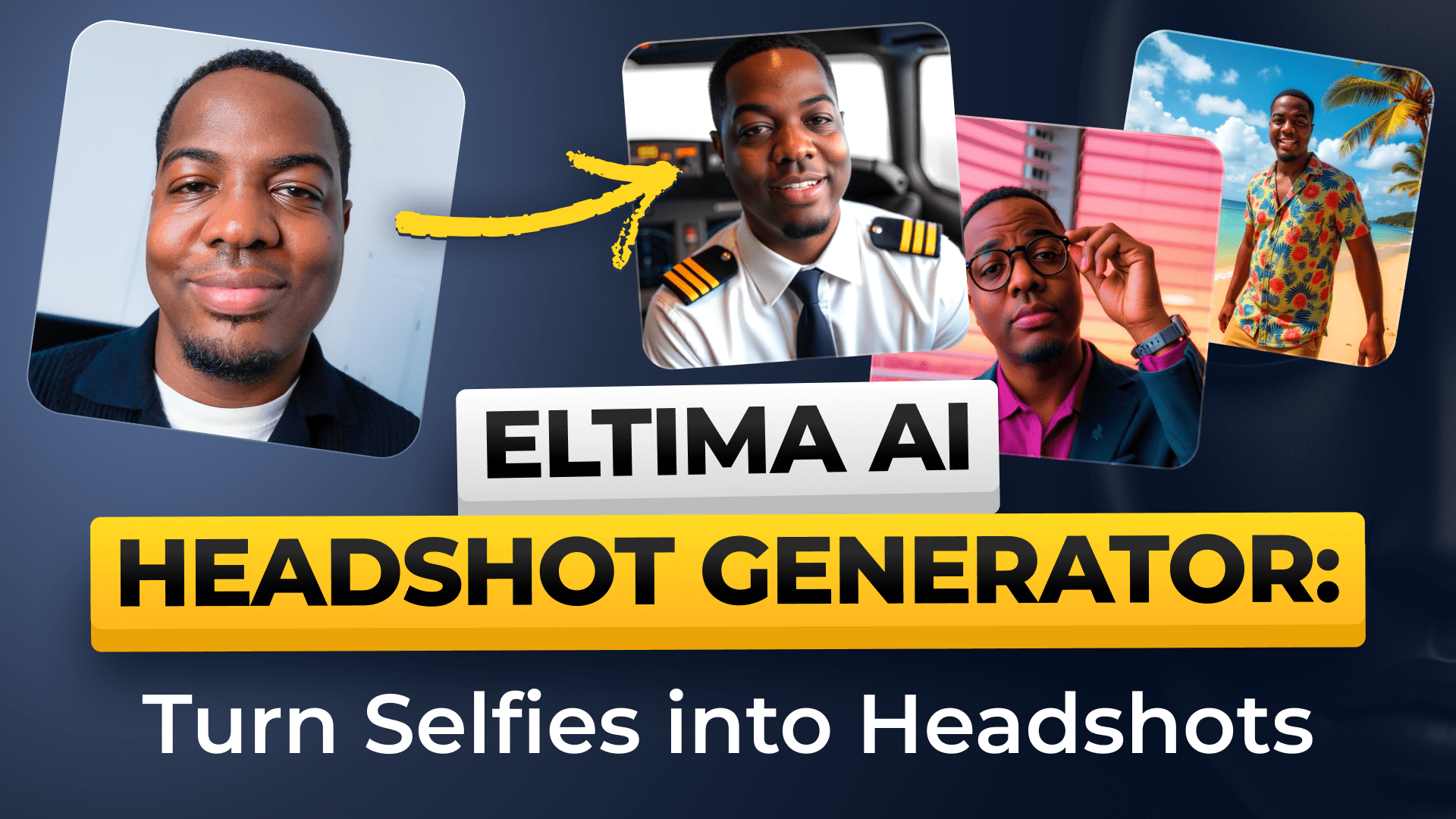
Turn everyday photos into a polished neon aesthetic in minutes. With this ai photo generator app, you can generate ai photo results that feel bold, modern, and made for your brand.
How to create neon-ready headshots
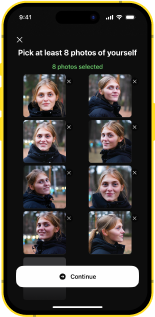
Upload your best photos
Choose clear selfies or portraits with good lighting so the app can build a sharper, more natural result.
Pick a neon look
Select the neon style that fits your vibe, from glowing city lights to vibrant photo neon effect accents.
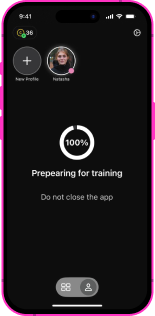
Generate in seconds
Let the neon lights ai generator process your image and create a clean ai neon portrait with striking color.
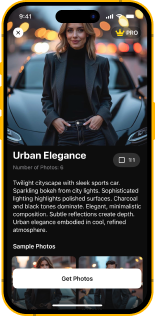
Share anywhere
Download your finished headshots and use them for profiles, portfolios, and creative pages with confidence.
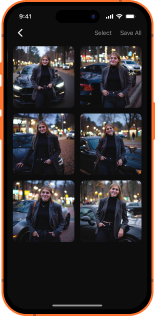
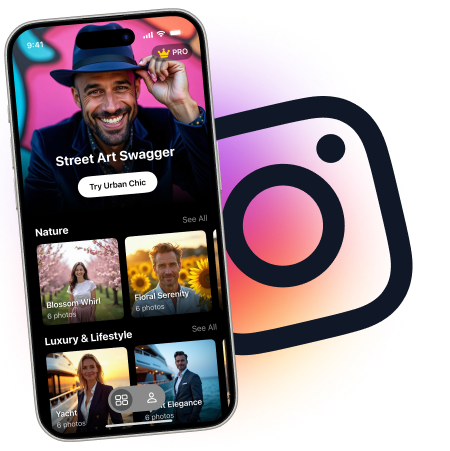
Neon photos that feel instantly premium
Create neon photos that stand out on every profile and portfolio page. This ai photo generator app makes it easy to add neon effect to photo uploads without losing a clean, professional finish.

Neon aesthetic made simple
Build a neon aesthetic with styles that look vivid, social-ready, and polished in seconds. Whether you want neon light portrait photography or a bold ai neon portrait, the app helps you generate ai photo results with a consistent glow.
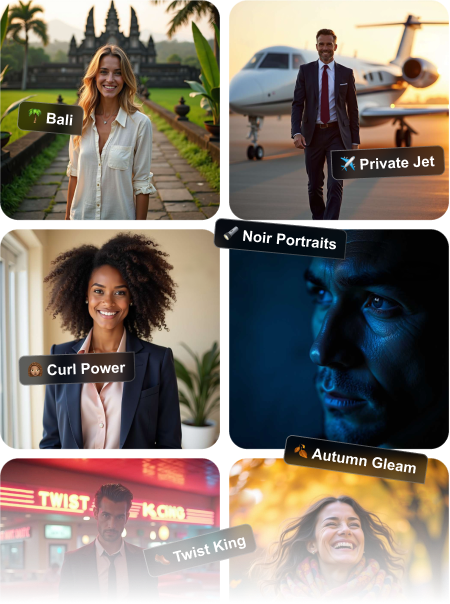
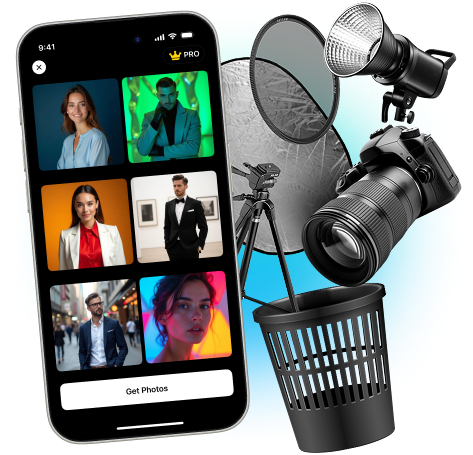
Glow with standout portraits
Use the neon lights ai generator to turn ordinary shots into fresh, modern visuals. It works like an intuitive ai photo generator app, so you can generate ai photo options that match your brand, your mood, and your neon aesthetic.
Upload and use anywhere
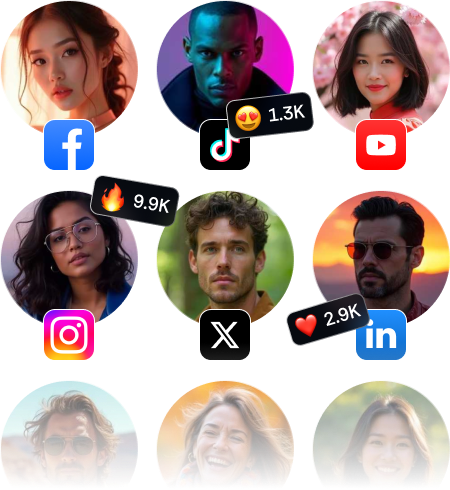
These neon photos are ideal for LinkedIn, portfolios, creator bios, and campaign pages. If you’re wondering where can i use photos with neon aesthetic, the answer is anywhere you want a modern first impression.

Frequently Asked Questions
Eltima AI Headshot Generator App is a tool that turns ordinary portraits into polished headshots with creative styling options. It’s designed for fast results, so you can generate ai photo variations without complicated editing.
Availability can depend on the plan or trial offered in the app store listing. Check the current pricing details inside the app to see what’s included and whether free access is available.
You can explore a range of neon aesthetic looks, including vibrant color glows, city-light moods, and softer photo neon effect variations. The app helps you match the style to your profile, brand, or creative project.
These photos work well on social profiles, resumes, speaker bios, team pages, portfolios, and marketing assets. They’re especially useful when you want a modern look with neon photos that still feel professional.
Upload clear, well-lit photos where your face is easy to see and not heavily filtered. Simple backgrounds and front-facing shots usually help the ai photo generator app create the most accurate result.
You can use neon aesthetic photos anywhere you want to stand out, including social media, portfolio sites, event pages, and personal branding materials. They are a strong choice for creators who want a bold visual identity.
5.0
Show more
4.5
Show more
5.0
Show more
4.0
Show more
5.0
Show more
4.5
Show more