7 Best Portrait Photography Ideas to Make Your Photos Stand Out

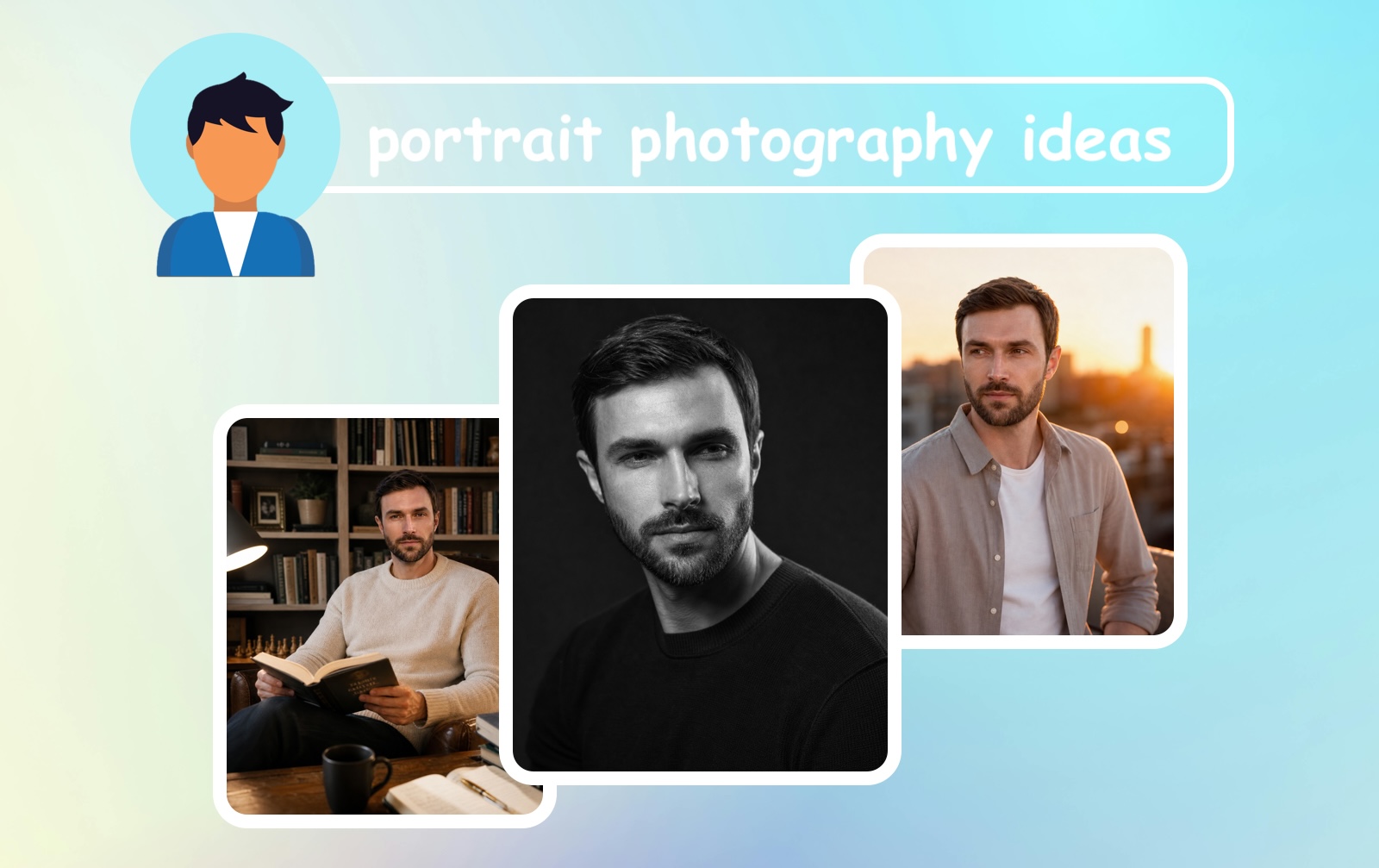
1. Use an AI Portrait Generator (No Camera or Studio Required)
If you want a stunning portrait without dealing with lighting setups, outfit planning, location scouting, or even hiring a photographer – an AI portrait generator is your best friend. This is one of the most practical and creative self portrait ideas for anyone who wants professional-quality results without the effort.
Tools like the Eltima AI Portrait Generator let you upload a simple selfie and receive a gallery of polished, studio-quality portraits in minutes. The AI handles everything: background, lighting, style, and even wardrobe – digitally.
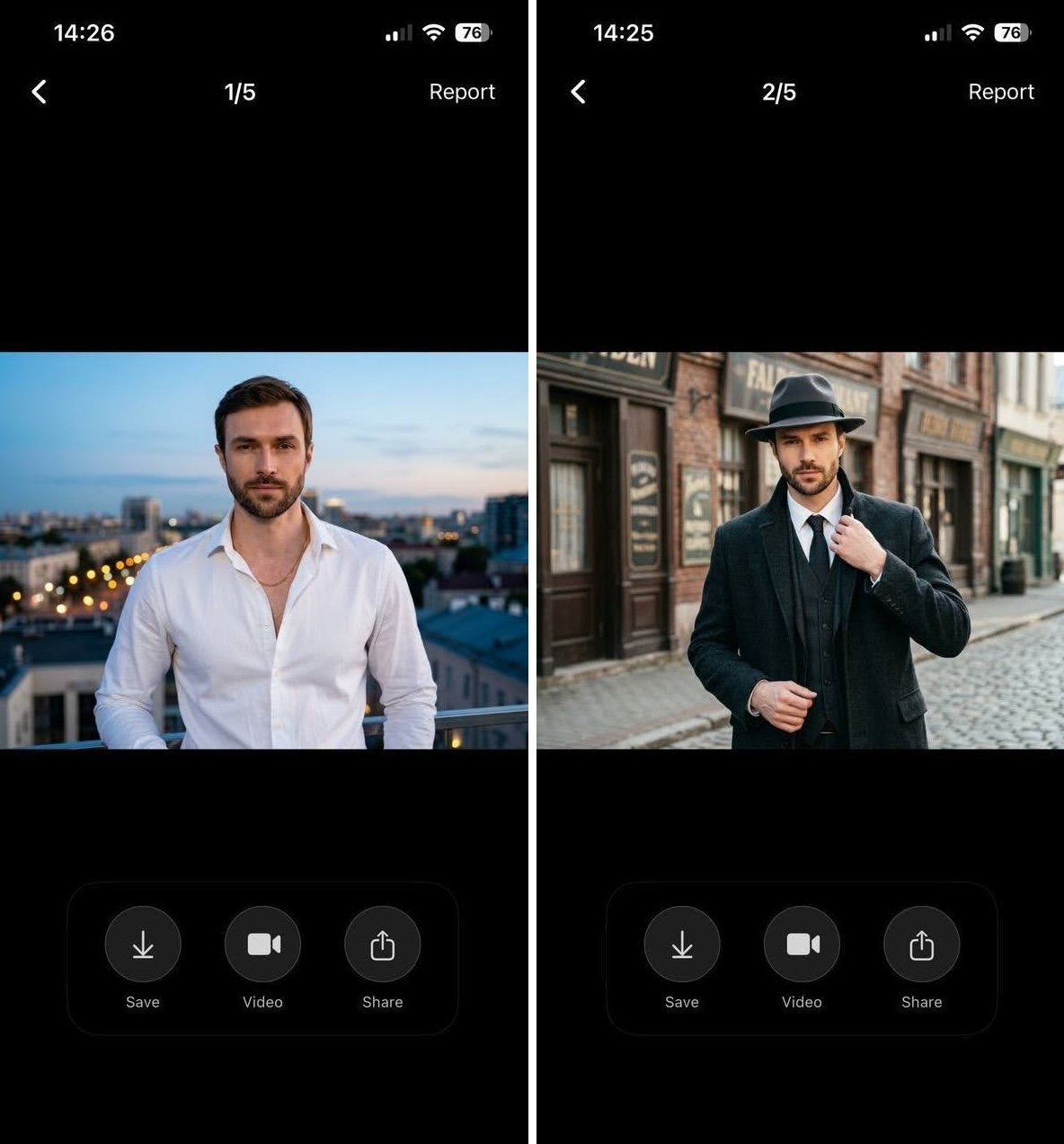
Why it works:
- ✔️ No need for professional lighting gear or a studio
- ✔️ No worrying about outfit choices or hair and makeup
- ✔️ Get dozens of portrait variations instantly
- ✔️ Perfect for LinkedIn headshots, social media profiles, or personal branding
- ✔️ Works from any photo taken on your smartphone
This is hands-down the easiest entry point for anyone looking for portrait photography tips for beginners who don’t yet own equipment or aren’t comfortable in front of the camera.
2. Shoot in Natural Window Light
One of the oldest and most reliable portrait photography tips is to use the soft, directional light from a window. Natural light is flattering, free, and available in almost any home or office.
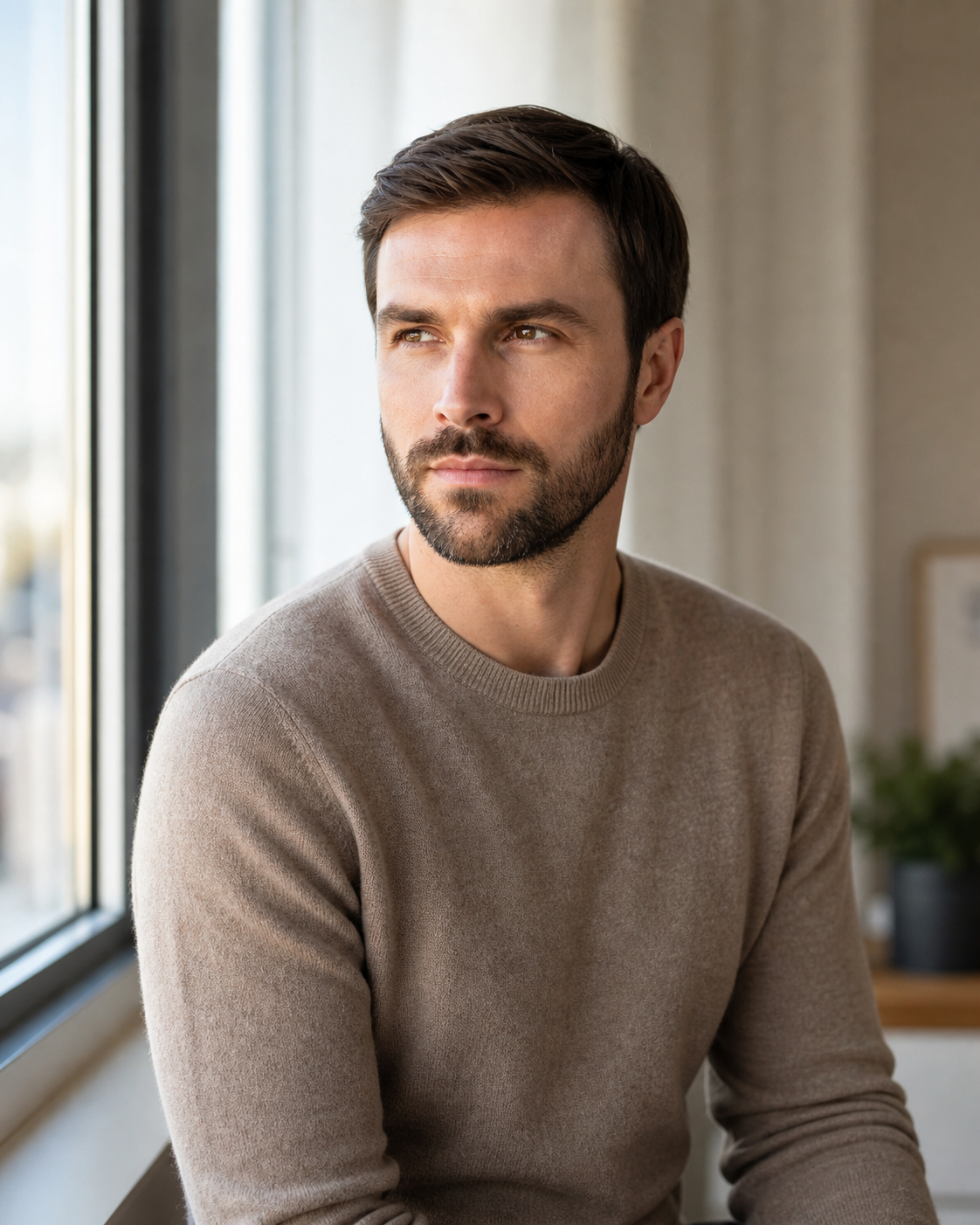
How to take a portrait photo with window light:
- ✔️ Position your subject at a 45-degree angle to the window, not directly in front of it
- ✔️ Use a white wall or reflector on the opposite side to fill in shadows
- ✔️ Shoot during mid-morning or late afternoon when sunlight is softer and warmer
- ✔️ Overcast days are actually ideal – clouds act as a giant natural diffuser
This technique is a staple in portrait photography because it creates beautiful, dimensional light that enhances facial features without harsh shadows. It’s one of the most recommended photography tips for portrait photography precisely because it requires zero equipment beyond your phone or camera.
3. Try the Golden Hour Outdoor Portrait
The golden hour – roughly the first hour after sunrise and the last hour before sunset — produces the most beautiful, cinematic light imaginable. It’s warm, golden, and wraps around your subject in a way that’s nearly impossible to replicate artificially.
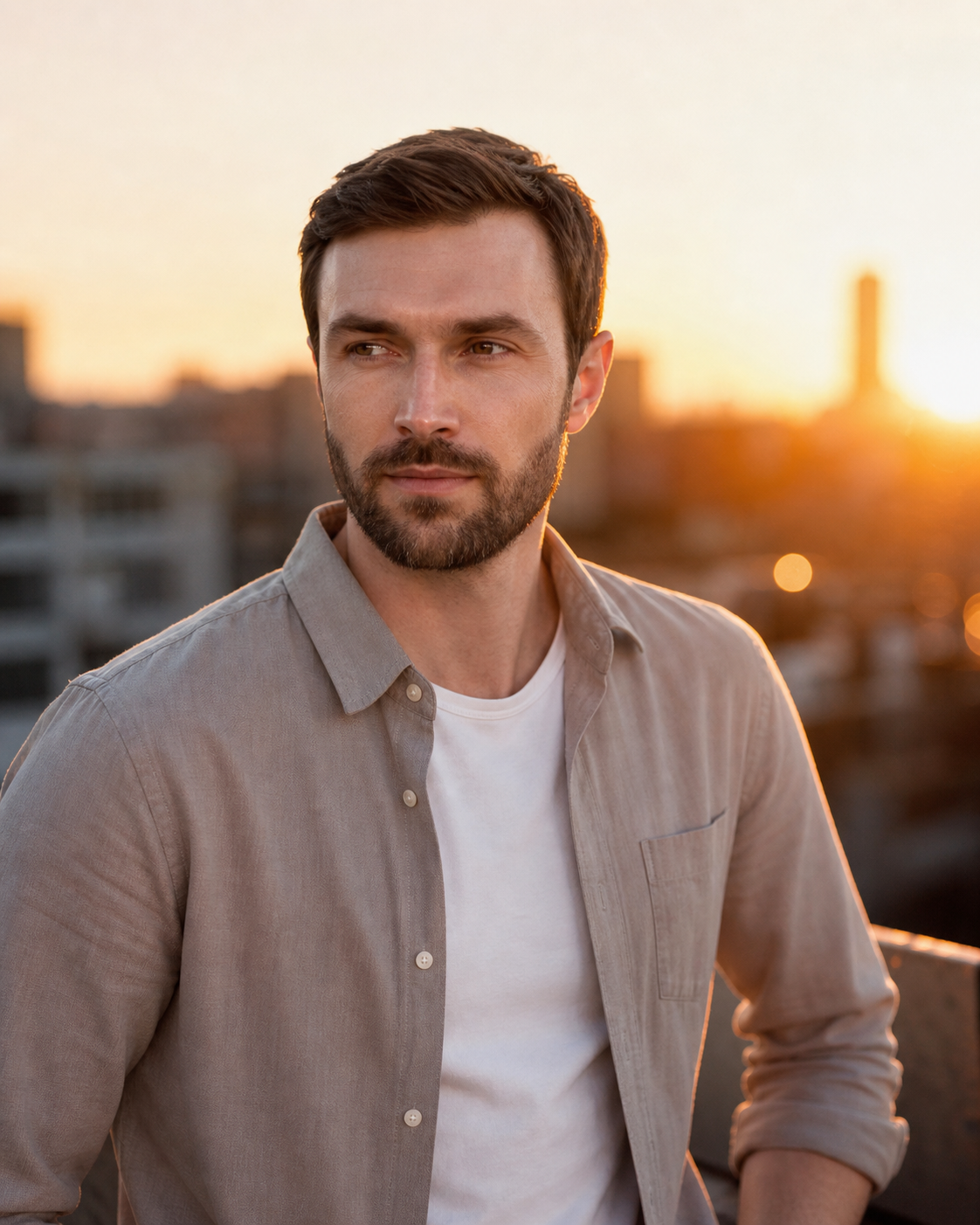
Photo tips for this approach:
- ✔️ Shoot with the sun behind or to the side of your subject for a glowing rim-light effect
- ✔️ Use a slightly wider aperture (f/1.8–f/2.8) to create a blurred, bokeh background
- ✔️ Look for open fields, tree-lined paths, or rooftops as your location
- ✔️ Ask your subject to look away from the camera for a more candid, editorial feel
Golden hour portraits are among the most popular creative portrait ideas on social media because they instantly feel cinematic and emotional. Even a phone camera can produce remarkable results during this window.
4. Environmental Portraits: Tell a Story With the Background
An environmental portrait places the subject within a context that reveals something about who they are – their job, hobby, passion, or personality. Instead of a plain backdrop, the surroundings become part of the story.
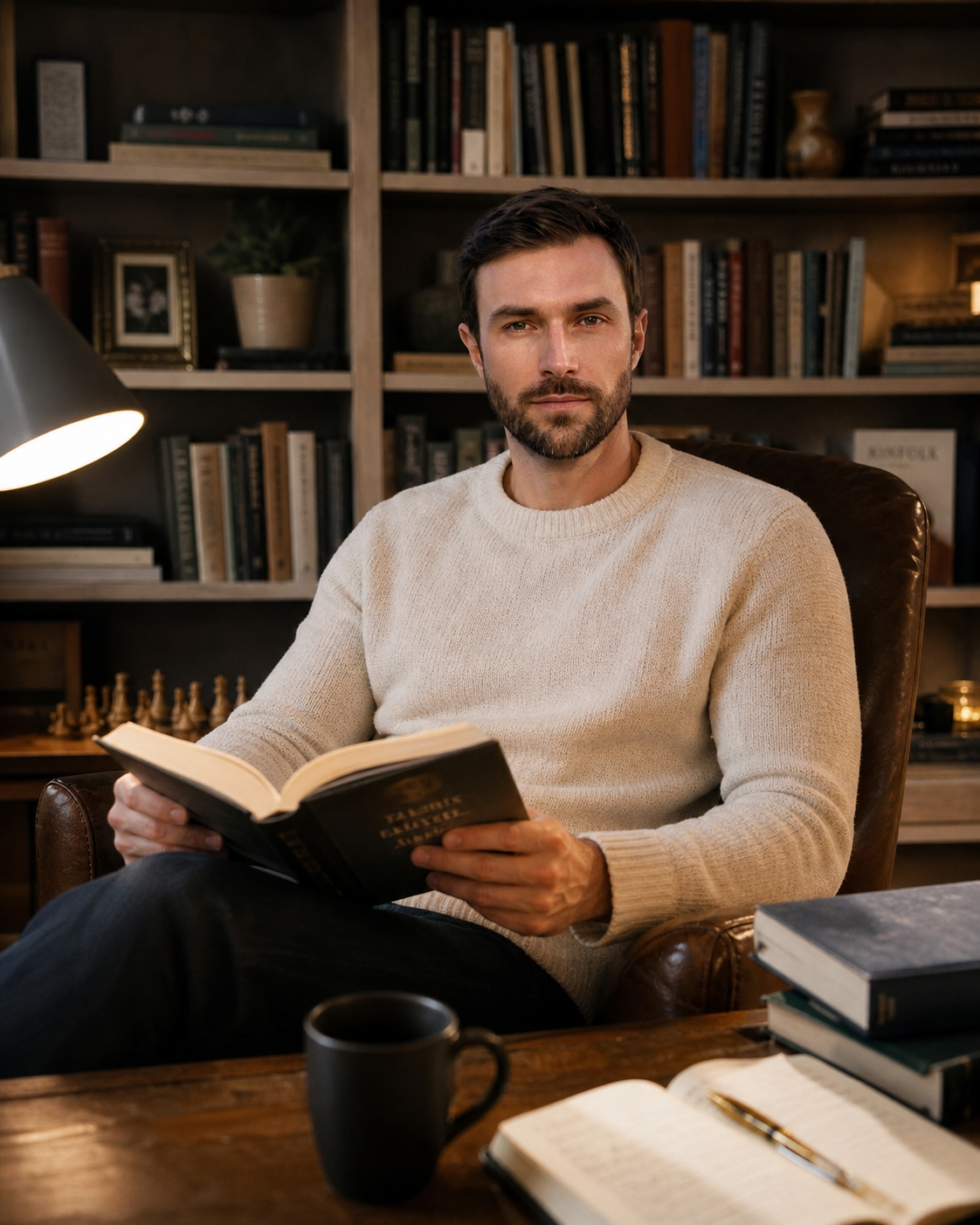
Photo ideas for environmental shoots:
- ✔️ A chef photographed in their kitchen
- ✔️ A musician surrounded by their instruments
- ✔️ An athlete in their training space
- ✔️ A reader in a cozy, book-lined room
How to take a self-portrait photo in an environmental style: Set your camera on a tripod, use a self-timer or remote shutter, and arrange yourself naturally within your chosen environment. The key is to look like you belong there – not like you’re posing for a photo.
This is one of the most meaningful portrait ideas because it creates context, depth, and narrative that a plain headshot simply can’t achieve.
5. Black and White Portraits for Dramatic Impact
Stripping away color forces the viewer to focus on what really matters: expression, texture, light, and emotion. Black and white is one of the most timeless creative portrait ideas and works brilliantly for moody, introspective, or high-contrast shoots.
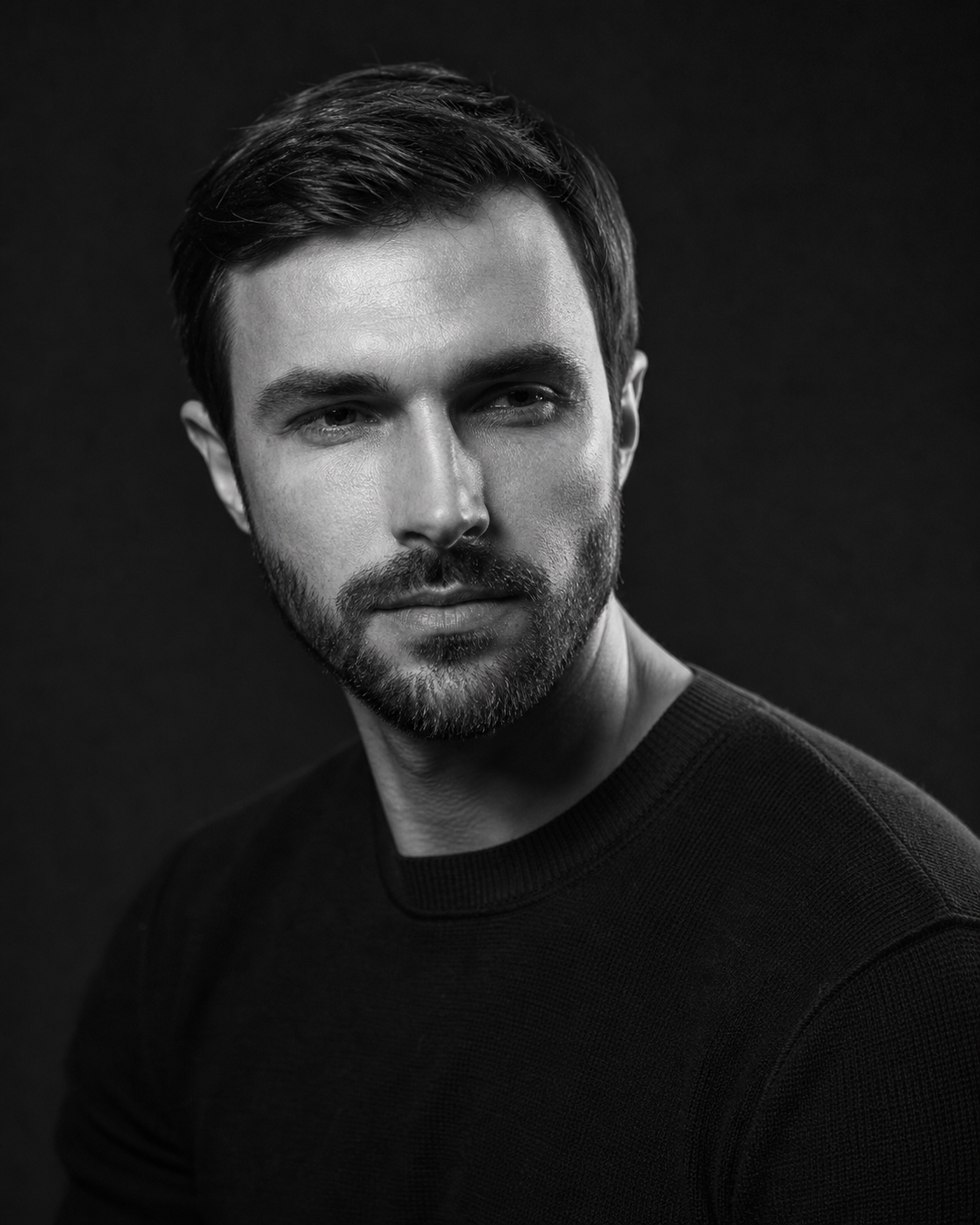
Tips for a strong black and white portrait:
- ✔️ Look for strong directional lighting that creates clear highlights and shadows
- ✔️ Shoot in RAW format if possible and convert to B&W in post-processing for more control
- ✔️ Pay attention to skin texture, eye detail, and facial expression – these are everything in monochrome
- ✔️ High contrast (dark background, bright face) creates drama; soft contrast feels more intimate
Black and white portraits reward good composition and strong light more than any other style, making them excellent for photographers who want to sharpen their fundamentals.
6. Silhouette Portraits for Striking Minimalism
A silhouette portrait reduces the subject to their outline – and the result is often surprisingly powerful. The lack of facial detail forces the viewer to focus on pose, shape, and atmosphere.
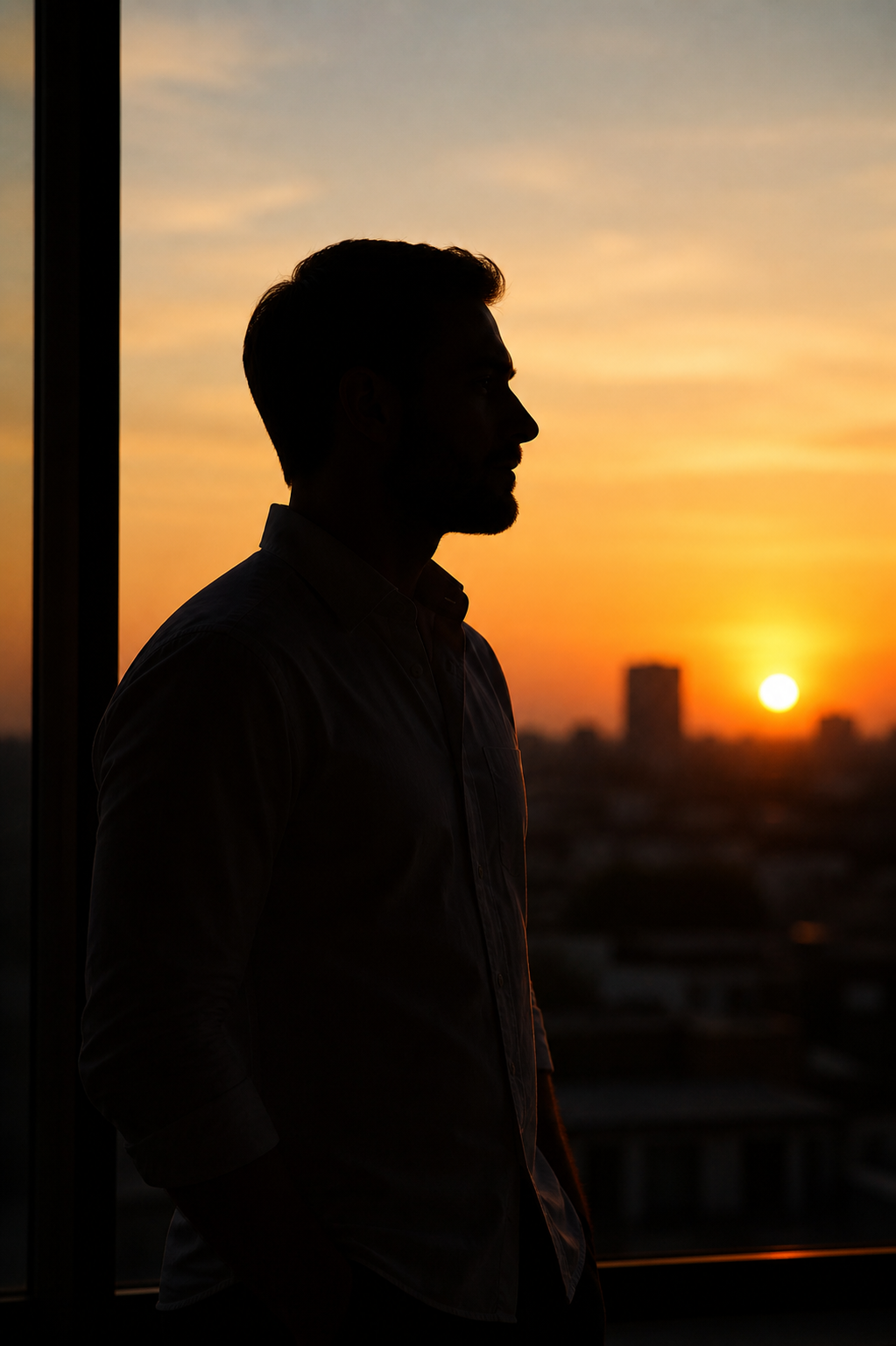
How to take a good portrait photo as a silhouette:
- ✔️ Place your subject in front of a bright light source: a sunset, a bright window, or a backlit doorway
- ✔️ Expose for the background (not the face) – your camera or phone should automatically darken the subject
- ✔️ Use a strong, recognizable pose: profile view, arms raised, or an interesting body shape
- ✔️ Keep the background simple and graphic for maximum impact
Silhouettes are among the most striking self portrait ideas because they’re highly artistic and require very little technical skill once you understand the basic exposure concept.
7. Conceptual Portraits: Turn Your Photo Into Art
A conceptual portrait centers on an idea, emotion, or story rather than simply documenting a person’s appearance. These are the kind of creative portrait ideas that stop people mid-scroll – they provoke curiosity, emotion, or both.
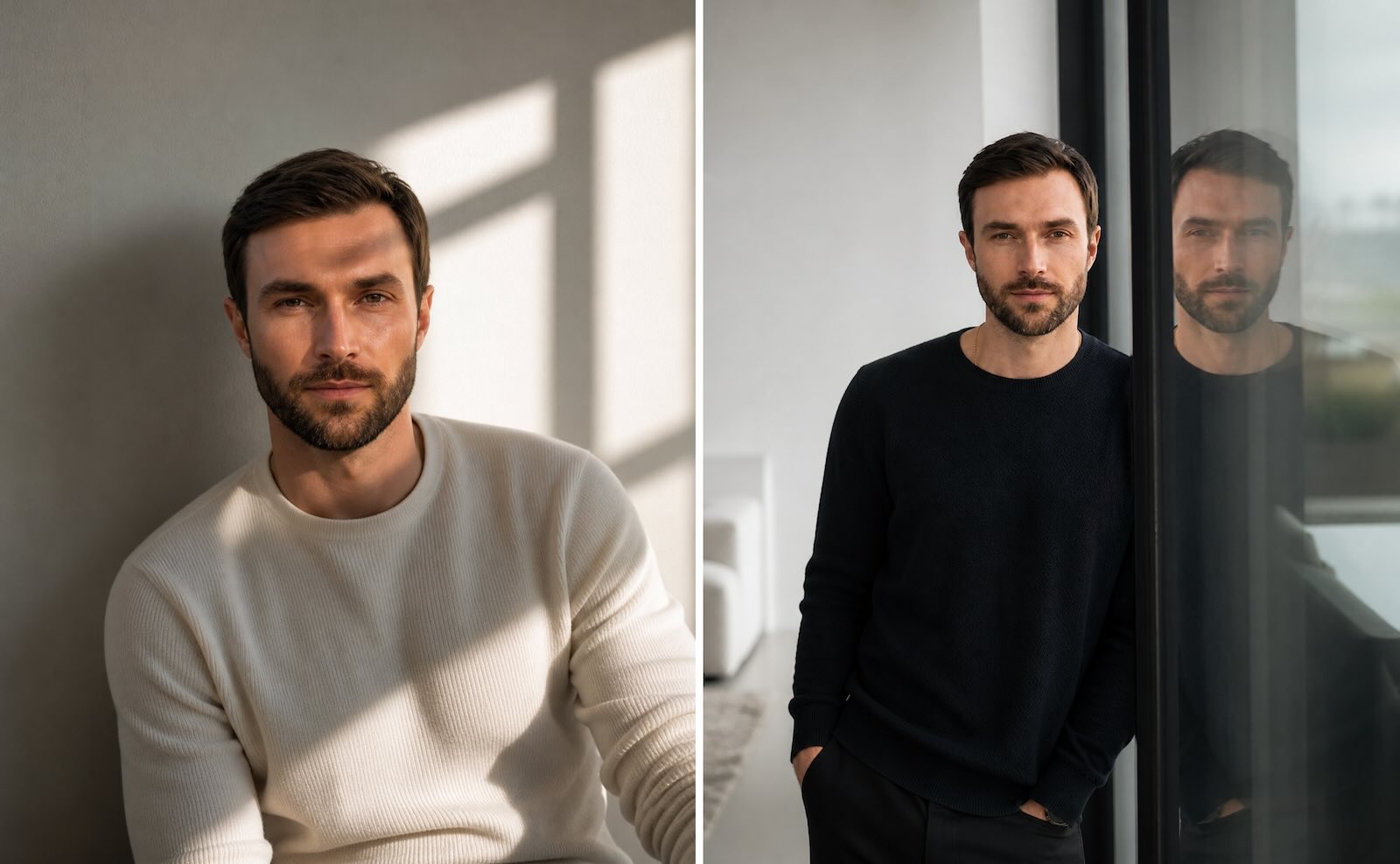
Ideas and approaches:
- ✔️ Mirror reflections: Photograph the subject reflected in a mirror, window, or puddle
- ✔️ Double exposure: Blend a face with a landscape or nature scene in post-processing
- ✔️ Props and symbolism: Use objects that carry meaning – books, flowers, clocks, light bulbs
- ✔️ Paint or texture overlays: Project patterns or colors onto the subject’s face
- ✔️ Emotion-driven: Choose a single emotion (solitude, joy, nostalgia) and build the entire image around it
Conceptual portraits take more planning than other portrait photography ideas, but they produce the most distinctive, gallery-worthy results. They’re ideal for photographers who want their work to say something – not just look pretty.