


TVRem
Free Android TV Remote App
for iPhone


One app for the
entire Android TV
ecosystem
entire Android TV
ecosystem
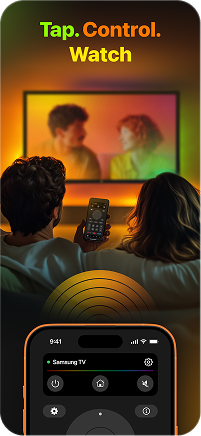
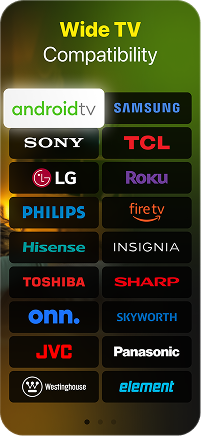
Android TV powers hundreds of TV models from dozens of brands – Sony Bravia, Philips, Hisense, TCL, Sharp, and many more. TVRem is an Android TV remote app that works across all of them. Connect your iPhone over Wi-Fi and take full control of any Android TV device, regardless of who made it.

Full TV remote
control from your
iPhone
control from your
iPhone
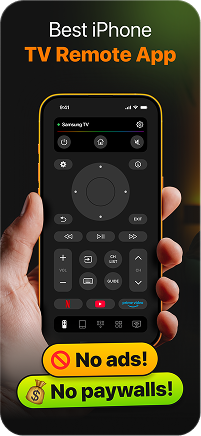
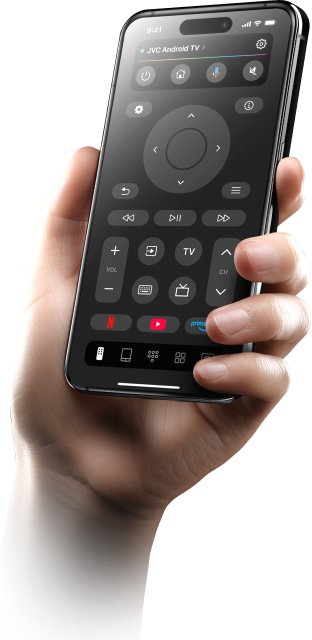
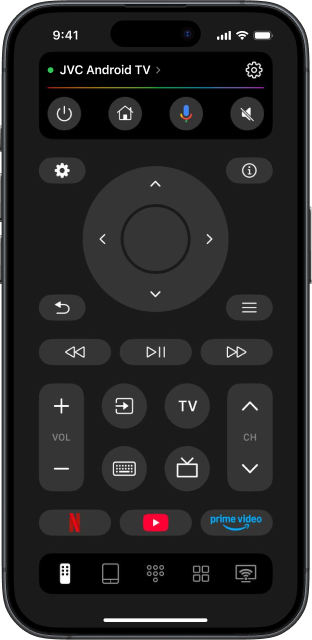
TVRem is a complete Android TV remote control app – navigate menus, switch inputs, adjust volume, and manage playback without ever picking up the original remote. Every function you'd expect from a physical remote is here, in one clean interface on your iPhone. This is what it means to use iPhone as TV remote the way it should work.

Google Assistant
is one tap away
is one tap away
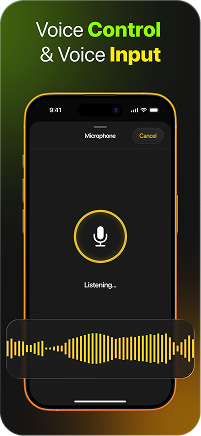
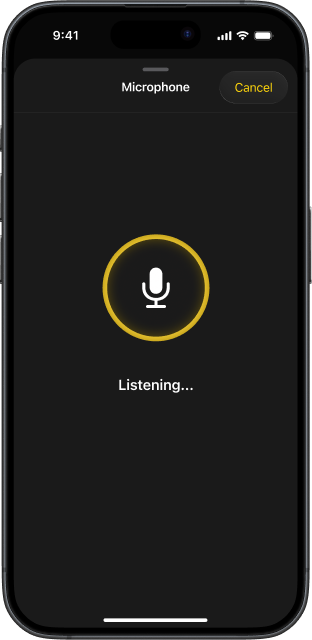
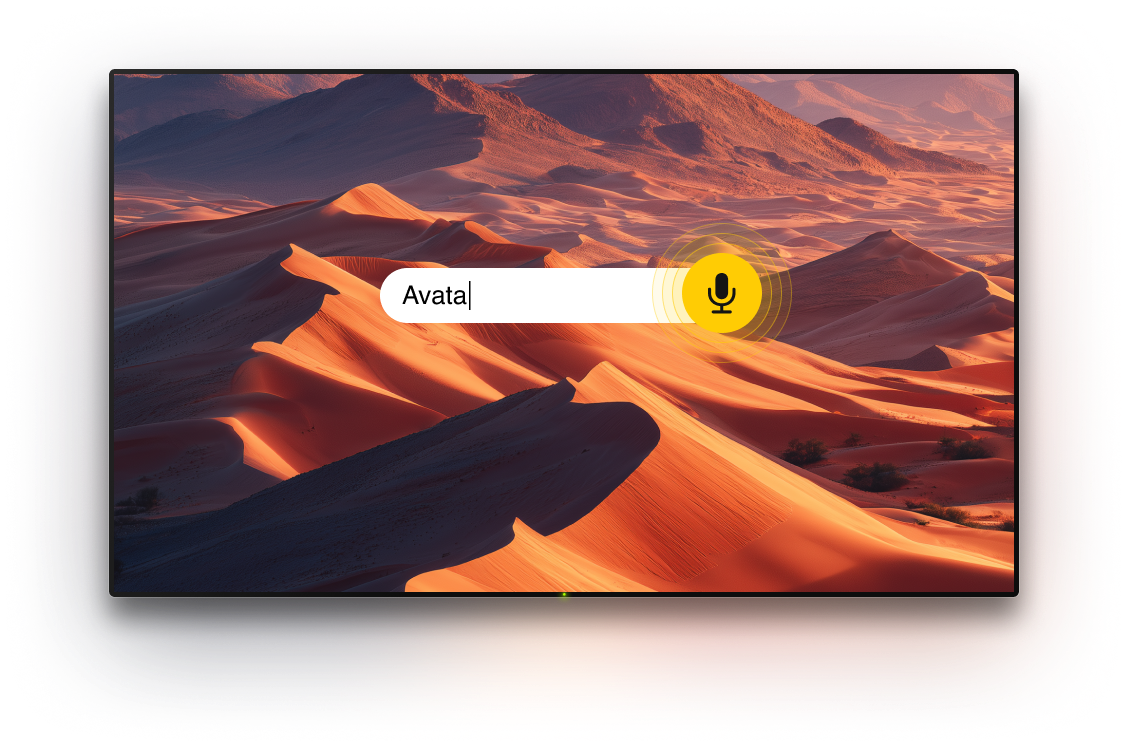
Android TV and Google TV are built around Google Assistant, and TVRem puts that directly on your iPhone. Speak a title, a genre, or an actor's name, and your Android TV searches across every streaming service at once. No typing, no scrolling, no switching apps.

Your iPhone
keyboard, on any
Android TV
keyboard, on any
Android TV
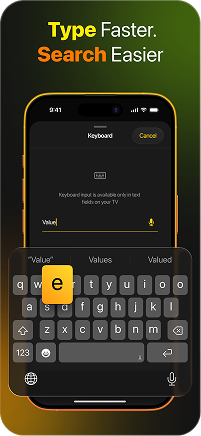
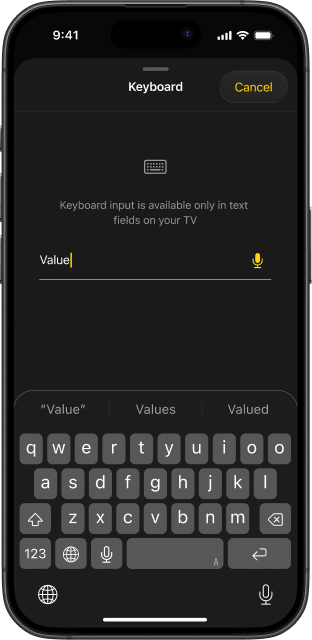
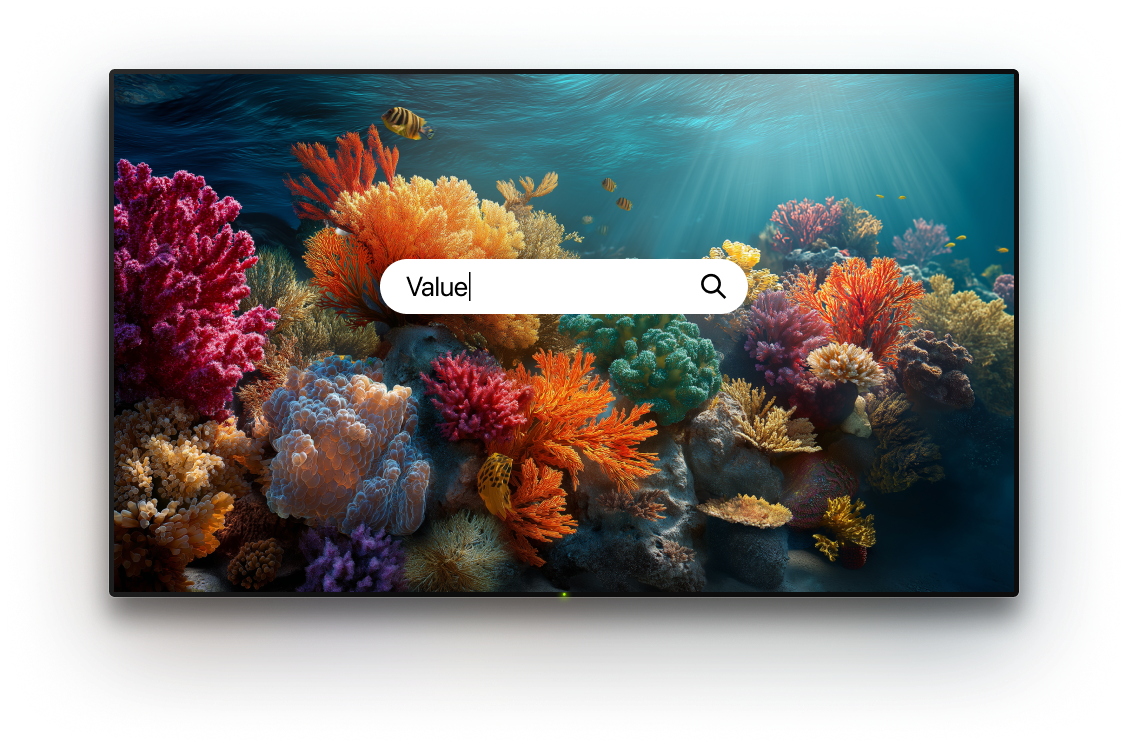
Text input on Android TV with a stock remote is frustratingly slow. TVRem eliminates that – type from your iPhone, and the text appears on your Android TV screen instantly. Passwords, search queries, app names – TVRem remote app for iPhone handles all of it in seconds.

Swipe to move, tap
to open – touchpad
for Android TV
to open – touchpad
for Android TV
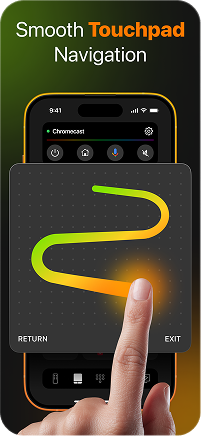
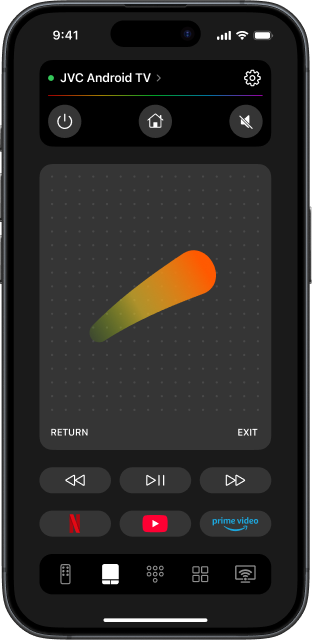
Android TV's interface is built for fluid, directional navigation. TVRem's touchpad mode maps perfectly to that – swipe through content rows, jump between categories, and tap to select, all with natural finger gestures on your iPhone screen. It's a smarter way to browse than any physical remote offers.

Every streaming
app, one tap from
your iPhone
app, one tap from
your iPhone
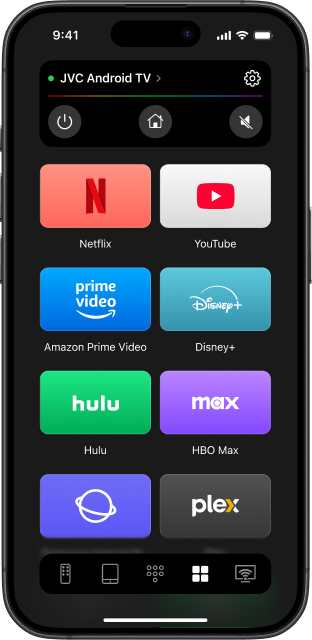
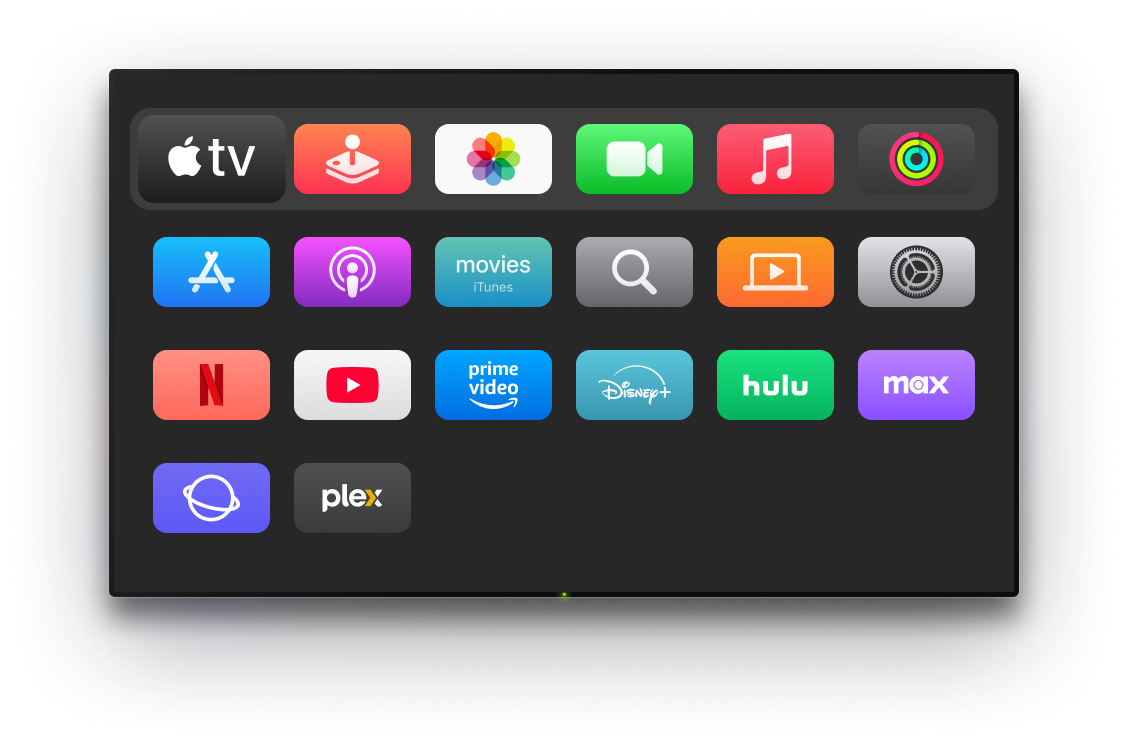
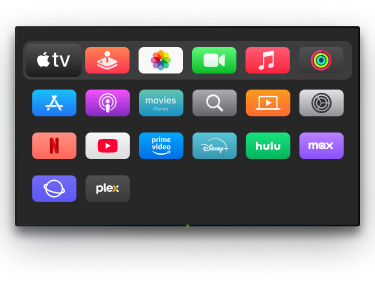
Android TV comes loaded with Netflix, YouTube, Disney+, Prime Video, and dozens more. TVRem surfaces all of them on your iPhone so you can launch any app with a single tap – no home screen, no scrolling, no waiting. The best Android TV remote app is the one that gets you watching faster.

A smart TV remote
for every device in
your home
for every device in
your home
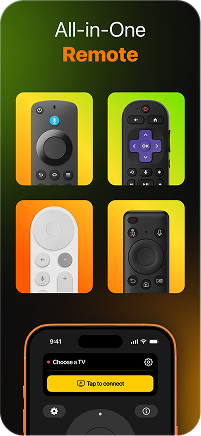
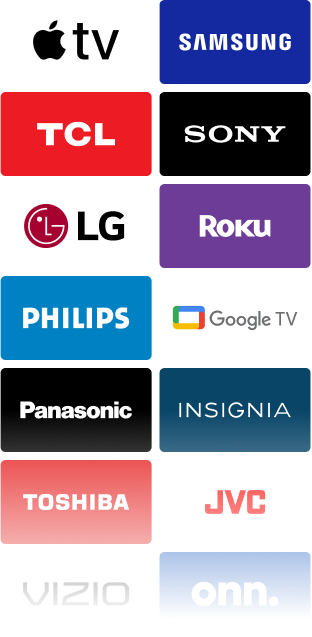
TVRem goes beyond Android TV. It's a universal control remote app that works with Samsung, LG, Apple TV, Roku, Fire TV, Sony, Hisense, TCL, and more. Add every screen in your home and switch between devices in one tap – one smart TV remote to replace them all.
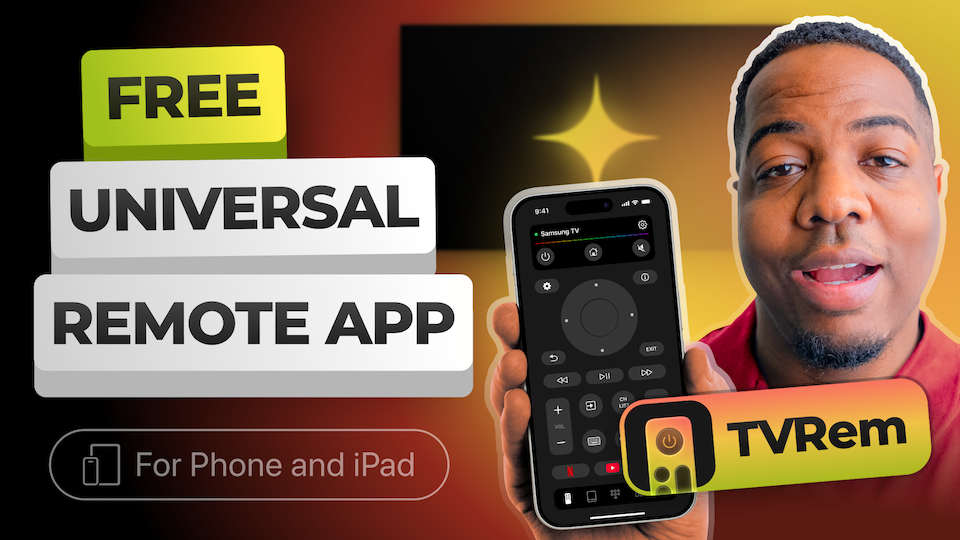
How to set up TVRem as
your Android TV remote
Watch how to connect your iPhone to any Android TV device and get full remote control in under a minute.
Designed for a wide variety of TVs and devices
Works seamlessly with Android TVs, Google TV devices, and Chromecast streamers. Includes support for voice control via Google Assistant.



Compatible with Fire TV streaming players, Amazon Smart TVs, and TVs with Fire TV integrated. Control your device directly from a single iOS app.




Supports Roku streaming players, Roku-branded TVs, and devices with Roku built in. Easily manage your TV without needing the original remote.


Works with Samsung and LG Smart TVs running their respective operating systems, as well as Apple TV models including Apple TV 4K, Apple TV HD, and Apple TV (3rd generation).


Frequently asked questions
TVRem works with any TV or streaming device running Android TV or Google TV – Sony, Philips, Hisense, TCL, Sharp, Chromecast with Google TV, and more. If your device runs Android TV or Google TV and supports Wi-Fi, TVRem will work with it.
TVRem covers the full Android TV ecosystem with a clean, ad-free interface, voice input, touchpad, iPhone keyboard support, and one-tap app launching – all completely free. It's the best Android TV remote app for iPhone because it combines everything you need without asking for a subscription.
Download TVRem on your iPhone and make sure both devices are on the same Wi-Fi network. Open TVRem, find your Android TV in the device list, and tap to connect. You may be asked to confirm the connection on your TV screen. After that first pairing, TVRem connects automatically every time.
Yes, completely free. TVRem is a free Android TV remote control app for iPhone with no subscription, no ads, and no locked features. Every function is available from the moment you install it.
Check whether TVRem is compatible with your Android TV. Make sure both your iPhone and Android TV are on the same Wi-Fi network. Still stuck? Visit our Help Page for device-specific troubleshooting.
Yes. Google TV is built on top of Android TV, and TVRem supports both. Whether your device shows a Google TV interface or the classic Android TV home screen, TVRem connects and works the same way.
Yes. TVRem is a full Android TV remote app for iOS – it works identically on iPhone and iPad.
TVRem works with Android TV and Google TV devices from Sony, Philips, Hisense, TCL, Sharp, and any other brand running Android TV or Google TV. It also supports Chromecast with Google TV as a standalone streaming device.
Yes. TVRem is a universal control remote app that works with Samsung, LG, Apple TV, Roku, Fire TV, and more. Add all your devices and manage every screen in your home from one app – no matter which platform they run.
TVRem for iOS
A Free Universal Remote App to Control Your Smart TV
This iOS application is fully compatible with iOS 17+.
Latest version 1.8
released 20 Aug, 2026