


TVRem
Free Fire TV Remote App
for iPhone


Your iPhone as an
Amazon Fire TV
remote
Amazon Fire TV
remote
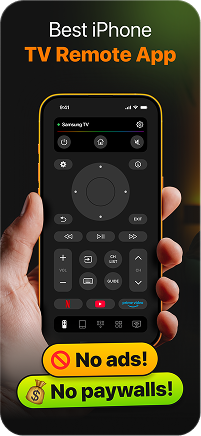
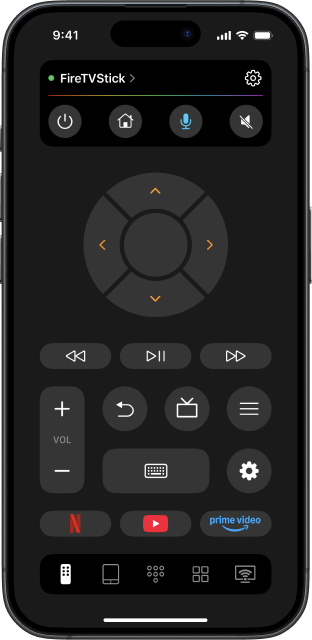
Dropped your Fire Stick remote behind the couch again? TVRem is a free Fire TV remote app that connects your iPhone to any Fire TV device over Wi-Fi. No complete setup, no Bluetooth pairing — just open the app, pick your device, and you're in control.

Full Fire TV control
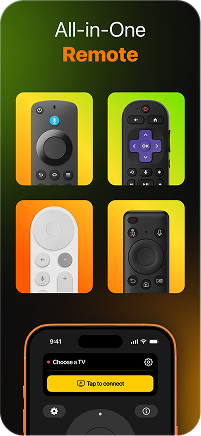
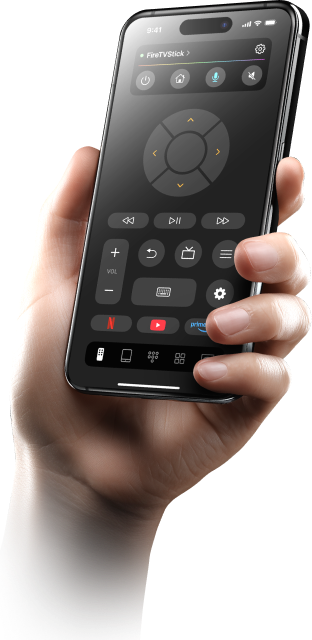
TVRem gives you everything in one place — navigate menus, switch inputs, adjust volume, and control playback on your Hisense smart TV remote app without ever touching the original remote. Whether you're in the middle of a movie or setting up a new app, your iPhone handles it all.

Ask Alexa —
right from your
iPhone
right from your
iPhone
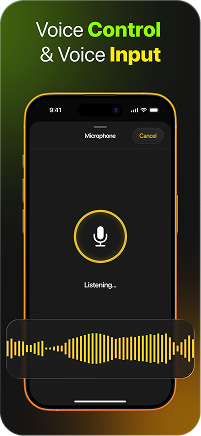
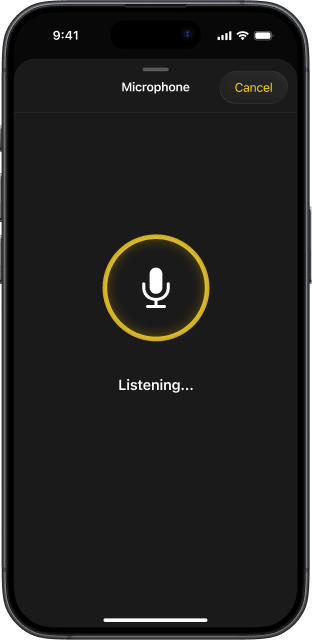
Fire TV is built around Alexa, and TVRem puts that power in your pocket. Use voice input and voice control to search for titles, open apps, or control playback hands-free. It's the fastest way to find what you want to watch — no typing, no scrolling.

Search faster with
your iPhone
keyboard
your iPhone
keyboard
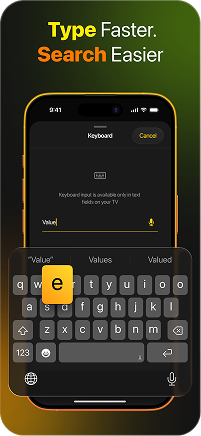
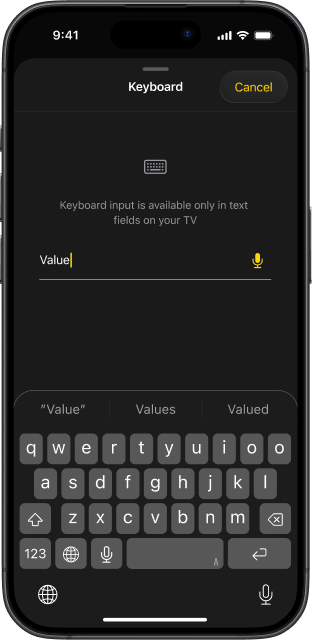
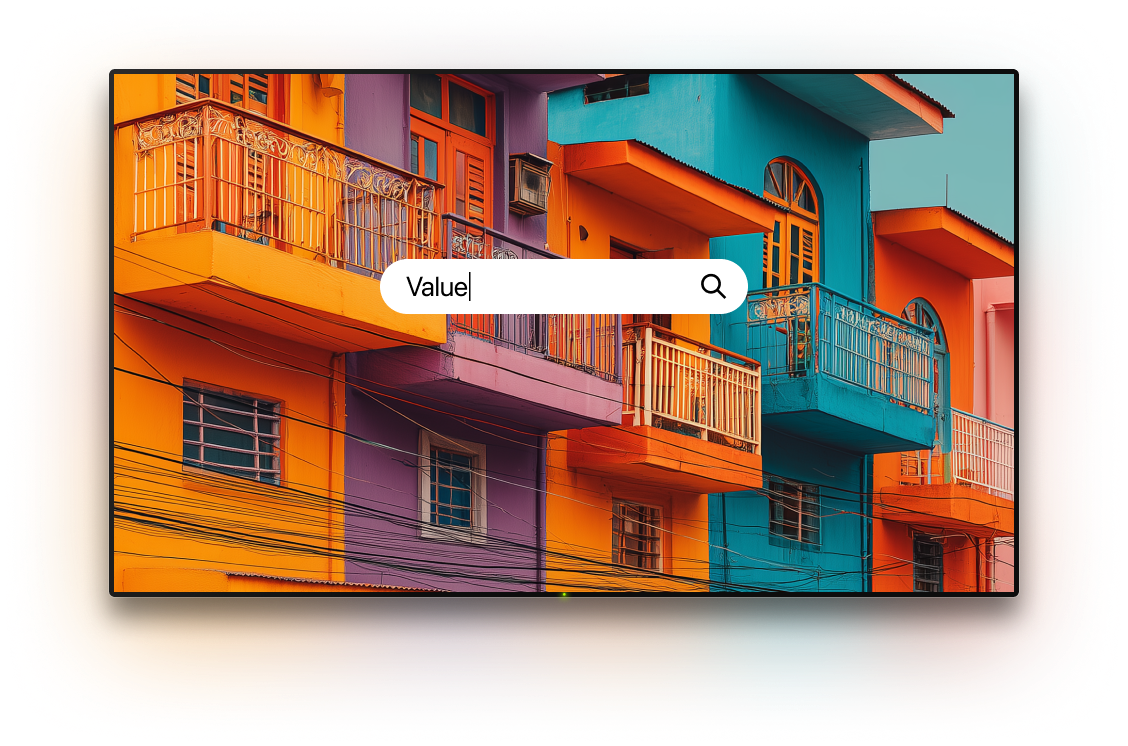
Typing on a Fire TV with the original remote is painfully slow. With TVRem, you use your iPhone keyboard to search for movies, shows, and apps instantly. This free Fire TV remote app for iPhone turns a frustrating experience into a two-second task.

Navigate Fire TV
with swipe gestures
with swipe gestures
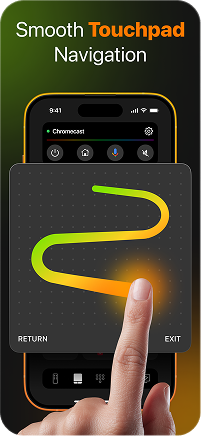
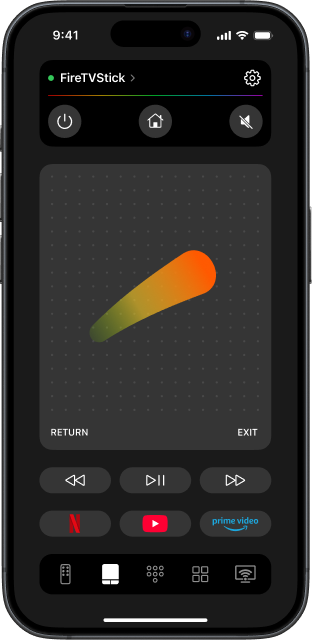
TVRem's touchpad mode lets you swipe through the Fire TV interface just like you'd swipe through your phone. Move left, right, up, down — tap to select. No more clicking through rows one button at a time. This Fire TV remote control app makes navigation feel effortless and natural.

Access to your
apps with one tap
apps with one tap
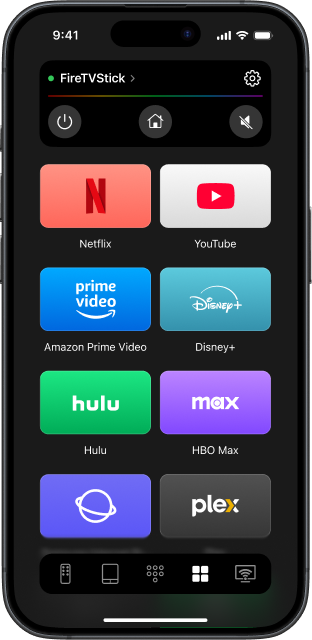
Open Prime Video, Netflix, YouTube, and every other app on your Fire TV with a single tap. TVRem puts your app shortcuts front and centre on your iPhone, so you spend less time hunting and more time watching.

Works with
a lot of smart TVs
a lot of smart TVs
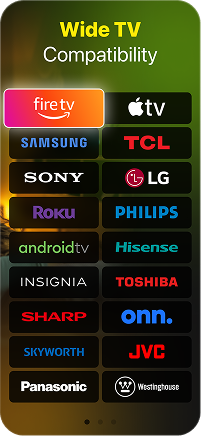
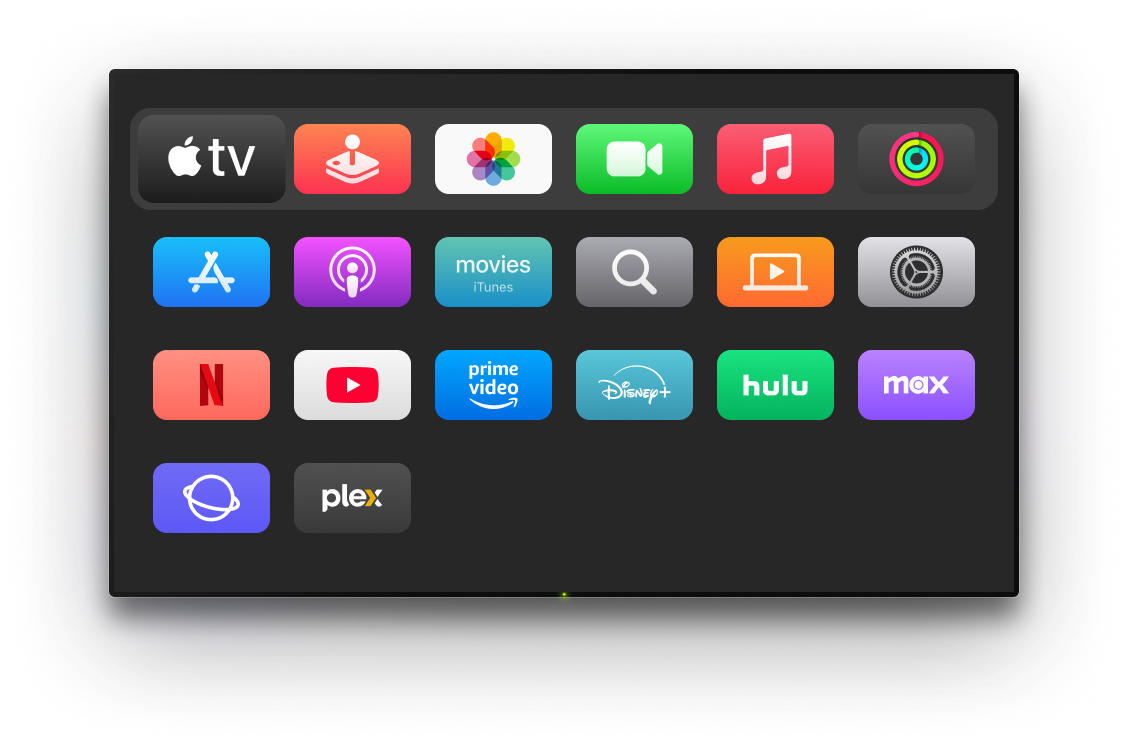
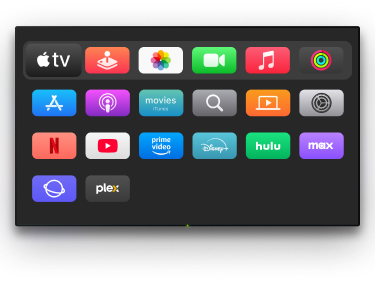
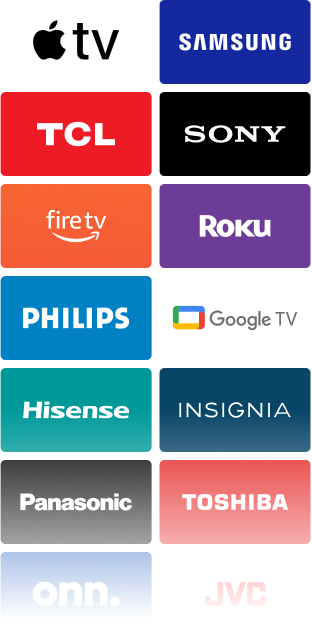
TVRem supports the full Amazon Fire TV lineup — Fire Stick, Fire Stick 4K, Fire TV players, and smart TVs with Fire TV built in. And when you need to control other TVs in your home, TVRem handles those too. One free Fire Stick remote app for every screen.
See how to use TVRem
with your Fire TV
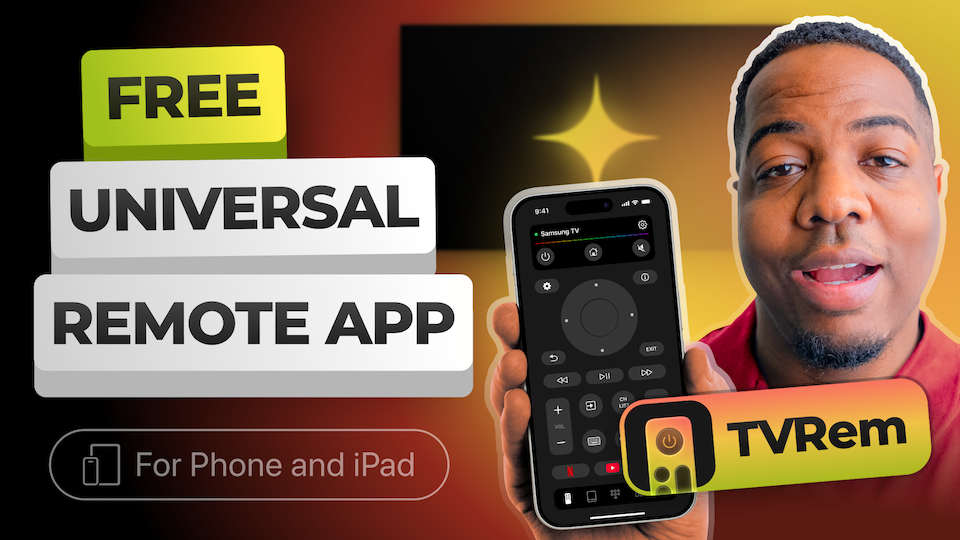
Watch how to connect your iPhone to Fire TV and get full remote control in under a minute.
Works with a wide range of TVs
Compatible with Android TVs, Chromecast with Google TV, and Google TV streamers, offering full functionality including voice control through Google Assistant.






Works with Fire TV streaming devices, Amazon Smart TVs, and TVs with Fire TV built in. Control everything seamlessly from your iPhone or iPad.




Compatible with Roku streaming players, Roku-branded TVs, and other devices with Roku built in. Manage everything directly from one app, no need for the original remote.






Works with Samsung and LG Smart TVs running their own operating systems, as well as Apple TV models like Apple TV 4K, Apple TV HD, and Apple TV (3rd generation). Effortlessly switch channels, adjust volume, and launch apps from your iPhone or iPad.






Frequently asked questions
Yes. TVRem works with Samsung, LG, Roku, Apple TV, Android TV, Google TV, and more. If you have multiple TVs at home, you can add and switch between all of them from the same app — no need for separate remotes or apps.
Absolutely. TVRem works on both iPhone and iPad. All features — touchpad, voice input, keyboard, and app shortcuts — are fully available on iPad. Whether you're using a Fire Stick TV remote app on your iPhone or iPad, the experience is identical.
Yes, TVRem is free to download and use. There's no subscription, no trial period, and no locked features. Install the app and start controlling your Fire TV right away.
Sure. TVRem works as a full Amazon Fire TV remote app on your iPhone. Connect both devices to the same Wi-Fi network, open TVRem, select your Fire TV from the list, and enter the code shown on your TV screen. After that, your iPhone controls your Fire TV completely — no original remote needed.
TVRem supports Fire TV streaming players, Amazon Smart TVs, and any TVs with Fire TV built in. Visit our compatibility page for the complete list.
Yes, a Wi-Fi connection is required to use the app. Both your iPhone and your TV must be connected to the same Wi-Fi network for the app to detect and connect to your TV. This network connection is what allows the app to communicate with your TV, ensuring smooth and reliable control.
TVRem for iOS
A Free Universal Remote App to Control Your Smart TV
This iOS application is fully compatible with iOS 17+.
Latest version 1.8
released 20 Aug, 2026