


TVRem
Free Hisense TV Remote App
for iPhone


One remote app for
every Hisense TV —
whatever platform it runs
every Hisense TV —
whatever platform it runs
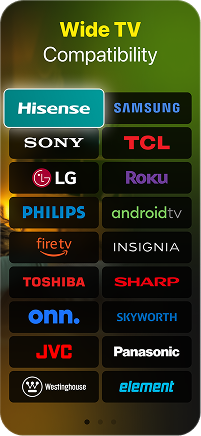
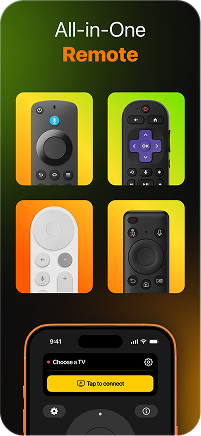
Hisense makes great TVs, but they don't all speak the same language. Some run Roku, some run Fire TV, others run Google TV. TVRem is a free remote app for Hisense TV that works across all of them — connect your iPhone over Wi-Fi and take full control, no matter which platform your Hisense TV is built on.

Full control
over your Hisense
smart TV
over your Hisense
smart TV
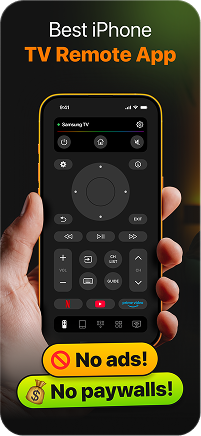
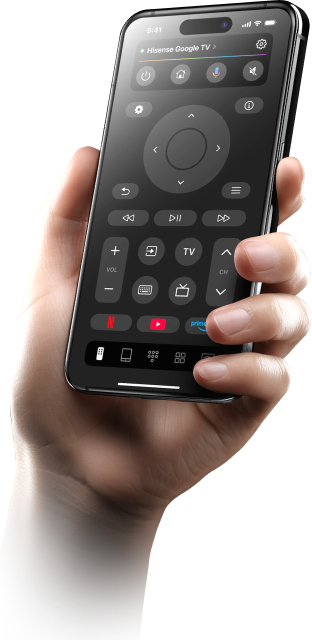
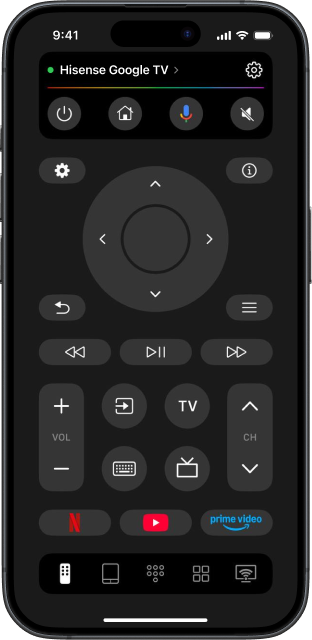
TVRem gives you everything in one place — navigate menus, switch inputs, adjust volume, and control playback on your Hisense smart TV remote app without ever touching the original remote. Whether you're in the middle of a movie or setting up a new app, your iPhone handles it all.

Voice input
made simple
made simple
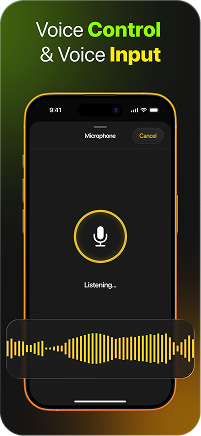
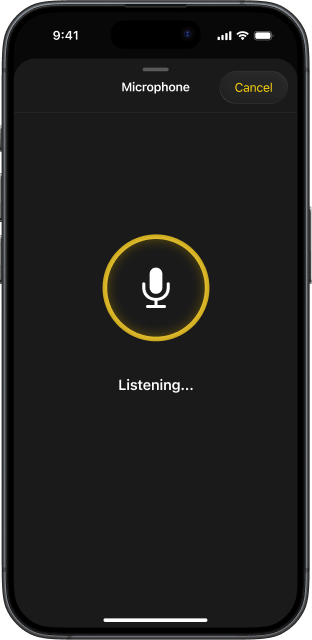
No more struggling with slow on-screen keyboards. Use your iPhone or iPad to speak and enter text instantly on your TV. From searching for shows to entering passwords and app names, voice input helps you do everything faster.

Your iPhone
keyboard, on your
Hisense TV screen
keyboard, on your
Hisense TV screen
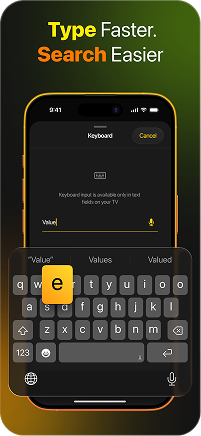
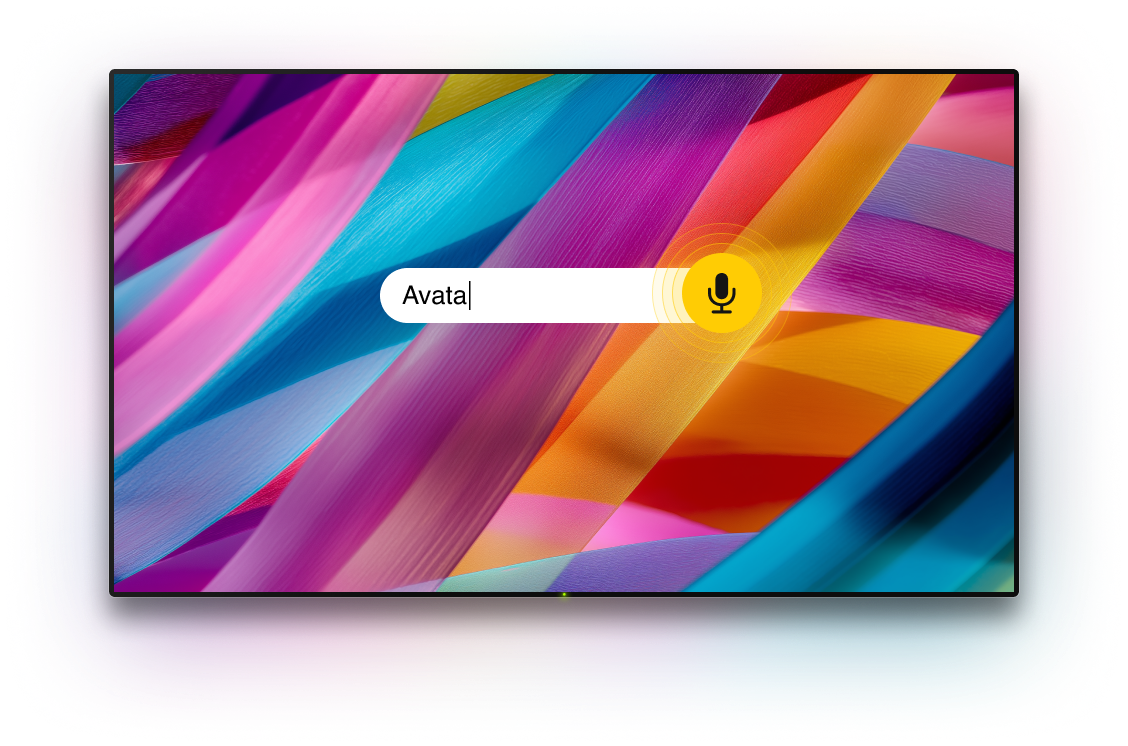
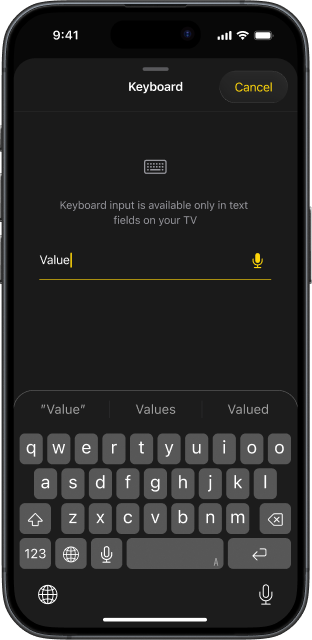
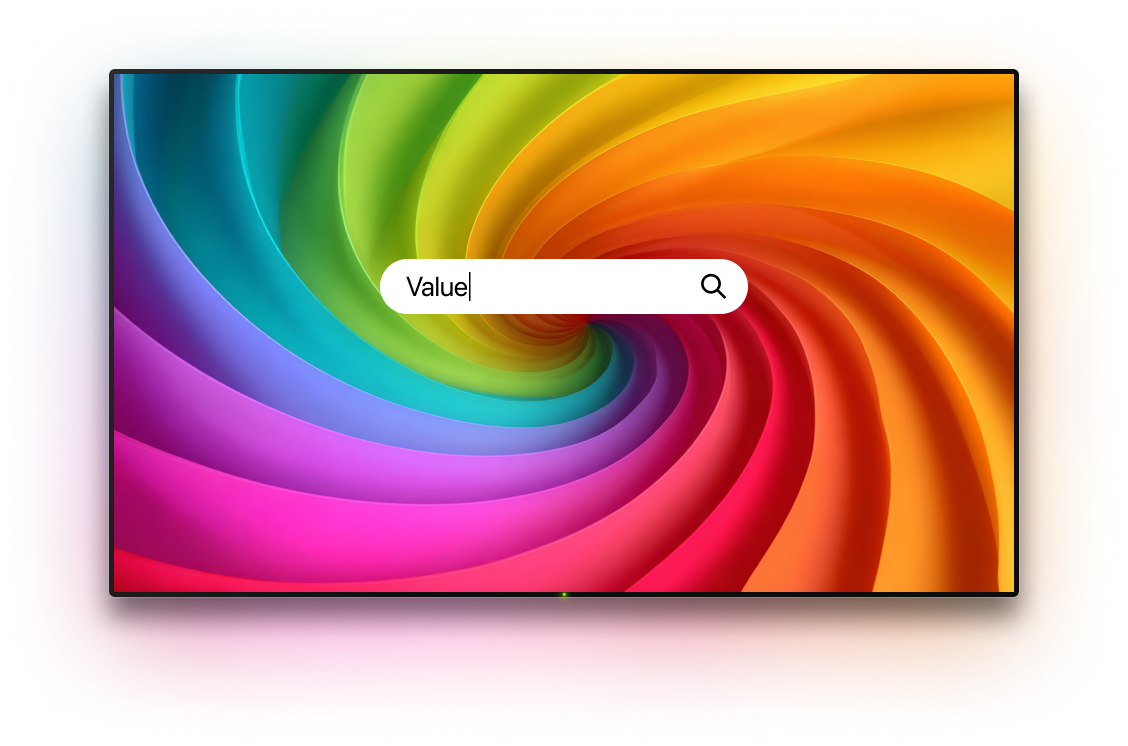
Searching for a title using an on-screen TV keyboard is one of those small frustrations that adds up fast. TVRem fixes it — type directly from your iPhone and the text appears on your Hisense instantly. This free Hisense TV remote app for iPhone turns search into a smooth, two-second task.

Swipe to navigate —
it's that simple
it's that simple
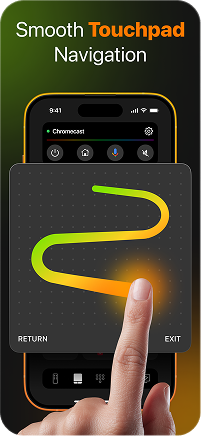
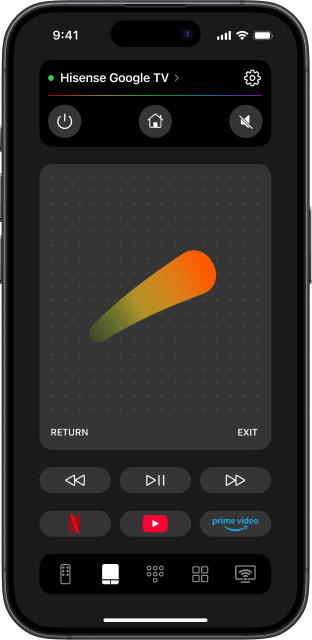
Forget about pressing directional buttons one by one. TVRem's touchpad mode lets you swipe through your Hisense TV interface with natural finger gestures — move around the screen, tap to open, and get where you're going faster. This Hisense TV remote control app makes navigation feel effortless on any platform your TV runs.

Every streaming
app, one tap away
app, one tap away
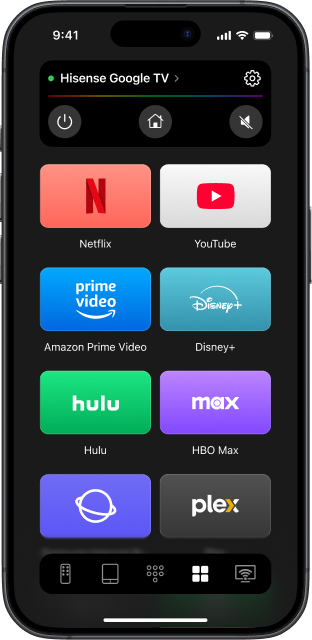
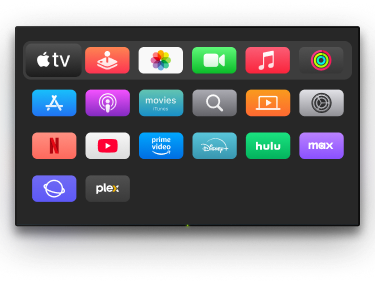
Hisense TVs come loaded with streaming apps — Netflix, Disney+, Prime Video, YouTube, and more. TVRem surfaces them directly on your iPhone so you skip the home screen entirely and land exactly where you want to be.

A free universal
remote app for
Hisense TV and
everything else
remote app for
Hisense TV and
everything else
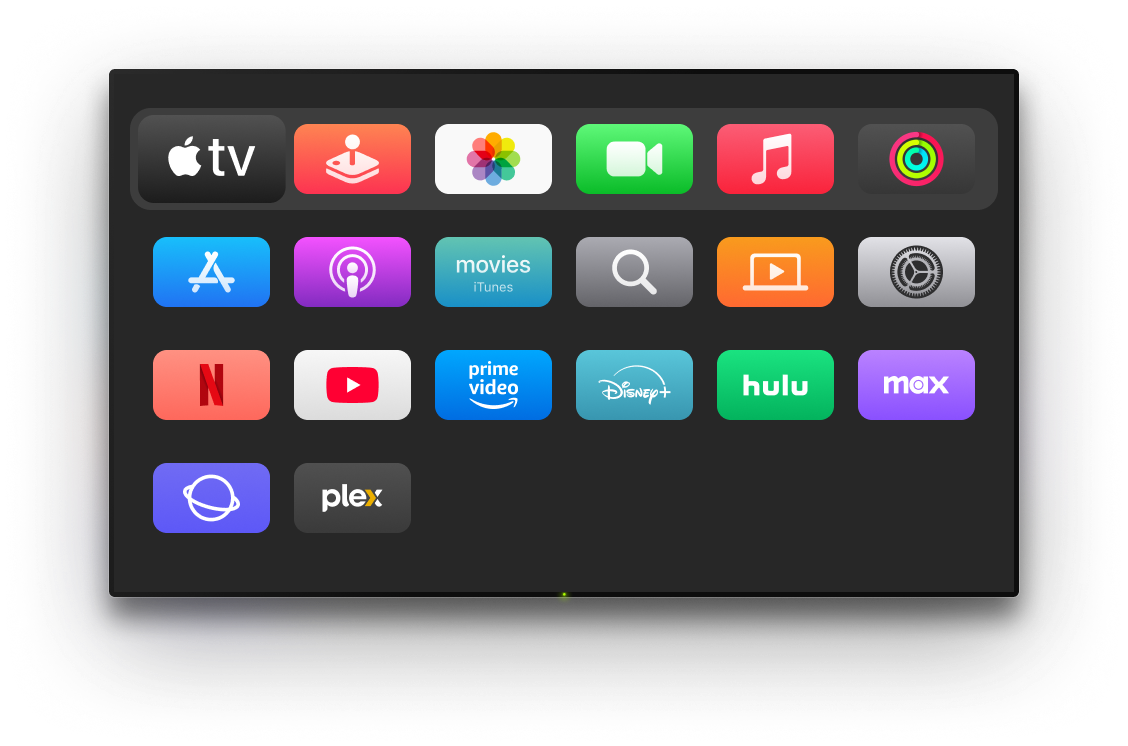
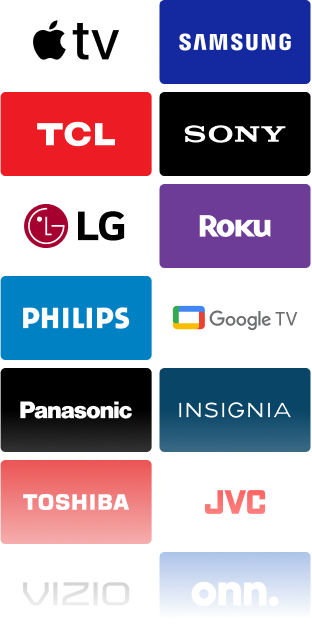
TVRem isn't just for Hisense. Got a Samsung in the bedroom or an Apple TV in the kitchen? Add all your devices to one app and switch between them in seconds. It's the free universal remote app for Hisense TV that handles your whole home.
How to connect TVRem
to your Hisense TV
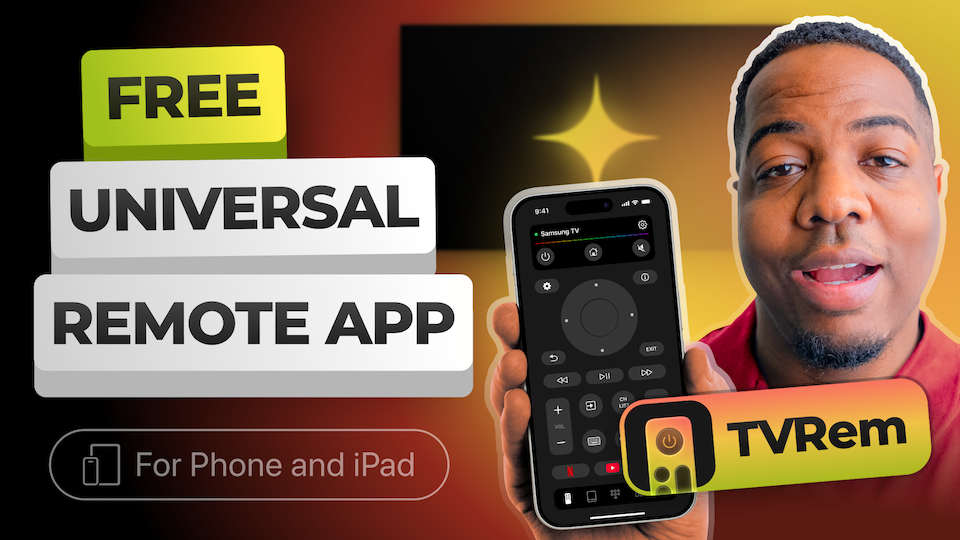
Watch how to set up the Hisense remote app on your iPhone and get full control in under a minute.
Works across a wide range of TVs
Works with Android TVs, Google TV devices, and Chromecast streamers. You can also use voice control with Google Assistant on supported models.





Supports Fire TV streaming players, Amazon Smart TVs, and TVs with Fire TV built in — all controlled from one iOS app.




Works with Roku streaming players, Roku TVs, and TVs with Roku built in. Control your device easily, even without the original remote.





Also compatible with Samsung and LG Smart TVs running their own operating systems, plus Apple TV models including Apple TV 4K, Apple TV HD, and Apple TV 3rd generation.






Frequently asked questions
TVRem works with Hisense Smart TVs running Roku, Fire TV, or Google TV — which covers the majority of Hisense models sold today. Since TVRem supports all three of these platforms natively, this makes it a convenient app remote for Hisense TV you are looking for. Check our compatibility page if you want to verify your specific model.
The easiest way is to turn on your TV and look at the home screen. A grid of channels with a purple/white interface is Roku. A row of apps with an orange icon is Fire TV. A colourful card-based layout is Google TV.
Yes, completely free. TVRem is a free remote app for TV with no subscription, no in-app payments, and no feature locks. Download it once and use it for as long as you like.
Yes, your iPhone and Hisense TV need to be on the same Wi-Fi network. Once they are, TVRem finds your TV automatically and connects in seconds.
Yes. TVRem works identically on iPhone and iPad — touchpad, voice input, keyboard, and app shortcuts are all available. Use whichever device is at hand.
TVRem supports a wide range of Smart TVs and streaming devices, including Hisense, Samsung, LG, Roku, Fire TV, Android TV, and Google TV (including Chromecast with Google TV). It also supports Apple TV 4K, Apple TV HD, and Apple TV (3rd generation).
TVRem for iOS
A Free Universal Remote App to Control Your Smart TV
This iOS application is fully compatible with iOS 17+.
Latest version 1.8
released 20 Aug, 2026