


TVRem
Free Insignia TV Remote App
for iPhone


Insignia TV remote
app that works –
whichever platform
your TV runs
app that works –
whichever platform
your TV runs
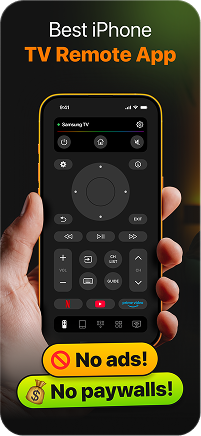
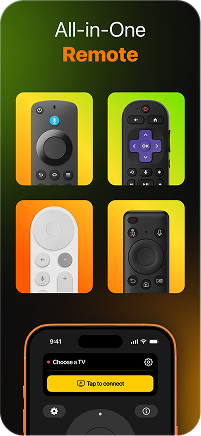
Insignia TVs come in two variants – Fire TV and Roku, and most people don't think twice about which one they have until the remote goes missing. TVRem is a remote app for Insignia TV that works with both platforms. Connect your iPhone over Wi-Fi, pick your Insignia from the device list, and you're in full control within seconds.

Everything you need
to control your
Insignia Smart TV
to control your
Insignia Smart TV
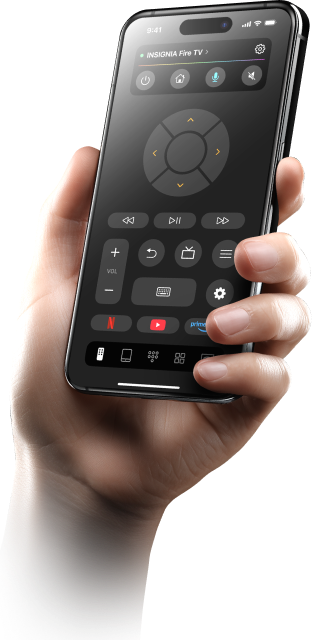
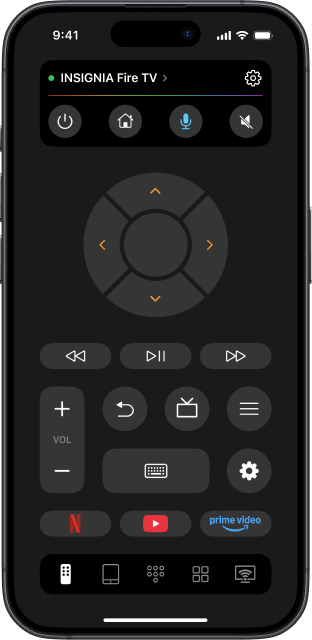
TVRem is a complete Insignia smart TV remote app – navigate the interface, switch inputs, adjust volume, and control playback without the original remote. Clean, straightforward, and free. Use your iPhone as a TV remote and never go hunting for the physical remote again.

Voice input on your
Insignia – speak
instead of click
Insignia – speak
instead of click
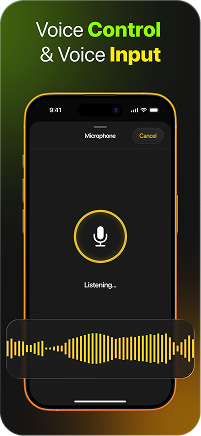
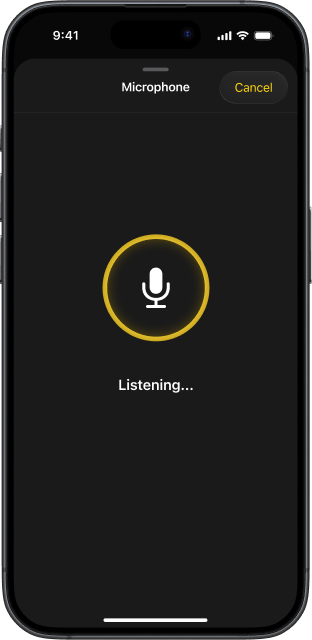
Skip manual typing on your TV and use voice input from your iPhone or iPad. Just speak, and your text appears right away, making the whole experience quicker, easier, and more enjoyable to use every day.

Type from your
iPhone – forget the
on-screen keyboard
iPhone – forget the
on-screen keyboard
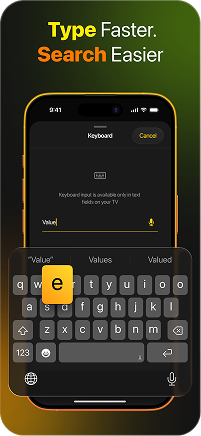
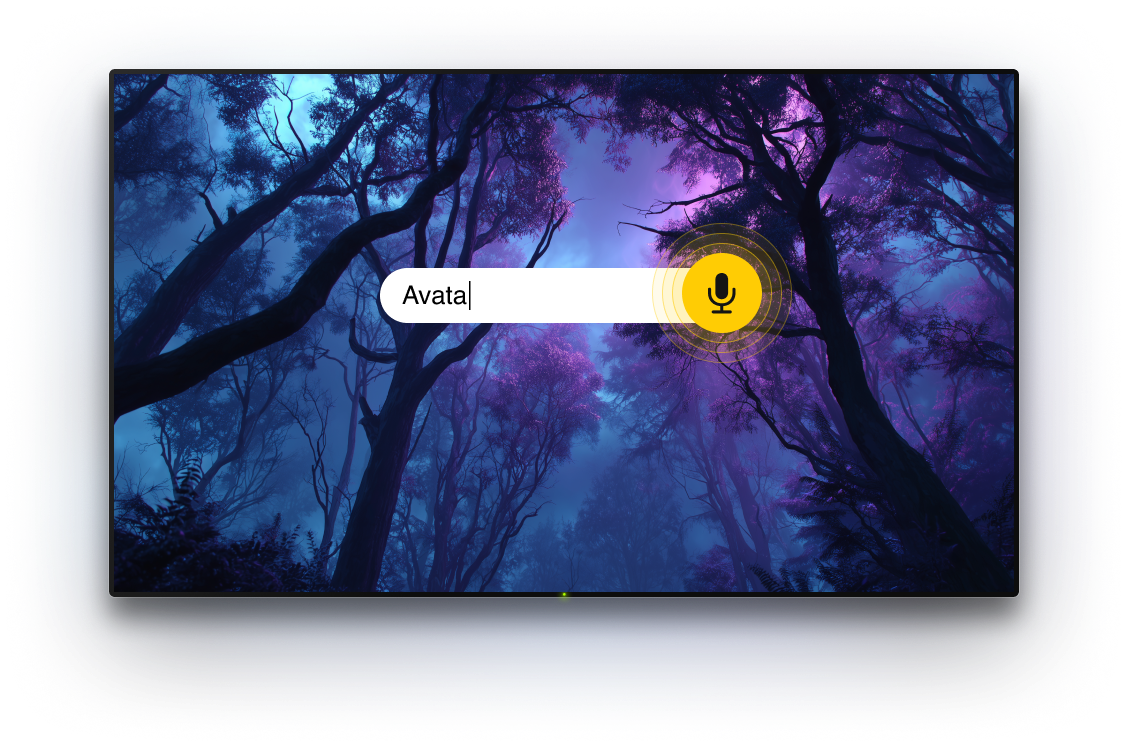
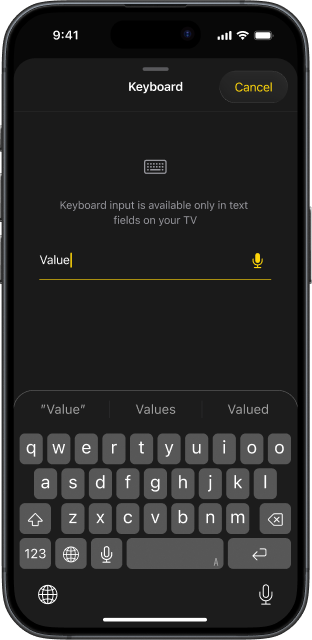
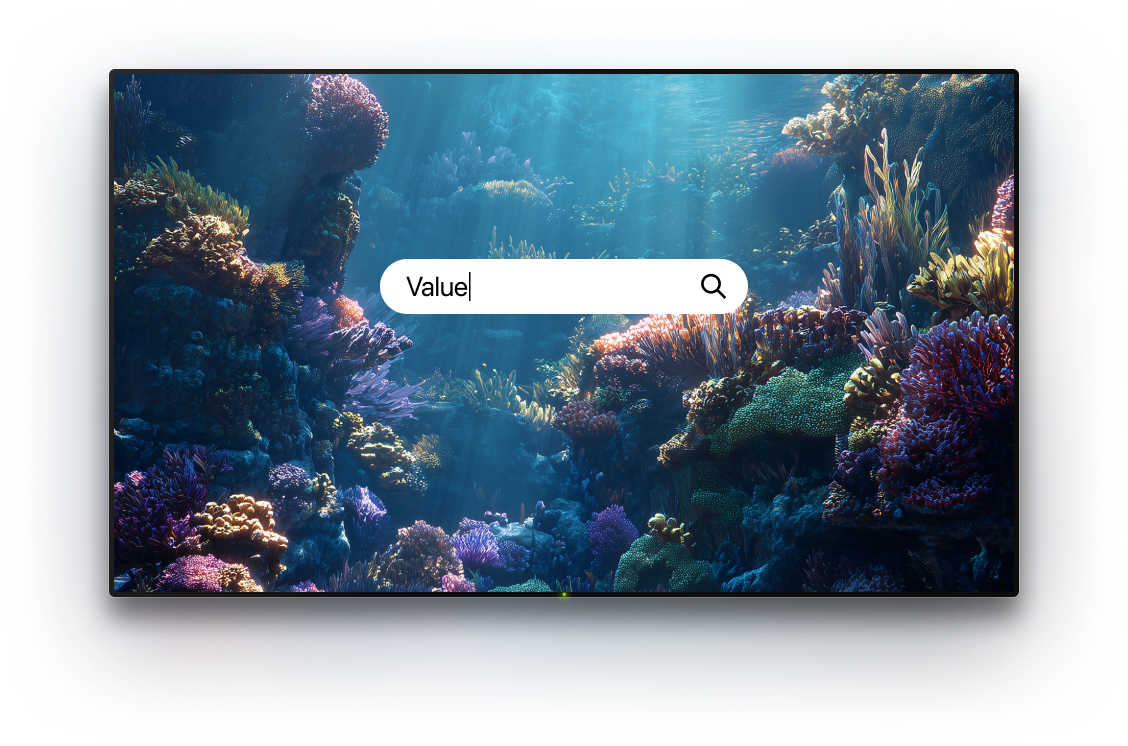
On-screen TV keyboards exist, but no one enjoys using them. TVRem lets you type from your iPhone directly onto your Insignia TV screen – search terms, passwords, app names – all of it instant and accurate. This free Insignia TV remote app for iPhone makes text input something you stop noticing entirely.

Swipe through your
Insignia TV like you
swipe through your phone
Insignia TV like you
swipe through your phone
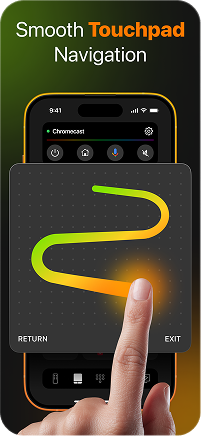
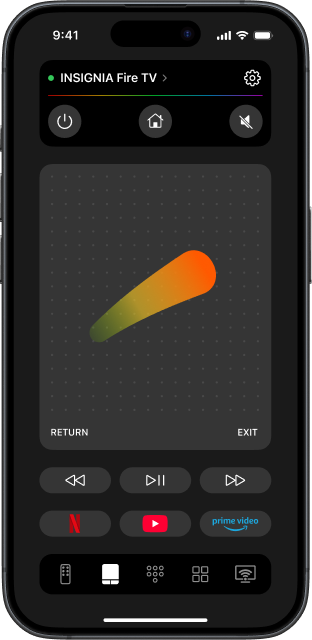
TVRem's touchpad mode brings gesture navigation to your Insignia TV. Whether it's Fire TV's horizontal app rows or Roku's app grid, swipe to move and tap to open. A remote control app for Insignia TV that feels more natural than the remote it replaces.

Your streaming
apps, always one
tap away
apps, always one
tap away
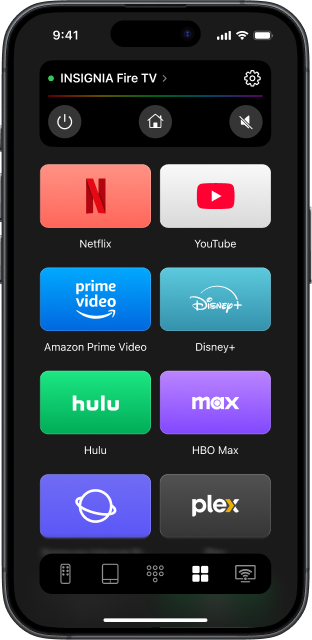
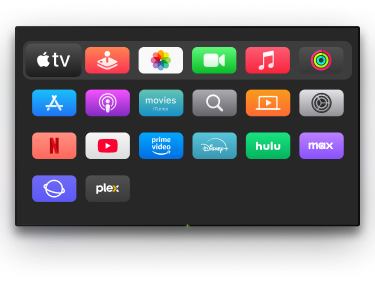
Prime Video, Netflix, Disney+, YouTube – TVRem puts every app on your Insignia TV directly on your iPhone screen. One tap and you're watching. No home screen, no scrolling, no wasted time. A free remote app that gets out of your way and lets you enjoy your TV.

Universal remote
app for Insignia TV
and every other screen
app for Insignia TV
and every other screen
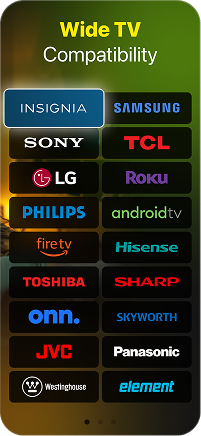
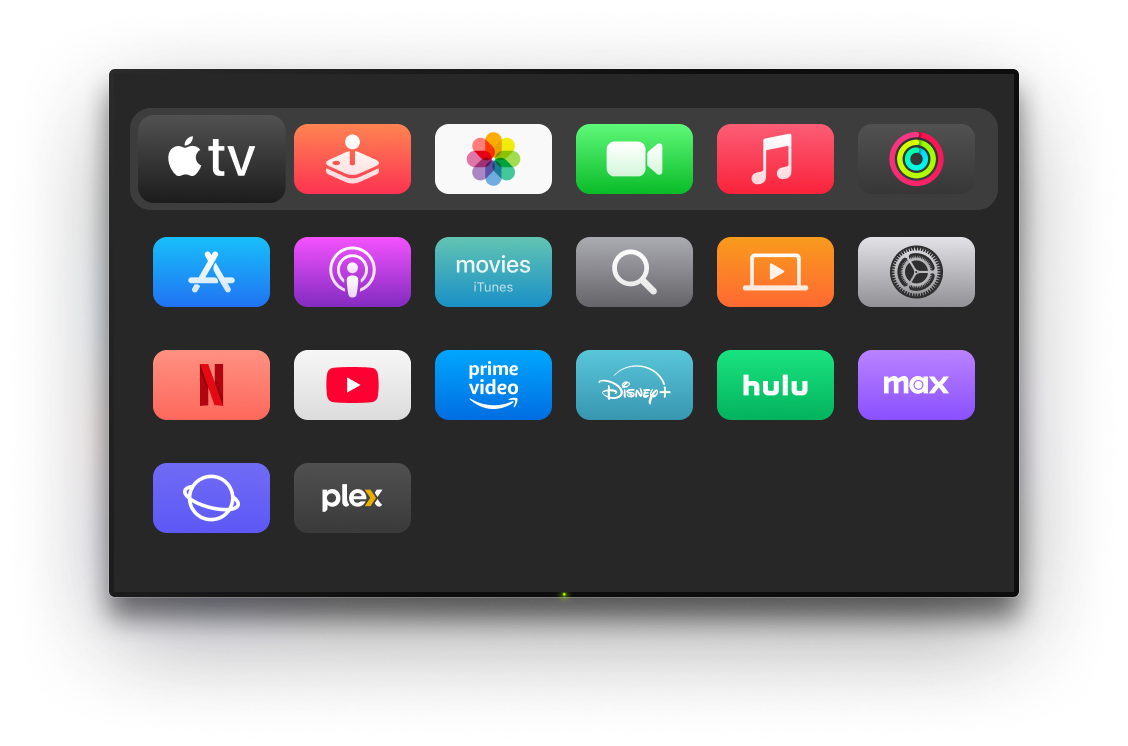
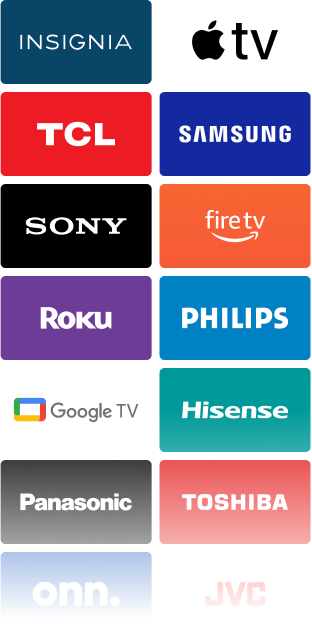
TVRem doesn't stop at Insignia. It's a universal remote app for Insignia TV and every other device in your home – Samsung, LG, Sony, Hisense, TCL, Roku players, Apple TV, Fire TV, and more. One app to control TV across every room, every brand, every platform.
How to use TVRem with your
Insignia TV
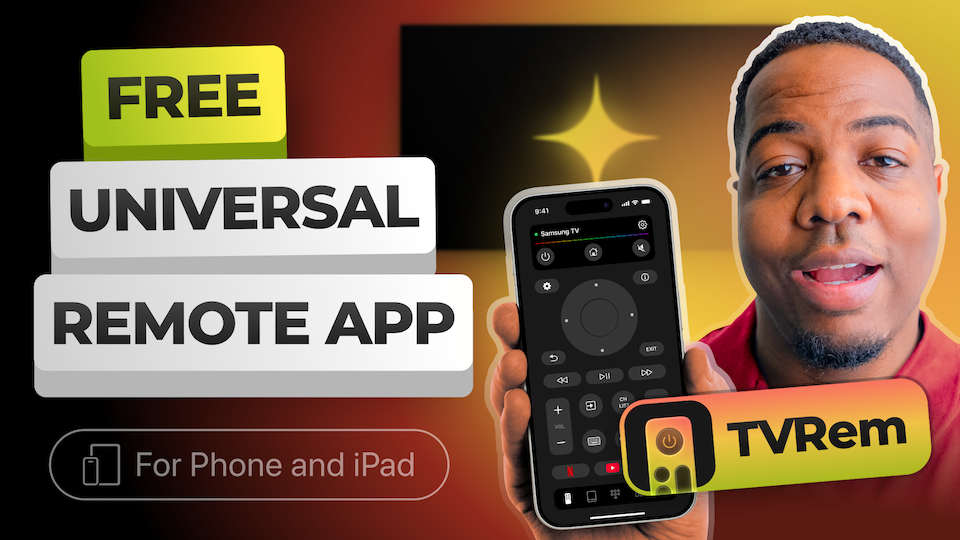
Watch how to connect your iPhone to your Insignia Fire TV or Roku model and get full remote control in under a minute.
Made for many TVs and streaming platforms
TVRem works with Android TVs, Google TV devices, and Chromecast streamers. On supported devices, you can also use voice control through Google Assistant.






Compatible with Fire TV streaming players, Amazon Smart TVs, and TVs with Fire TV built in. Manage your device from one app on your iPhone or iPad.




Supports Roku players, Roku TVs, and TVs powered by Roku OS. It gives you a simple way to control your TV when the original remote is unavailable.






TVRem also supports Samsung and LG Smart TVs running their own operating systems, along with Apple TV models such as Apple TV 4K, Apple TV HD, and Apple TV 3rd generation.






Frequently asked questions
Yes. TVRem is a fully featured Insignia Fire TV remote app for iPhone. Connect your iPhone and Insignia TV to the same Wi-Fi network, open TVRem, select your device from the list, and tap to connect.
Yes. TVRem works with both Insignia Fire TV and Insignia Roku TV models. For Roku models, make sure mobile app control is enabled on your TV: go to Settings > System > Advanced system settings > Control by mobile apps > Network access and set it to Enabled.
Completely free. No subscription, no ads, no locked features. TVRem is a free remote app that gives you full control of your Insignia TV from the moment you install it – nothing to pay, ever.
Turn on your Insignia TV and look at the home screen. A horizontal row of apps with an orange flame icon means Fire TV. A purple and white app grid means Roku. TVRem works with both, so either way, you're covered.
Check that both your iPhone and Insignia TV are on the same Wi-Fi network. For Fire TV models, confirm that remote app access is enabled in your TV settings. For Roku models, make sure mobile control is turned on under Advanced system settings. If it still doesn't appear, visit our Help Page for further guidance.
Yes. TVRem is a complete replacement for your Insignia remote – you don't need the physical remote for setup or daily use. As long as your iPhone and Insignia TV are on the same Wi-Fi network, TVRem handles everything.
Yes, sure. TVRem works identically on iPhone and iPad. All features – touchpad, keyboard, voice input, and app shortcuts – are fully available on both devices.
TVRem supports a wide range of Smart TVs and streaming devices, including Insignia, Samsung, LG, Sony, TCL, Hisense, Roku, Fire TV, Android TV, and Google TV (including Chromecast with Google TV). It also supports Apple TV 4K, Apple TV HD, and Apple TV (3rd generation). Compatibility may vary based on the specific model.
TVRem for iOS
A Free Universal Remote App to Control Your Smart TV
This iOS application is fully compatible with iOS 17+.
Latest version 1.8
released 20 Aug, 2026