


TVRem
Free LG TV Remote App
for iPhone


Your iPhone
as an LG Remote
replacement
as an LG Remote
replacement
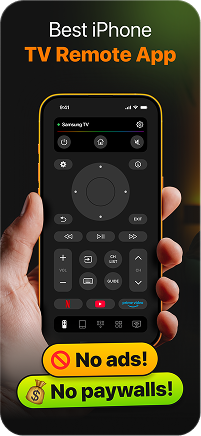
Misplaced your LG TV Remote? TVRem connects to your LG TV over Wi-Fi and gives you back full control in seconds. No cables — just open the app, select your TV, and you're in. It's the easiest free remote app for LG TV you'll find on the App Store.

Navigate webOS
the way it was
meant to feel
the way it was
meant to feel
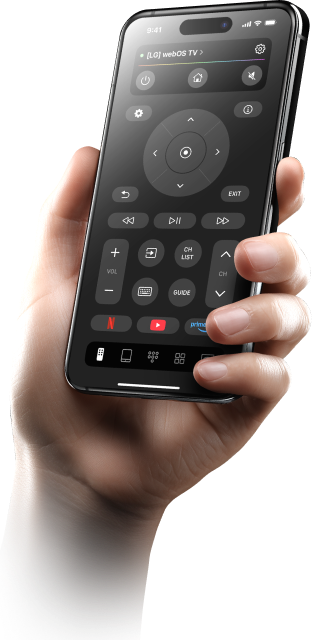
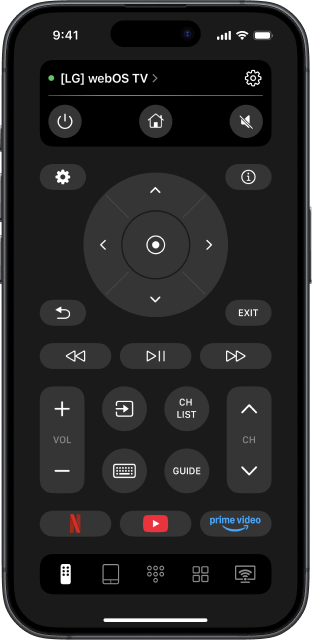
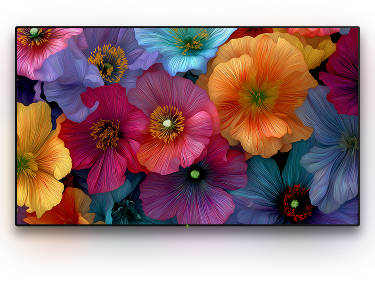
LG's webOS is built for smooth, intuitive navigation — and TVRem matches that experience on your iPhone. Browse the Home Dashboard, switch inputs, adjust settings, and launch your favourite streaming apps without ever leaving the couch.

Voice input
without lifting
a finger
without lifting
a finger
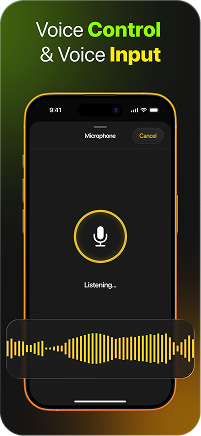
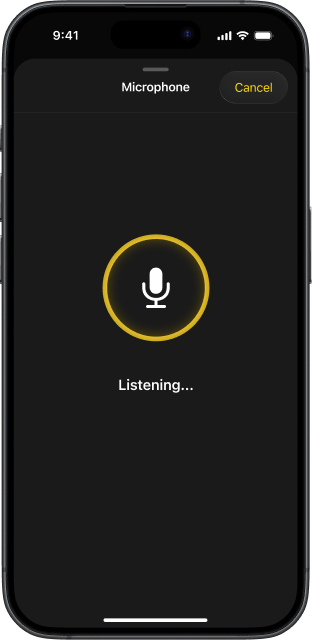
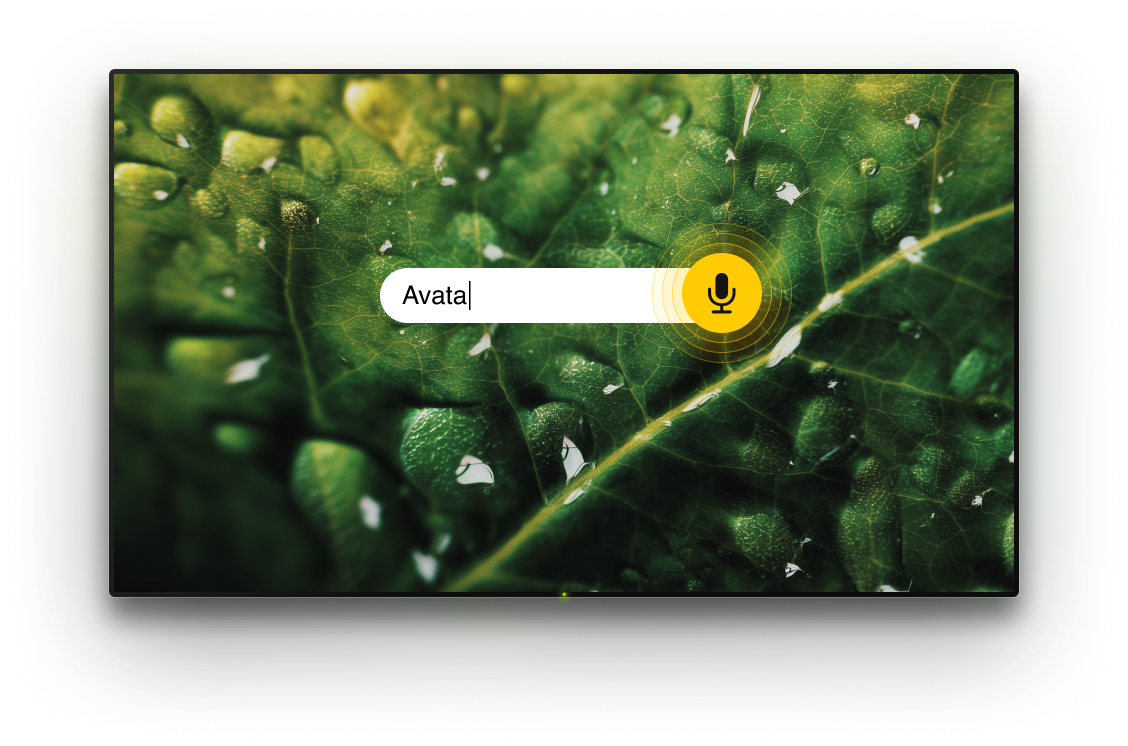
LG TVs are built for voice — and so is TVRem. Use voice input directly from your iPhone instead of pecking through an on-screen keyboard. Enter text in a faster and more convenient way.

Your iPhone
keyboard beats any
on-screen input
keyboard beats any
on-screen input
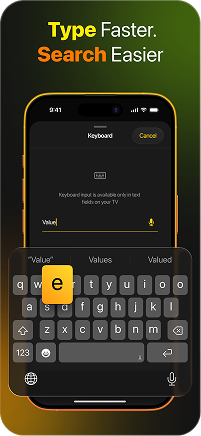
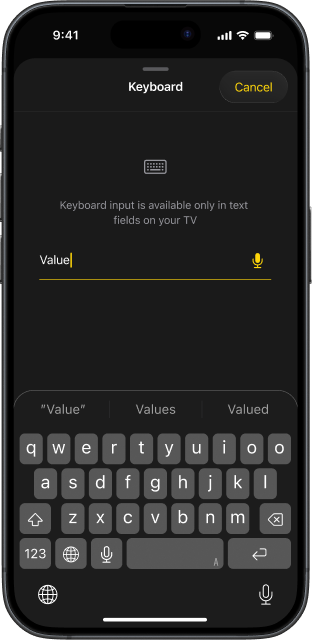
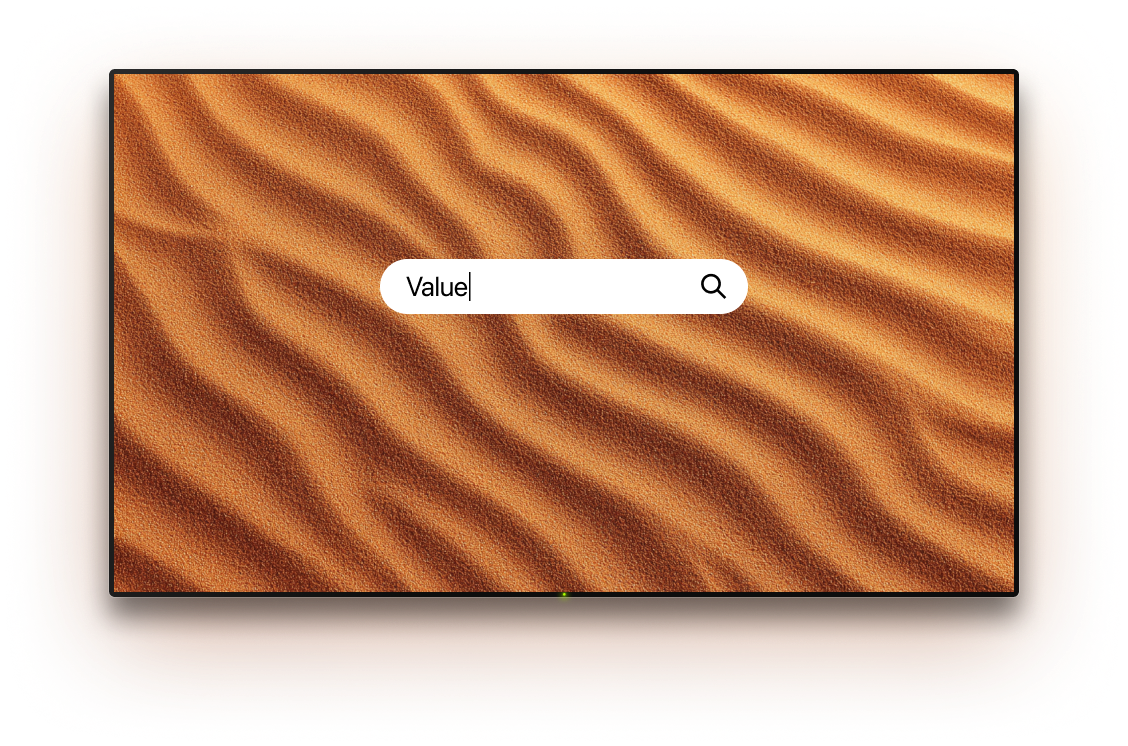
Searching on a Smart TV shouldn't feel like typing with oven mitts. TVRem lets you use your full iPhone keyboard to enter text on your LG TV — fast, accurate, and frustration-free. That's what makes TVRem the best free LG TV remote app for everyday use.

Swipe and tap —
just like a trackpad
just like a trackpad
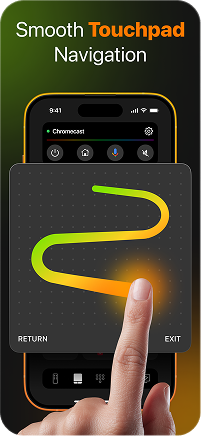
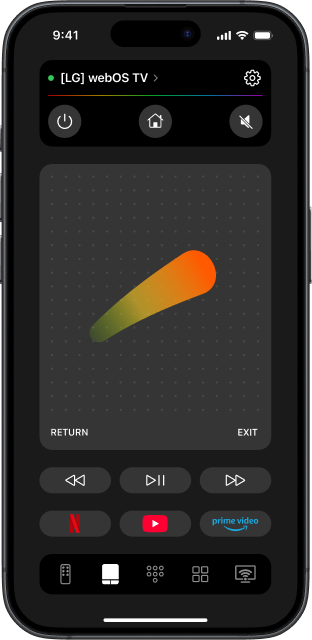
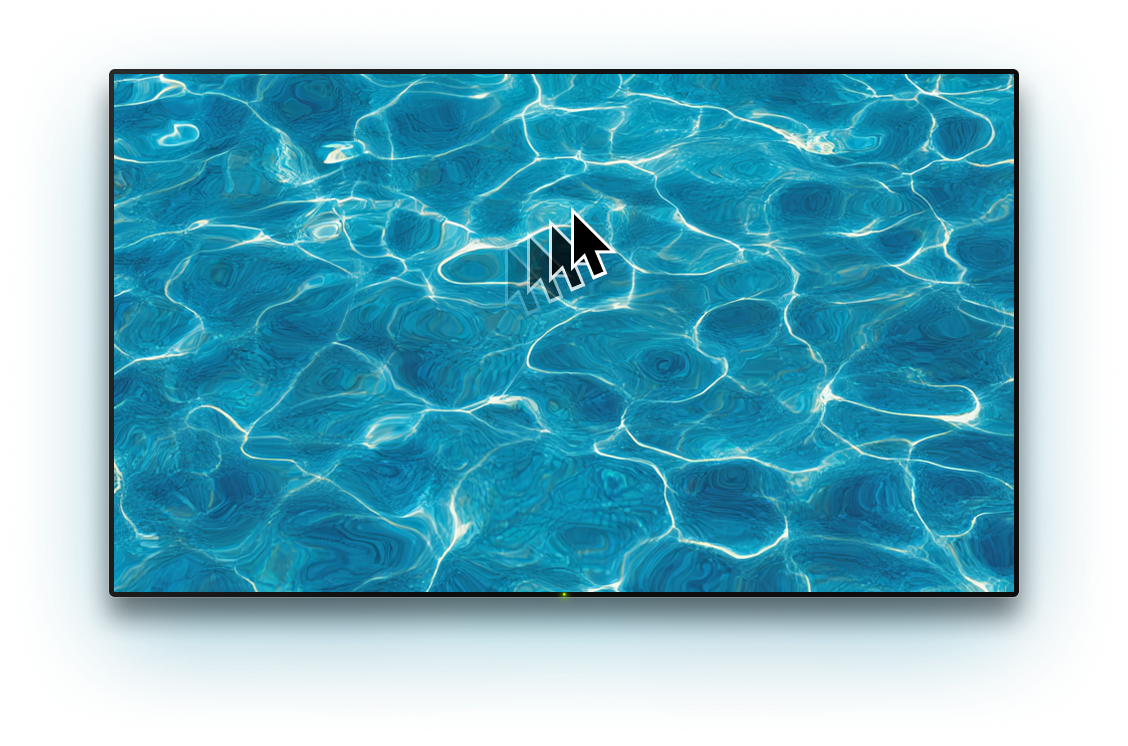
TVRem's touchpad mode brings pointer-style control to your iPhone screen. Move through webOS menus with a swipe, open items with a tap. TVRem is the best remote app for LG TV for anyone who wants Magic Remote-style pointer control right on their phone.

All your
streaming apps,
instantly
streaming apps,
instantly
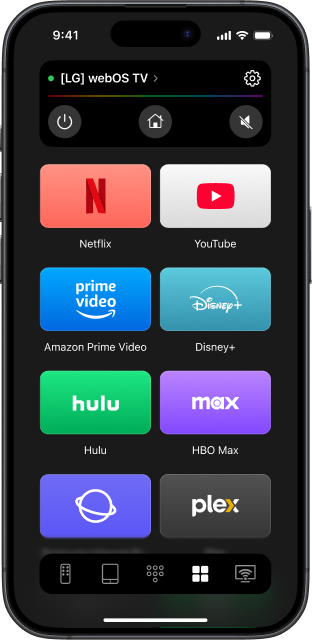
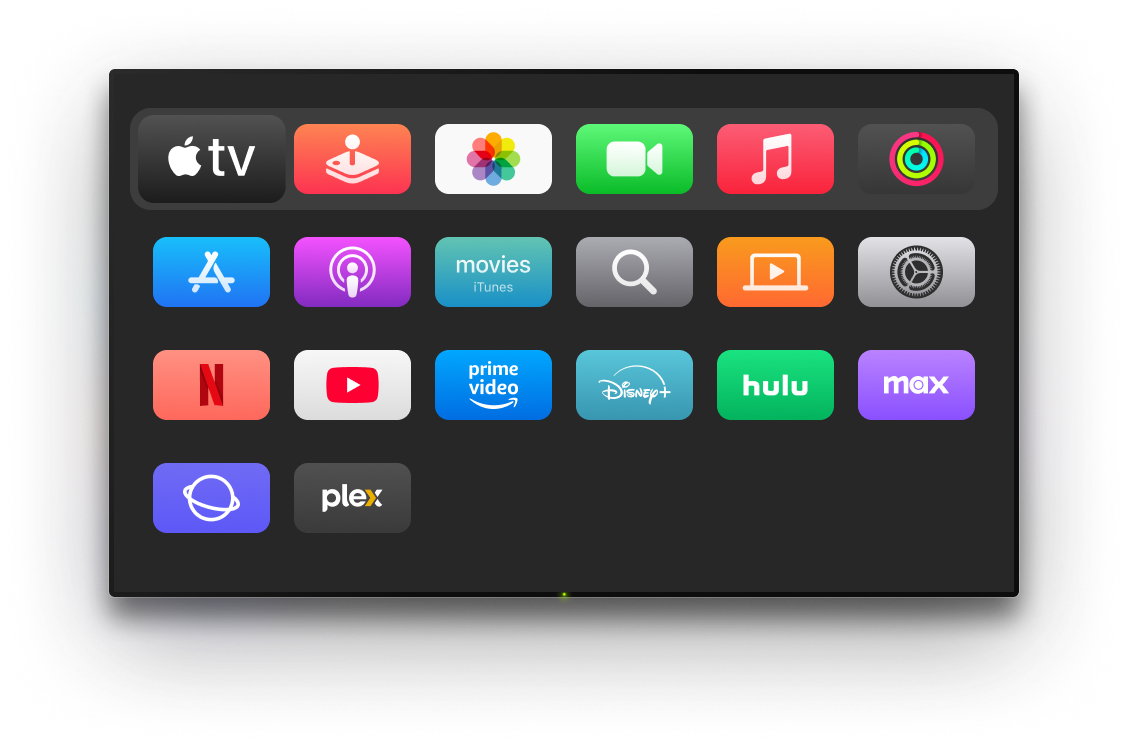
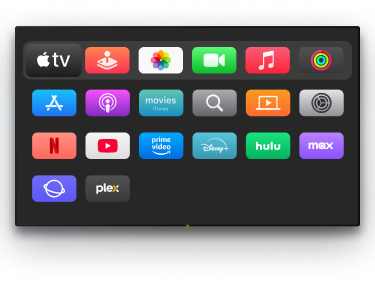
Jump straight into Netflix, Disney+, YouTube, or Amazon Prime Video with a single tap. TVRem puts your LG TV's app row on your iPhone — no scrolling through the Home Dashboard required.

Not just LG —
a universal remote
for every TV in
your home
a universal remote
for every TV in
your home
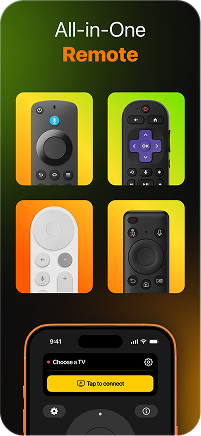
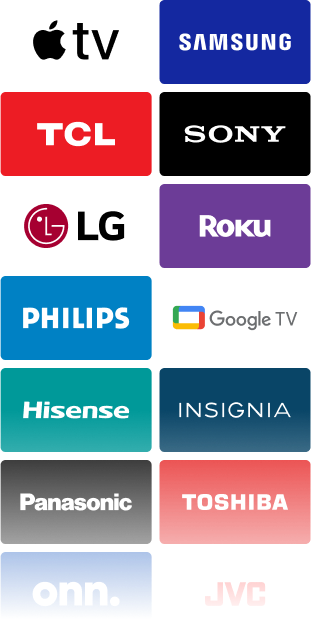
TVRem is a universal LG remote app that goes beyond just one brand. Switch between your LG in the living room, a Samsung in the bedroom, or a Roku in the kitchen — no need for multiple remotes or separate apps. One app for every screen in your home.
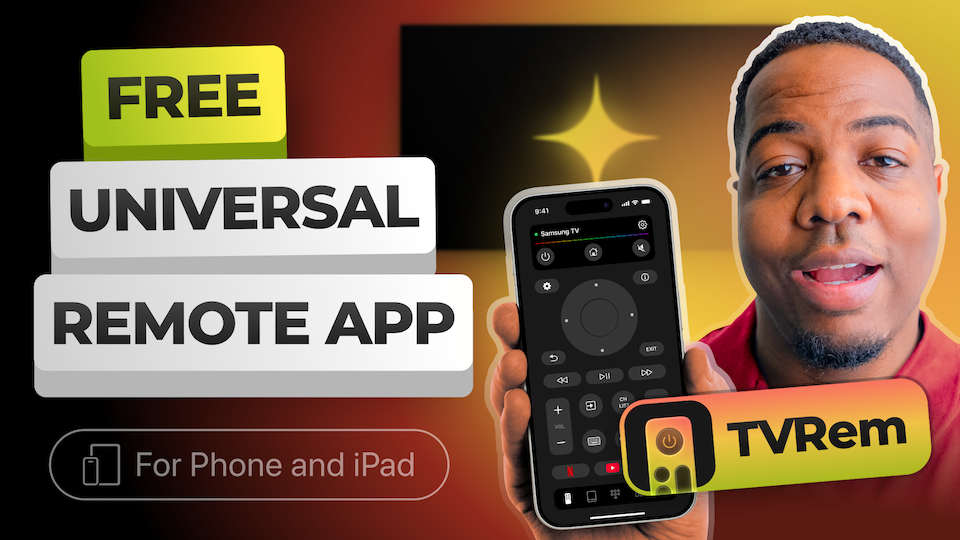
See how to use TVRem
LG TV Remote app
Watch how to connect TVRem to your LG TV and start controlling it from your iPhone in under a minute.
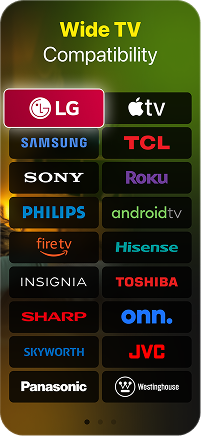
Designed for a variety of TV platforms
Fully compatible with Android TVs, Google TV devices, and Chromecast streaming units. Enjoy seamless voice control integration through Google Assistant for easy navigation.





Supports all Fire TV streaming players, Amazon Smart TVs, and TVs with Fire TV built in, providing a streamlined experience across multiple devices.




Works with Roku players, Roku Smart TVs, and any device that runs the Roku platform, ensuring easy control and access to your content.





Supports Samsung and LG Smart TVs with their proprietary operating systems, along with Apple TV models such as Apple TV 4K, Apple TV HD, and Apple TV (3rd generation), providing flexibility for a wide range of users.






Frequently asked questions
TVRem supports all LG TV models running webOS. This includes a wide range of LG TVs, such as OLED, NanoCell, and UHD models. As long as your LG TV is powered by webOS, you can enjoy full compatibility and easy control with the TVRem app.
Yes, your iPhone and LG TV need to be on the same Wi-Fi network. Once connected, the app finds your TV automatically.
TVRem is a completely free LG universal remote app — no subscription, no ads, no hidden fees, no trial period. Install it once and control your LG TV from your iPhone for free.
Yes, TVRem is fully compatible with both iPhone and iPad. All features, including the touchpad, voice input, keyboard, and app shortcuts, are fully functional on iPad. Whether you're looking for the best remote app for LG Smart TV or just need a reliable option for your iPad, TVRem has you covered — use whichever device is most convenient.
TVRem supports a wide range of popular Smart TVs and streaming devices, including Samsung and Samsung TVs, Roku players, and Fire TV devices. It is also compatible with Android TV, Google TV (including Chromecast with Google TV), and Apple TV models such as Apple TV 4K, Apple TV HD, and Apple TV (3rd generation). Compatibility may vary based on the specific model.
Make sure both your iPhone and LG TV are connected to the same Wi-Fi network, and check that your app is updated. If the issue still isn't resolved, head to our Help Page for troubleshooting guidance.
TVRem for iOS
A Free Universal Remote App to Control Your Smart TV
This iOS application is fully compatible with iOS 17+.
Latest version 1.8
released 20 Aug, 2026