


TVRem
Free Sharp TV Remote App
for iPhone

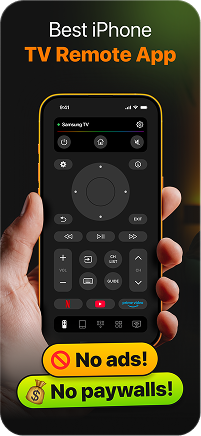
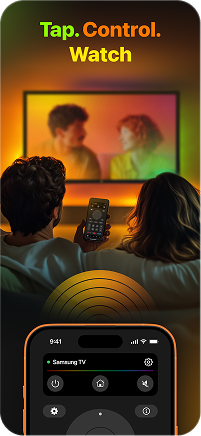

Sharp Roku TV
remote – your
iPhone is already in
your pocket
remote – your
iPhone is already in
your pocket
Most Sharp Smart TVs sold today run on Roku OS – and TVRem turns your iPhone into a full Sharp Roku TV remote in seconds. Connect over Wi-Fi, find your Sharp in the device list, and you're in control.

Everything a Sharp
TV remote control
should do
TV remote control
should do
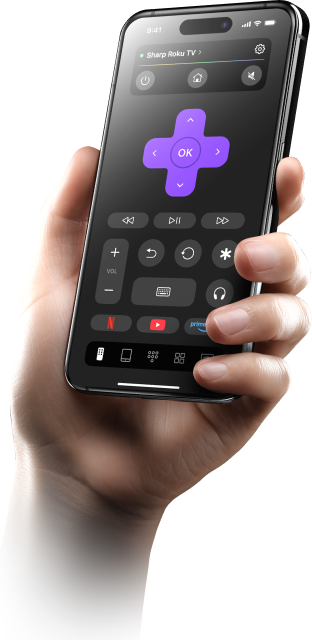
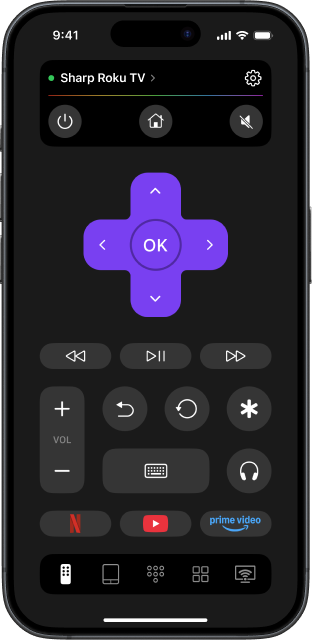
TVRem gives you a complete Sharp TV remote control from your iPhone – navigate menus, switch inputs, adjust volume, and manage playback without ever touching the original remote. Clean interface, zero ads, and every function you need to use TV without a remote, all in one place.

Speak to search –
voice input for your
Sharp TV
voice input for your
Sharp TV
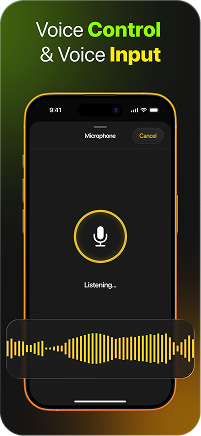
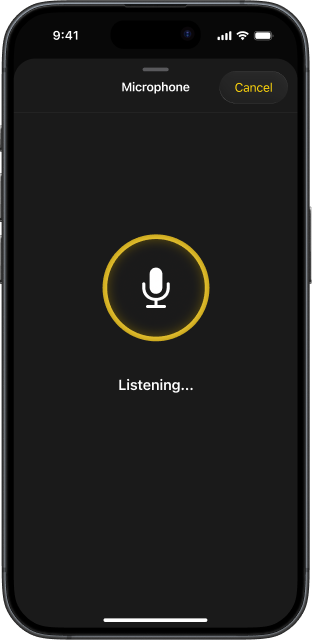
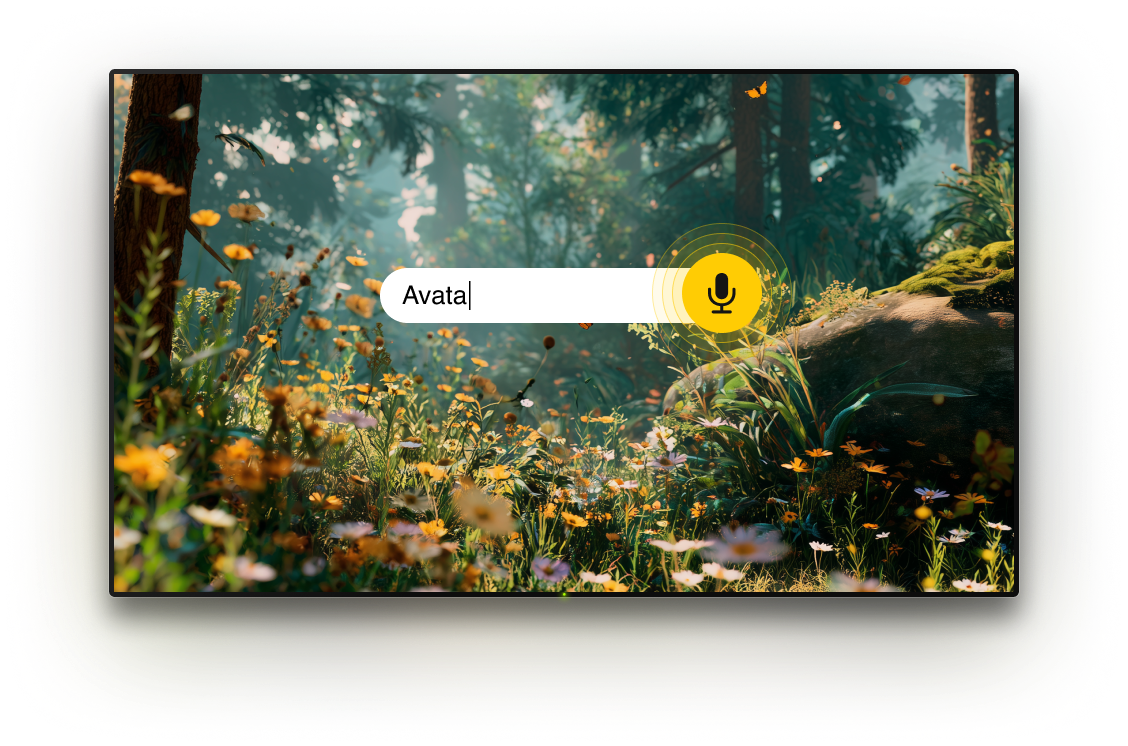
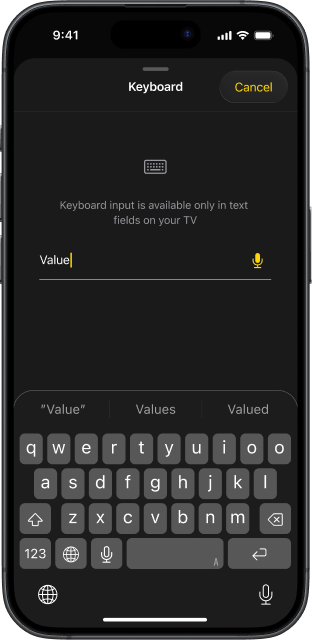
Sharp Roku TVs support voice input through TVRem, letting you speak into your iPhone and instantly turn your voice into text on the TV. No typing, no remote navigation – everything is controlled by your voice.

A free app to control
your Sharp TV from
your iPhone
your Sharp TV from
your iPhone
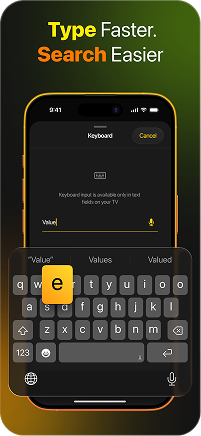
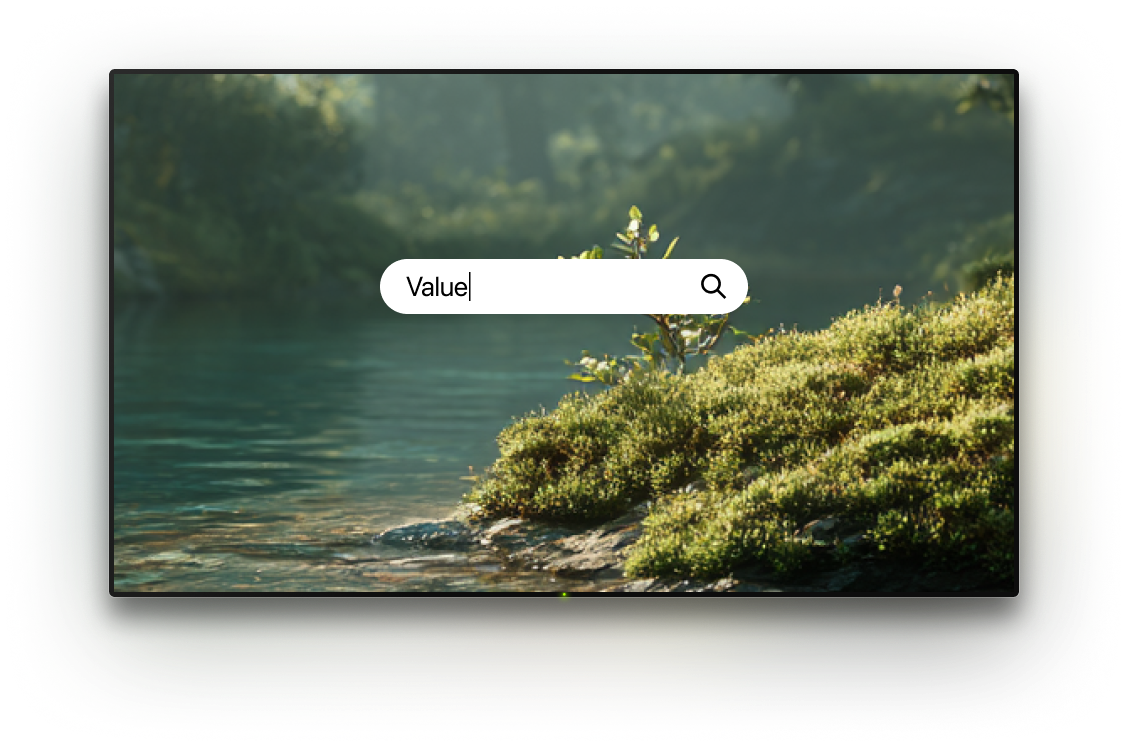
TVRem is a free app to control TV that costs nothing and delivers everything. Type search terms from your iPhone keyboard directly onto your Sharp TV screen, and get to your content faster. This is what Sharp TV control should feel like – instant, effortless, completely free.

Swipe on your Sharp
TV like a pro
TV like a pro
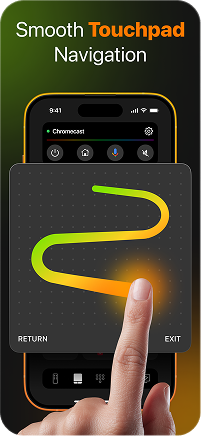
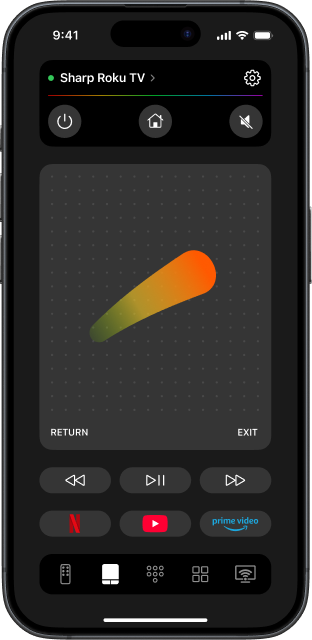
Roku's app grid is designed for quick browsing – and TVRem's touchpad mode matches that energy. Swipe left and right through content rows, scroll up and down through categories, tap to open. This Sharp Roku TV remote control app turns your iPhone screen into a gesture pad that feels more natural than any physical remote.

Your Sharp TV apps,
one tap from
anywhere
one tap from
anywhere
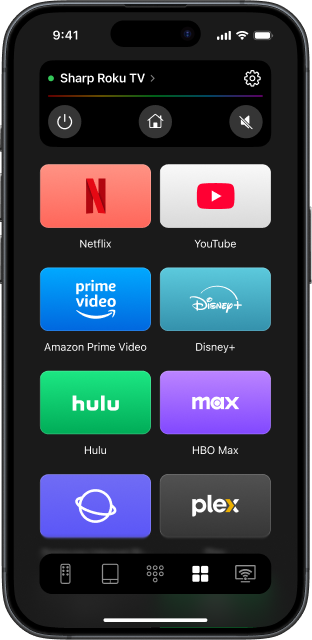
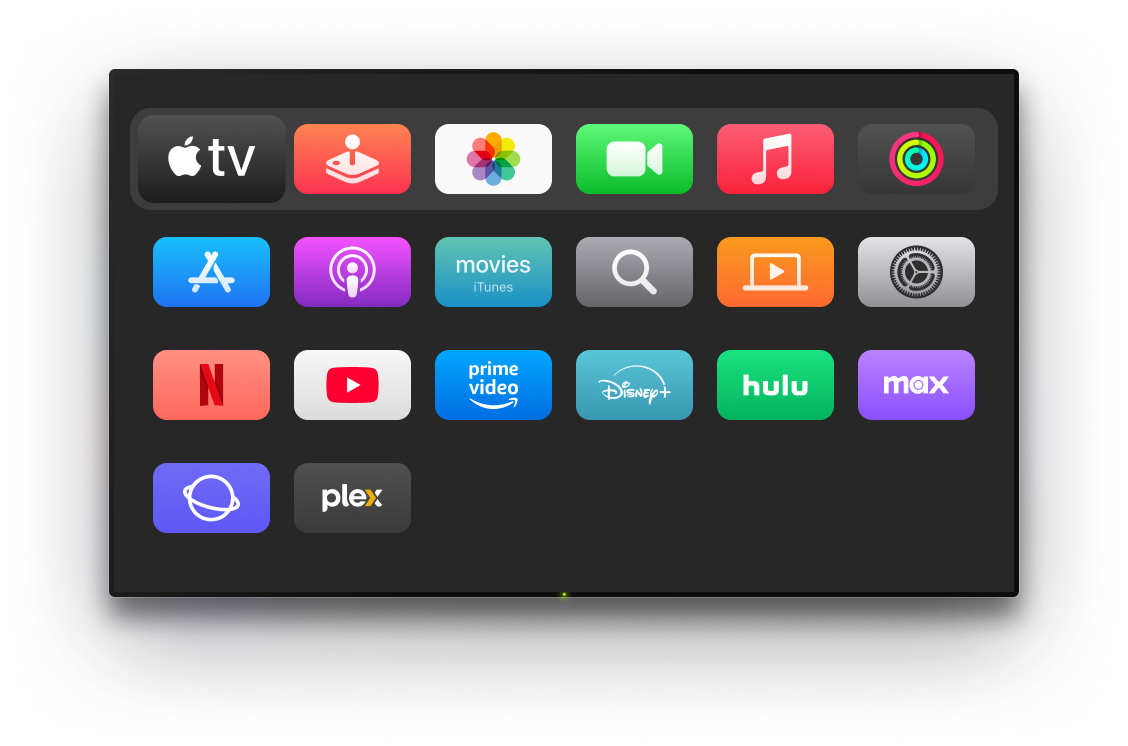
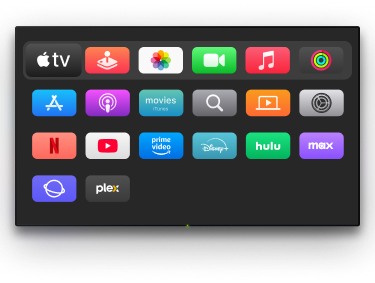
Netflix, YouTube, Prime Video, Disney+ – TVRem puts every app installed on your Sharp TV directly on your iPhone. Tap once to launch, skip the Roku home grid entirely, and get straight into what you're watching. TV control that gets out of the way and lets you enjoy the screen.

Universal remote for
Sharp TV and every
screen in your home
Sharp TV and every
screen in your home
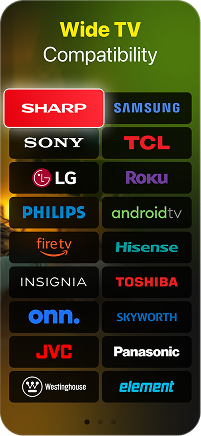
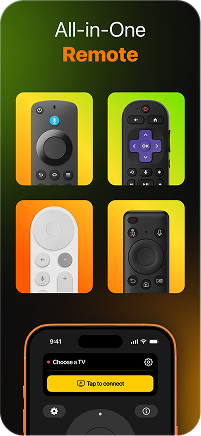
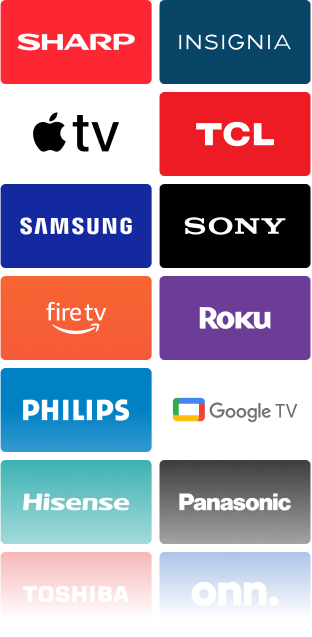
TVRem is a Sharp TV universal remote that doesn't stop at Sharp. Add your Samsung, LG, Sony, Hisense, Fire TV, Apple TV, or any other device and manage everything from one app. Control your TV with iPhone across every room – no drawer full of remotes, no switching between apps.
How to connect universal
remote app to Sharp TV
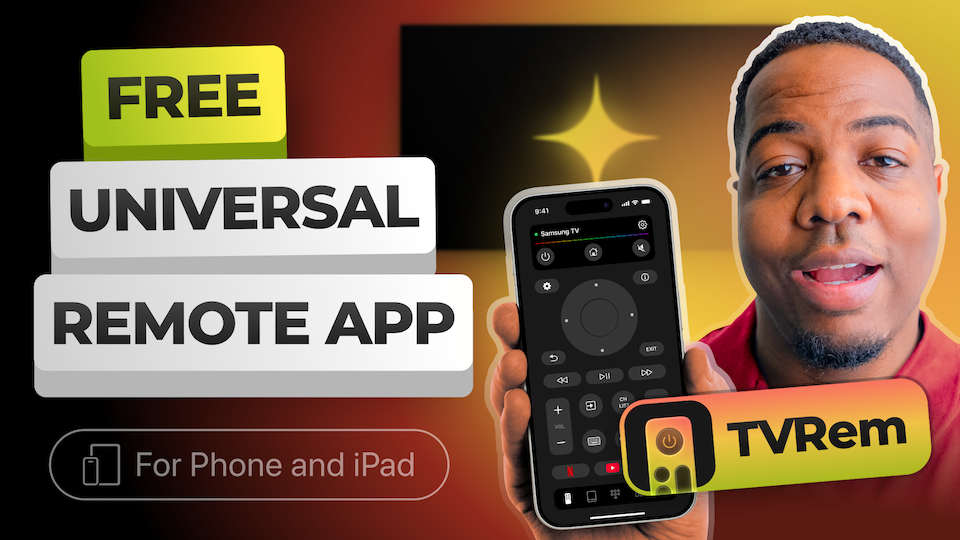
Watch how to pair TVRem with your Sharp Roku TV or Android TV model and get full control from your iPhone in under a minute.
One remote app for multiple TV systems
Connects to Android TVs, Google TV devices, and Chromecast streamers, with Google Assistant voice control supported where available.

Compatible with Fire TV sticks, Fire TV streaming devices, Amazon Smart TVs, and TVs that have Fire TV built in.




Works with Roku streaming players and Roku TVs, giving you a simple way to control your device directly from your iPhone.


TVRem also works with Samsung and LG Smart TVs running their native platforms, plus supported Apple TV models, including Apple TV 4K, Apple TV HD, and Apple TV 3rd generation.


Frequently asked questions
Completely free. No subscription, no ads, no locked features. TVRem is a free TV remote control app for iPhone that gives you full access to every function – touchpad, keyboard, voice input, and app shortcuts – from the moment you install it.
Download TVRem, connect your iPhone and Sharp TV to the same Wi-Fi network, and open the app. TVRem finds your Sharp TV automatically and lists it for connection. Tap to connect, confirm on screen if prompted, and your iPhone becomes a full Sharp smart TV remote within seconds.
Yes. In addition to Sharp Roku TVs, TVRem supports Sharp models running Android TV. Both platforms are fully supported – navigation, text input, voice search, and app launching all work the same way regardless of which OS your Sharp TV runs.
Yes. TVRem works identically on iPhone and iPad. All features are fully available on both devices – use whichever is closest.
TVRem works with many popular Smart TVs and streaming platforms, including Sharp, Samsung, LG, Sony, TCL, Hisense, Philips, Panasonic, Roku, Fire TV, Android TV, and Google TV, including Chromecast with Google TV. It also supports Apple TV models such as Apple TV 4K, Apple TV HD, and Apple TV 3rd generation. Actual compatibility may depend on the TV model, operating system, and software version.
TVRem for iOS
A Free Universal Remote App to Control Your Smart TV
This iOS application is fully compatible with iOS 17+.
Latest version 1.8
released 20 Aug, 2026