


TVRem
Free TCL Remote App
for iPhone


Use TVRem to
control your TCL TV
– whatever platform
it runs
control your TCL TV
– whatever platform
it runs
TCL makes some of the most popular Smart TVs on the market, but they don't all run the same software. Some are TCL Roku TVs, others run Google TV or Fire TV. TVRem is a TCL TV remote control app that works across all three platforms. Connect your iPhone over Wi-Fi and take full control – no original remote, no setup headaches.

Complete control
over your TCL
Smart TV
over your TCL
Smart TV
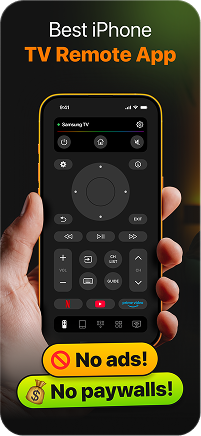
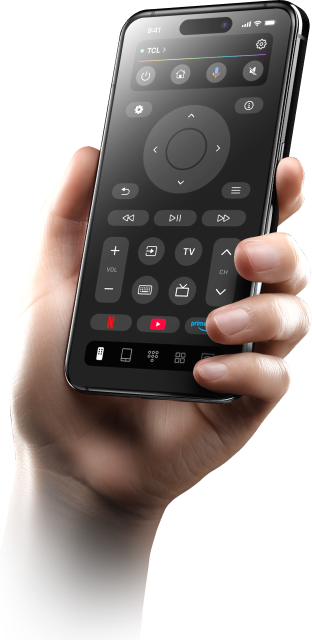
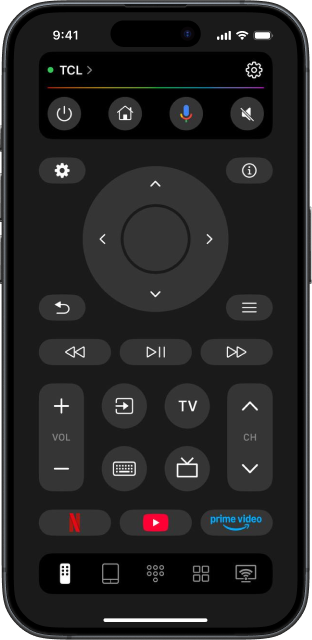
Use TVRem app to control your TCL TV the way you actually want to. Navigate menus, switch inputs, adjust volume, and control playback – all from your iPhone. This TCL Smart TV remote app brings every function you need into one clean, ad-free interface.

Speak to search –
no keyboard
hunting required
no keyboard
hunting required
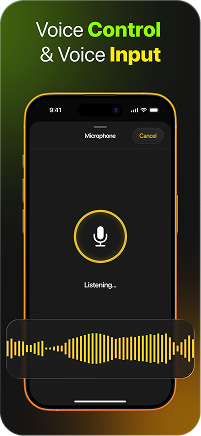
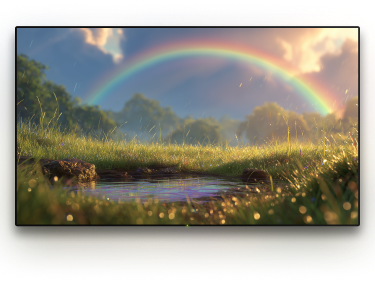
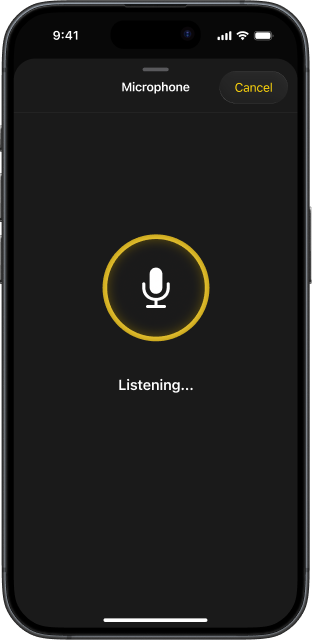
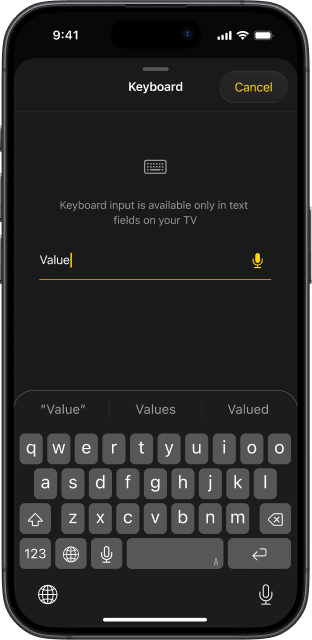
Instead of typing on your TV screen, simply speak from your iPhone or iPad. It is a quicker and easier way to enter text and avoid the hassle of using the on-screen keyboard.

Type on your TCL TV
using your iPhone
keyboard
using your iPhone
keyboard
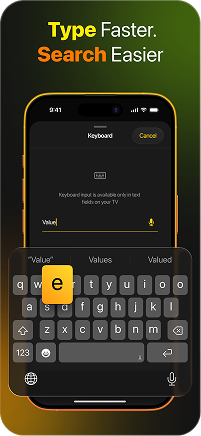
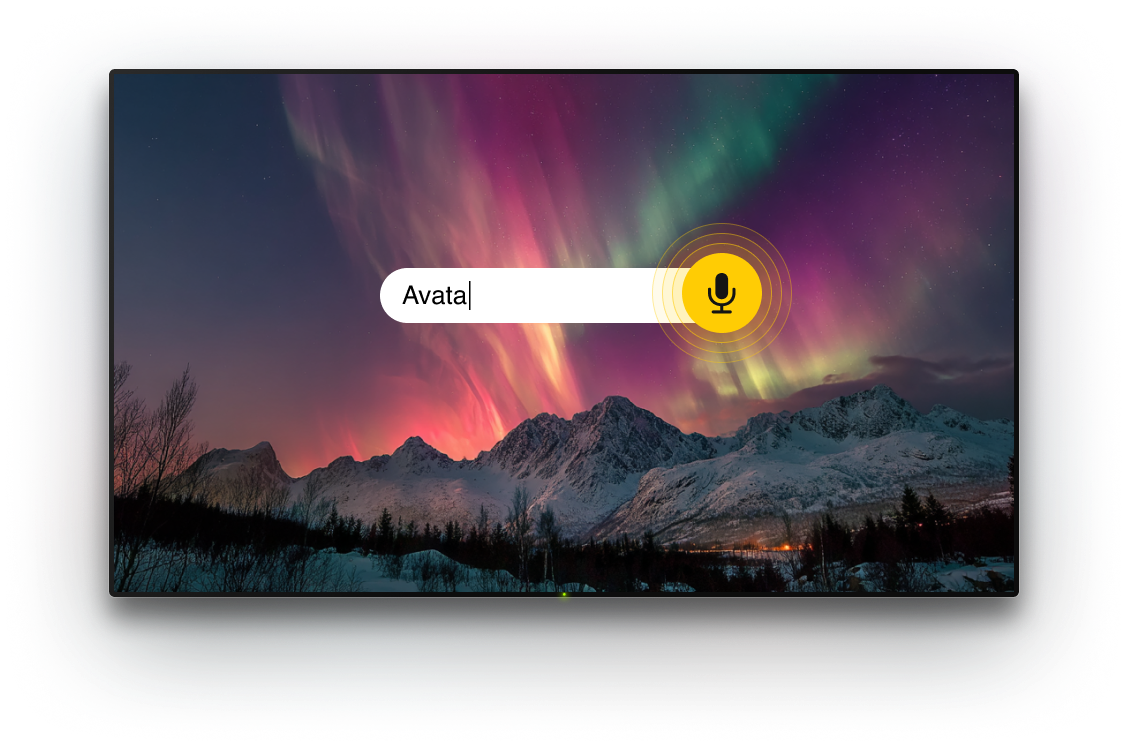
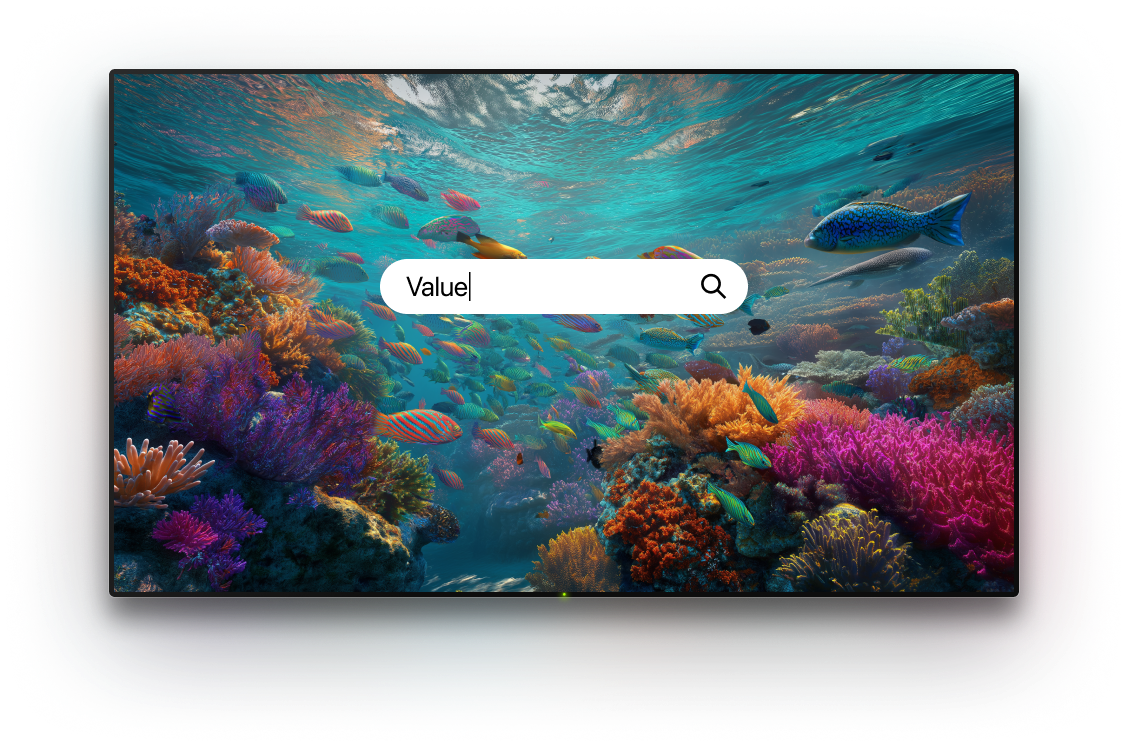
Searching on a TCL TV with the stock remote means clicking through letters one by one. TVRem replaces that entirely – type from your iPhone and the text appears on your TCL screen instantly. This free TCL remote app for iPhone makes search fast, accurate, and completely painless.

Swipe, tap, navigate
– touchpad mode
for TCL
– touchpad mode
for TCL
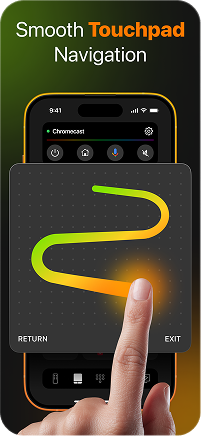
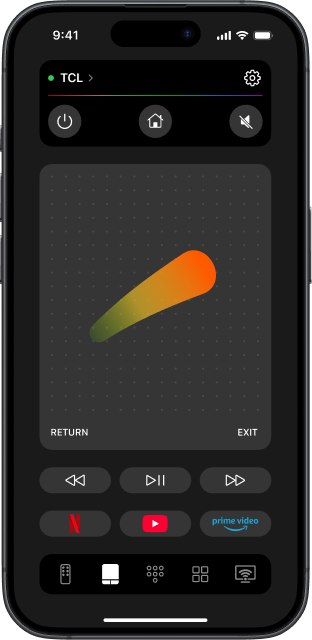
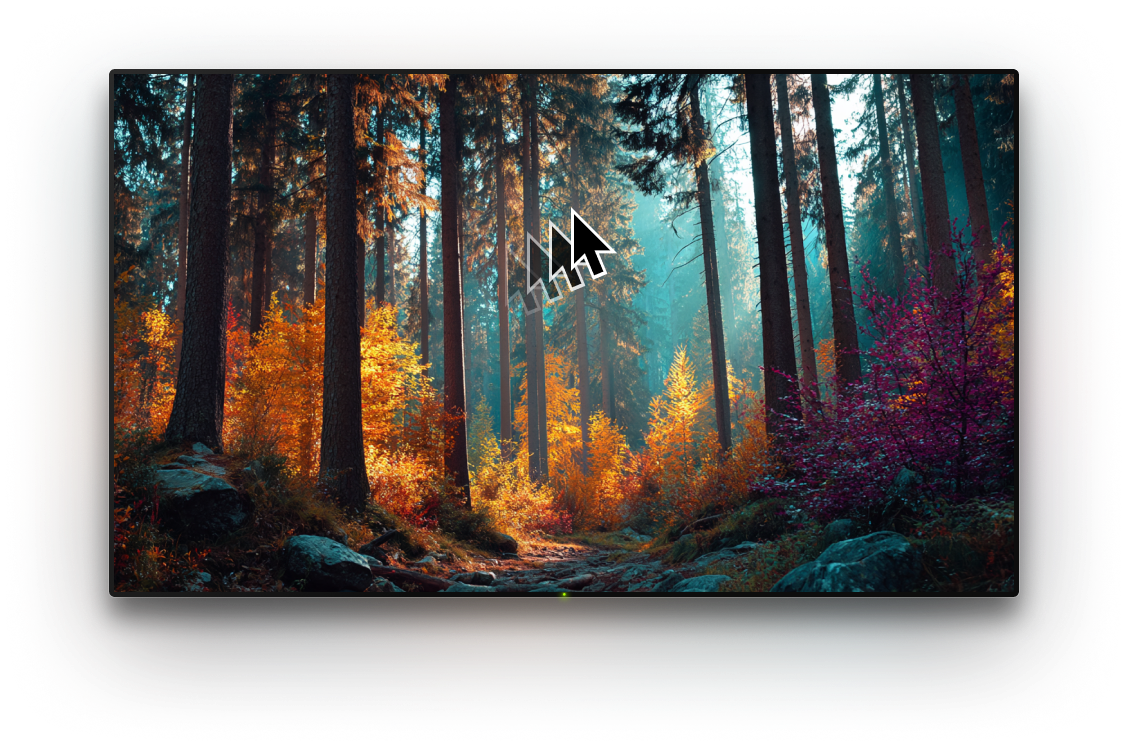
TVRem's touchpad turns your iPhone screen into a gesture-based controller for your TCL TV. Swipe to move through menus, tap to select, navigate through content without pressing a single physical button. It feels more natural than the remote that came in the box – and it's a TV remote for free.

Launch your TV
apps from your
iPhone
apps from your
iPhone
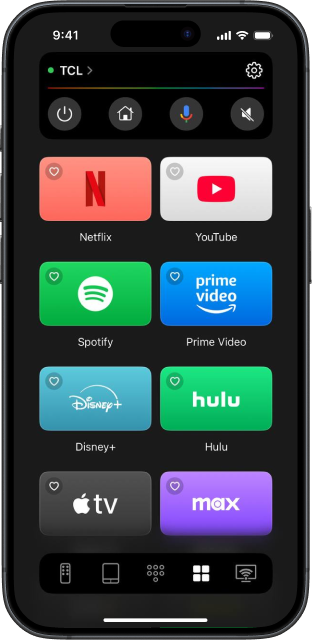
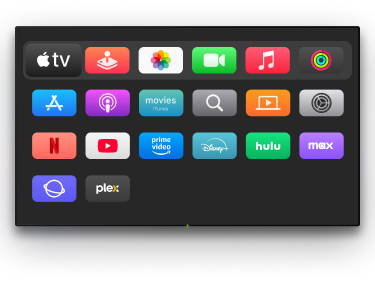
With TVRem, you can launch your TV app from your iPhone with a single tap – Netflix, YouTube, Disney+, Prime Video, and whatever else is installed on your TCL. No scrolling through the home screen, no waiting. Just tap and watch.

A free TCL remote
app – and a
universal one too
app – and a
universal one too
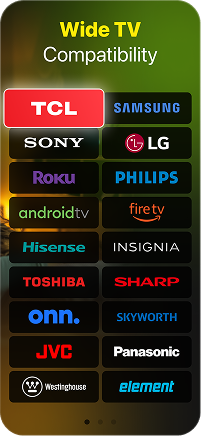
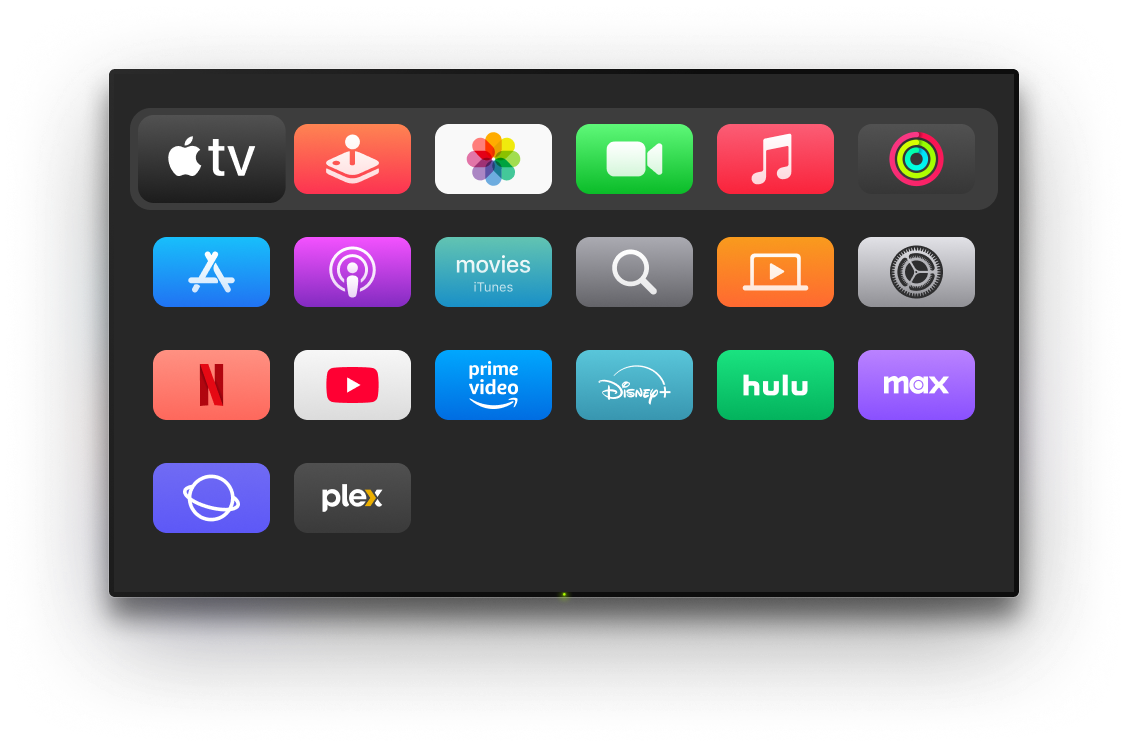
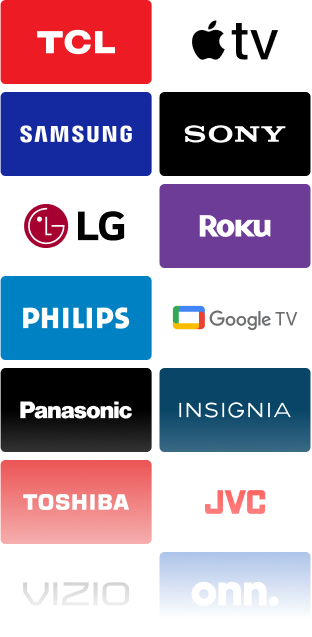
TVRem works with your TCL TV and every other screen in your home. Samsung, LG, Hisense, Roku players, Fire TV, Apple TV, and more. One app, zero remotes, without ads cluttering the experience.
Connecting the remote
app to your TCL TV
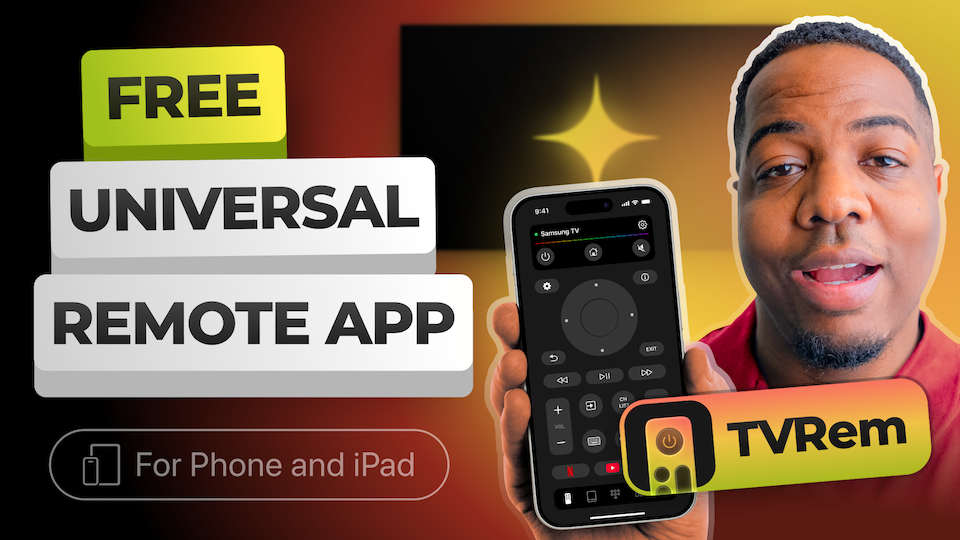
Watch how to set up TVRem on your iPhone and start controlling your TCL TV in under a minute.
Built for many Smart TVs and streaming devices
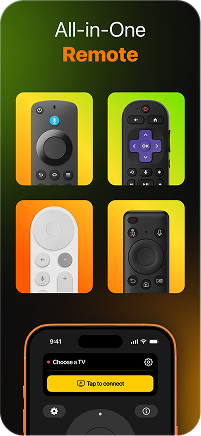
Works with Android TVs, Google TV devices, and Chromecast with Google TV. You can control your TV from your iPhone and use voice commands through Google Assistant when supported.




Compatible with Fire TV streaming players, Amazon Smart TVs, and TVs with Fire TV built in. Use one iOS app to navigate, search, and control your Fire TV device.




Supports Roku streaming players, Roku TVs, and other TVs with Roku OS built in. It’s a convenient way to control Roku from your iPhone when the original remote is missing or not nearby.




Also works with Samsung and LG Smart TVs running their own operating systems, as well as Apple TV models, including Apple TV 4K, Apple TV HD, and Apple TV 3rd generation.





Frequently asked questions
TVRem works with TCL Smart TVs running Roku, Google TV, or Fire TV – which covers the vast majority of TCL models available today. Not sure which platform your TCL runs? Turn it on and check the home screen: an app grid means Roku, a card-based layout means Google TV, and an app-row with an orange icon means Fire TV. All three are fully supported.
Yes. TVRem is completely free to download and use – no subscription, no trial, and no ads inside the app. It's a TV remote for free, built to stay that way.
Make sure your iPhone and TCL TV are on the same Wi-Fi network. Open TVRem, find your TCL in the device list, and tap to connect. Depending on your TV's platform, you may be asked to confirm the connection or enter a short code shown on screen. After that first setup, connecting is automatic.
First, confirm both devices are on the same Wi-Fi network. If your TCL runs Roku, go to Settings > System > Advanced system settings > Control by mobile apps and make sure it's enabled. For Google TV or Fire TV models, check that network discovery is turned on in your TV settings. Still stuck? Head to our Help Page for model-specific guidance.
Yes. You can use your iPad to control TV with TVRem the same way you use it on your iPhone. All core features and remote controls are available on both devices.
Yes, you can launch your app from your iPhone with a single tap. TVRem shows shortcuts for the apps installed on your TCL TV, so you can open Netflix, YouTube, Prime Video, or any other app without navigating the home screen at all.
Yes. TVRem is a universal remote app that works with Samsung, LG, Hisense, Roku, Fire TV, Apple TV, Android TV, Google TV, and more. Add all your devices and switch between them from one place – no extra apps, no extra remotes.
TVRem supports a wide range of Smart TVs and streaming devices, including TCL, Samsung, LG, Hisense, Roku, Fire TV, Android TV, and Google TV (including Chromecast with Google TV). It also supports Apple TV 4K, Apple TV HD, and Apple TV (3rd generation). Compatibility may vary based on the specific model.
TVRem for iOS
A Free Universal Remote App to Control Your Smart TV
This iOS application is fully compatible with iOS 17+.
Latest version 1.8
released 20 Aug, 2026