 Eltima AI Headshot Generator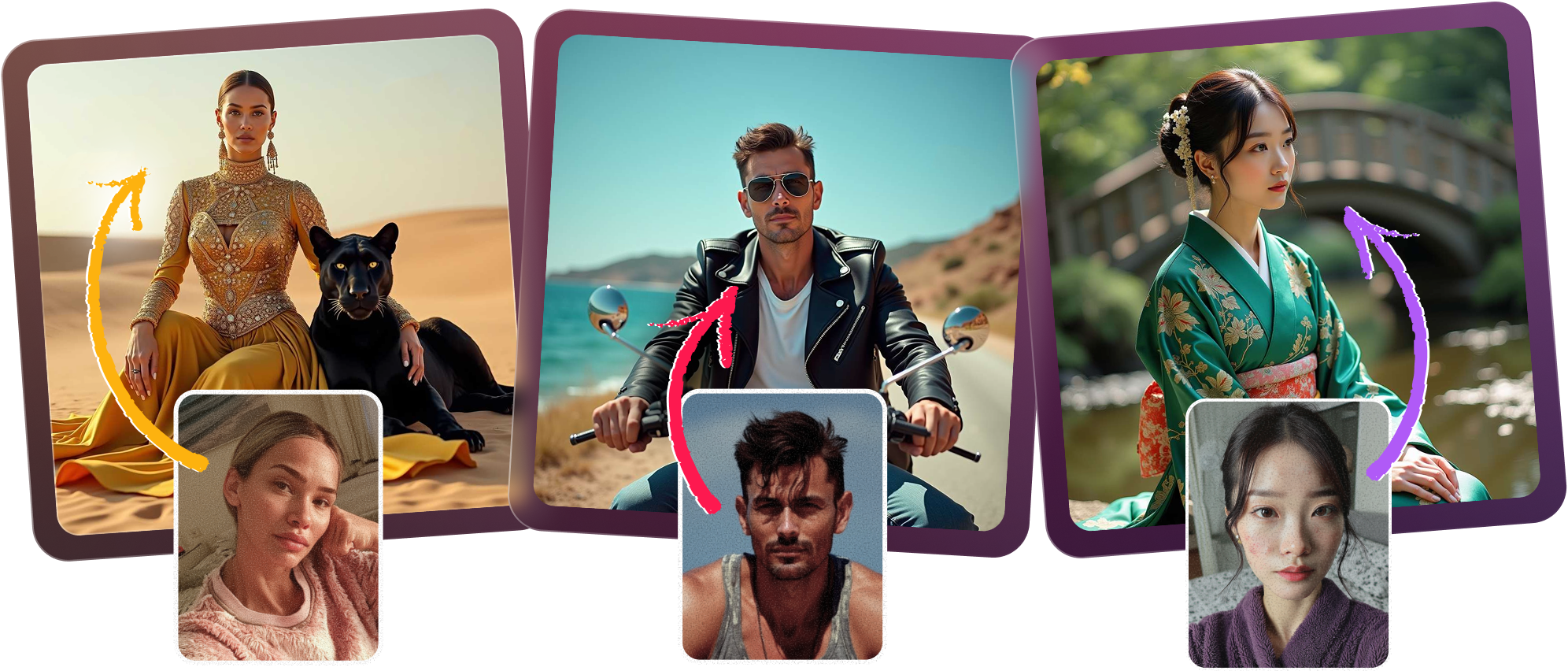
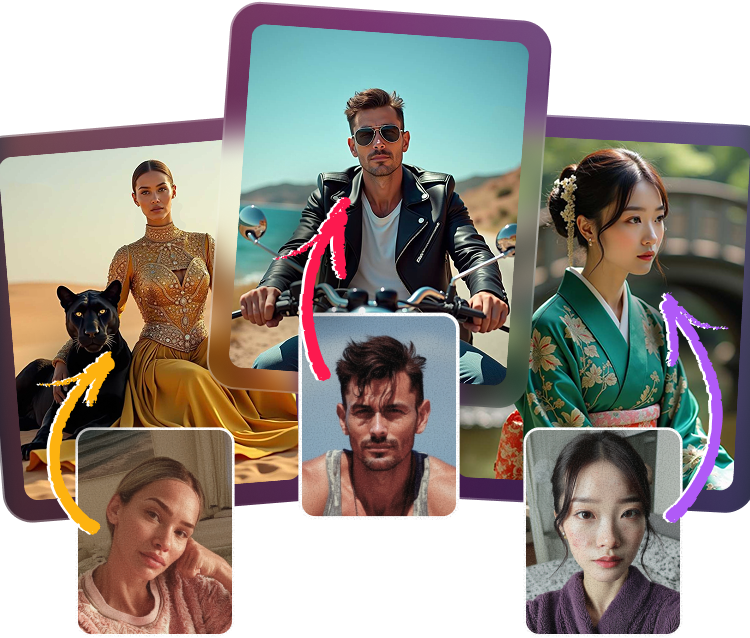
Create a therapist profile picture that feels trustworthy, polished, and genuinely welcoming. Our AI can craft a psychologist headshot or warm professional portrait with calming, neutral backgrounds, natural expressions, and privacy-first handling of your uploaded selfies—plus results you can confidently use on a counseling website photo or Psychology Today profile.
How to Create Therapist Headshots in Minutes
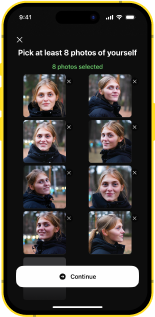
Upload your selfies
Add a handful of clear selfies so the AI can learn your face, features, and likeness accurately.
Choose your style
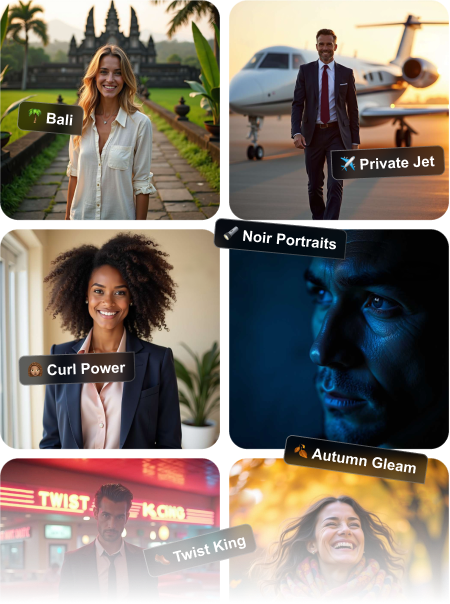
Pick a warm professional portrait look with calm tones, soft lighting, and a therapist-friendly setting.
Generate your photos
Let the generator create realistic, approachable headshots with expressions that feel sincere and professional.
Download and publish
Select the best counseling website photo and use it across your practice site, directory listings, and profiles.

Warm Portraits That Build Trust
A strong therapist profile picture should feel approachable before a client ever reads your bio. This AI creates a warm professional portrait with calming, neutral backgrounds and natural facial expressions that support a reassuring first impression. If you want to know whether the AI can generate a warm and empathetic professional portrait, the answer is yes—while keeping your uploaded photos private and suitable for use on professional platforms.

Calm Backgrounds for Private Practice
Choose looks that match a counseling website photo, from soft gray and beige to other calming, neutral backgrounds suitable for therapists. The generator is designed to keep your psychologist headshot natural and polished, with approachable expressions and enough realism to feel client-ready. You can typically use your results on Psychology Today profiles, and you control how many selfies you upload for the best match.
Natural Expressions Clients Trust
Your photos should look like you on your best day: relaxed, credible, and approachable. We optimize each warm professional portrait for natural smiles and authentic eye contact, so the final result works well as a therapist profile picture or counseling website photo. Upload enough clear selfies for a realistic result, and the system keeps your data and images completely private.
Private Results for Professional Use
Built for therapists and counselors who need a clean, consistent presence online, this AI makes it easy to create polished headshots for websites and directories. Whether you need a therapist profile picture, a psychologist headshot, or a warm professional portrait, the finished images are designed to feel credible, compassionate, and ready to share.


Frequently Asked Questions
Yes. The generator is designed to produce a warm professional portrait with a soft, welcoming feel that suits therapists, counselors, and psychologists. You can guide the tone with your selected style, lighting, and background options.
Yes, you can choose backgrounds that feel clean, calm, and professional, which is ideal for a therapist profile picture. Neutral tones like beige, gray, and soft studio styles help keep the focus on your face and your message.
It does. The AI focuses on realistic expressions that feel friendly, composed, and trustworthy, so your psychologist headshot doesn’t look stiff or over-edited. That makes it easier to use the image across client-facing channels.
A small set of clear selfies is usually enough, as long as they show your face from different angles and in good lighting. More variety helps the system create a more realistic counseling website photo that matches your likeness closely.
In many cases, yes, if the image meets the platform’s current photo guidelines. We recommend checking the latest profile requirements before uploading your therapist profile picture so you can publish with confidence.
Yes, privacy is treated as a core priority. Your uploaded photos and data are handled securely so you can create a warm professional portrait without worrying about unnecessary exposure.
5.0
Show more
4.5
Show more
5.0
Show more
4.0
Show more
5.0
Show more
4.5
Show more