 Eltima AI Headshot Generator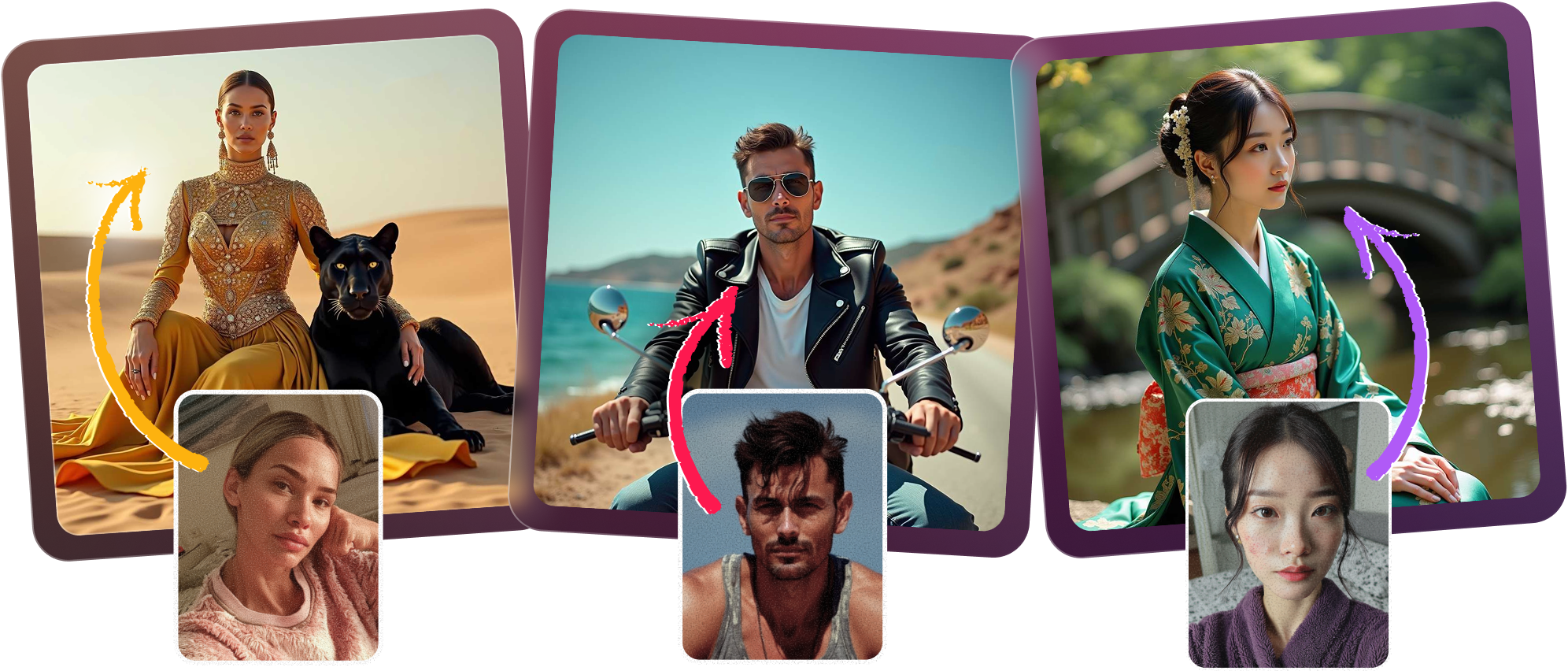
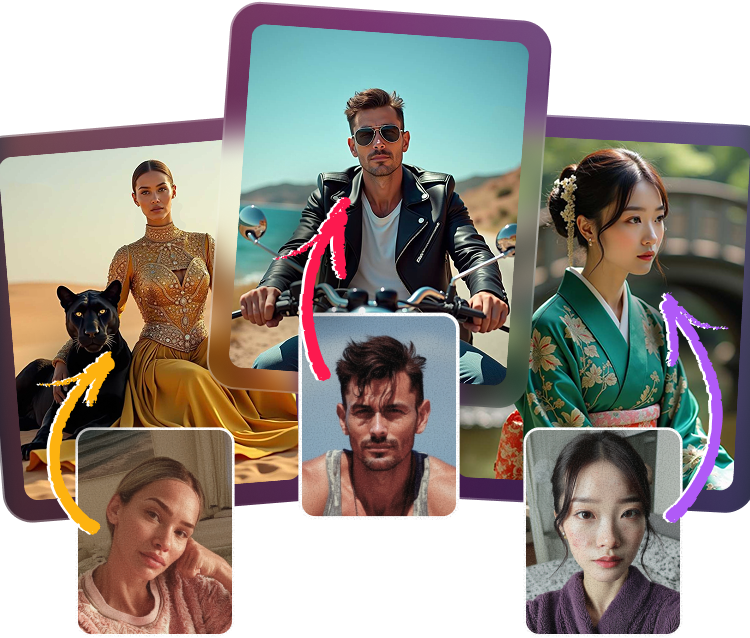
Create a polished attorney headshot in minutes with the confidence and consistency a modern law firm demands. Produce an authentic law firm portrait, a corporate lawyer picture, or a professional legal photo with formal business suit styling, serious expressions, and clean backgrounds suited for prestigious profiles. Wondering, “Do the AI portraits look authentic enough for a prestigious law firm website?” Yes—especially when you need a full legal team to share consistent directory photos fast.
How to create a polished attorney photo
Choose your legal style
Start by selecting a formal look that fits your practice, from courtroom-ready to executive corporate portrait.
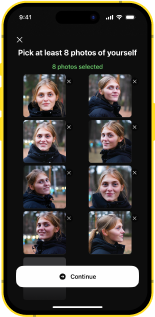
Upload clear reference photos
Use a few well-lit selfies so the AI can capture your features and deliver a refined legal headshot.
Refine suit, background, expression
Choose business suit and tie options, professional backdrops, and a trustworthy expression for law firm use.
Generate and download quickly
Get a polished attorney headshot in a short time, ready for bios, directories, and corporate profiles.

Authentic Look for High-Trust Legal Branding
Build an attorney headshot that feels credible on a prestigious law firm website. The AI can create a professional legal photo with a serious, trustworthy expression, and yes, you can generate a formal business suit and tie that fits a refined law firm portrait.

Corporate Style Built for Legal Profiles
Create a corporate lawyer picture with backgrounds tailored for executive bios, partner pages, and directory listings. The result is a polished professional legal photo that answers whether the backgrounds are suitable for corporate legal profiles with a confident yes.
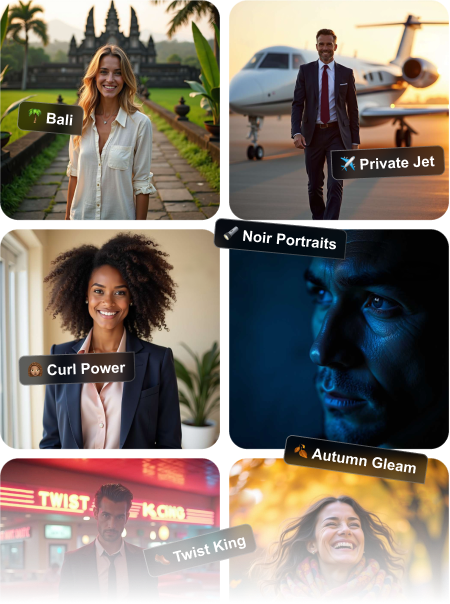
Fast Results for Entire Legal Teams
Need polished attorney headshots for an entire office? Generate consistent law firm portrait images for partners, associates, and staff quickly, so your directory photos match across every profile with professional, trustworthy consistency.
Confident Presence That Inspires Trust
This AI portrait workflow helps you keep the serious, composed look clients expect from an attorney headshot. It’s ideal when you want a law firm portrait that feels authentic enough for premium websites, ads, and professional directories.


Frequently Asked Questions
Yes, the portraits are designed to feel realistic, polished, and credible enough for client-facing legal branding. With the right reference photos and settings, you can achieve an attorney headshot that fits a high-end law firm portrait style.
Absolutely. You can choose a formal business suit and tie look to match the expectations of a corporate lawyer picture or a professional legal photo.
Yes, the background options are selected to work well for corporate legal profiles, executive bios, and firm directories. They keep the focus on the subject while maintaining a clean, professional appearance.
Most users can get a polished result quickly, without scheduling a studio session. It’s a fast way to produce a refined attorney headshot when you need updated images on a tight deadline.
Yes, the generator is well suited for composed, confident expressions that communicate professionalism and trust. That makes it a strong choice for a law firm portrait or other client-facing legal branding.
Yes, it’s a practical solution for creating a consistent set of professional legal photo assets across your whole team. Partners, associates, and staff can all match the same visual standard for directory photos and website profiles.
5.0
Show more
4.5
Show more
5.0
Show more
4.5
Show more
5.0
Show more
4.5
Show more