 Eltima AI Headshot Generator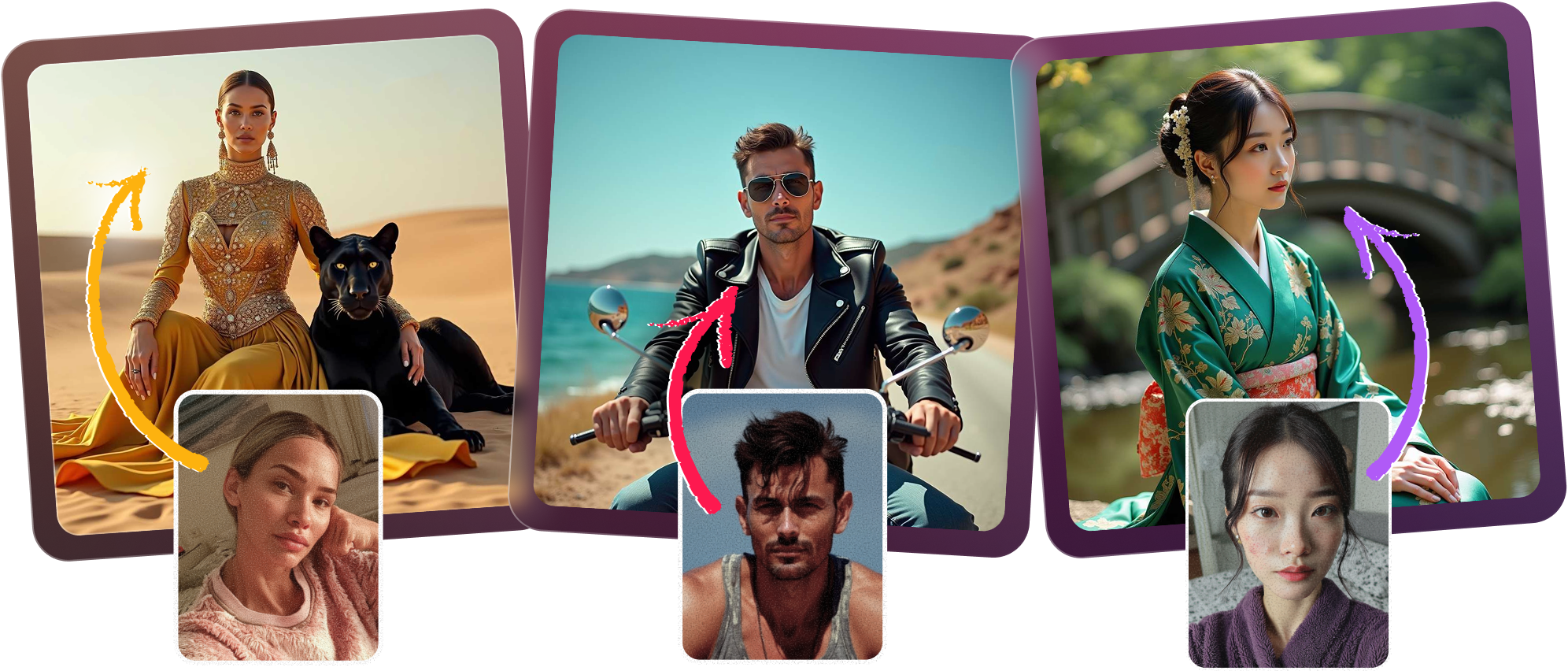
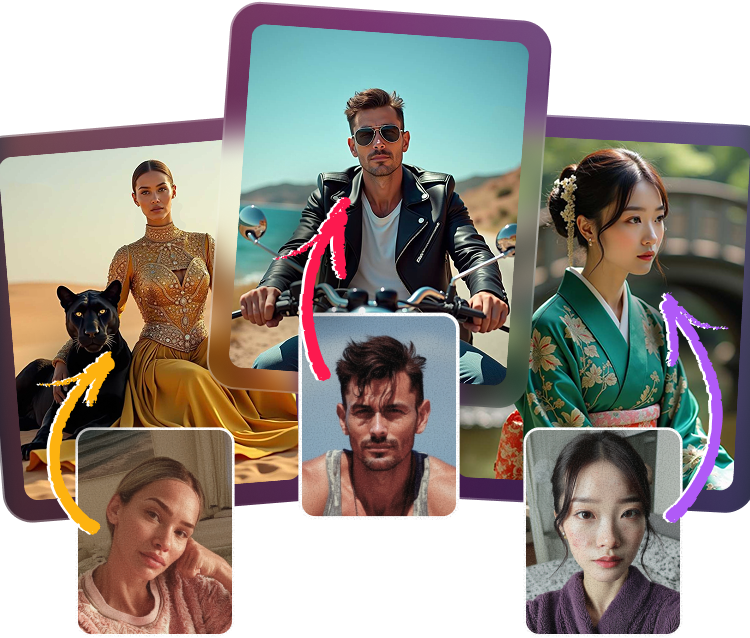
Create polished modeling portfolio pictures that feel runway-ready, from editorial fashion photo looks to clean model digitals and a standout AI comp card. You can generate editorial and high-fashion style portraits, preserve your distinct facial features, test different hairstyles and makeup looks, and choose from a wide range of lighting and studio setups for agency submissions.
How to create your model portfolio in minutes
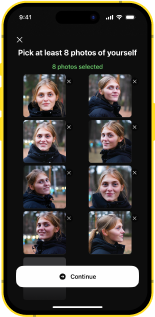
Upload your portraits
Start with clear selfies or snaps so the AI can learn your face and shape believable model digitals.
Pick your fashion direction
Choose editorial fashion photo moods, clean agency looks, or bold AI comp card styling for your set.
Refine your looks
Experiment with hairstyles, makeup, studio light, and high-fashion posing while keeping your features recognizable.
Export for submissions
Download the best modeling portfolio pictures and use them for your comp card, agency pitch, or profile.
Editorial Edge for agency-ready images
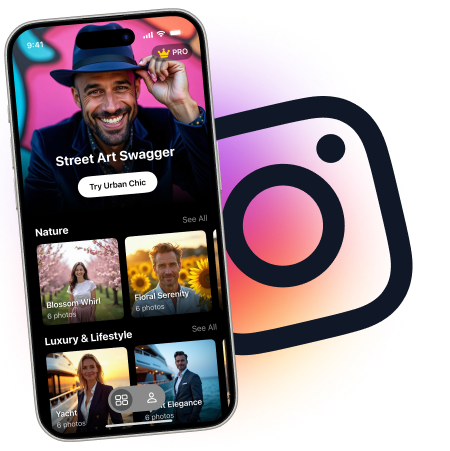
Turn simple uploads into modeling portfolio pictures that look refined, modern, and editorial fashion photo worthy. The AI can generate high-fashion style portraits while preserving your distinct facial features, giving you a strong starting point for model digitals, an AI comp card, and confident agency submissions.

Feature Flex across every look
Build a flexible model kit with model digitals, editorial fashion photo variations, and polished modeling portfolio pictures in one workflow. You can test different hairstyles and makeup looks, then adjust the output for comp card layouts or agency submissions without losing the authenticity of your face.
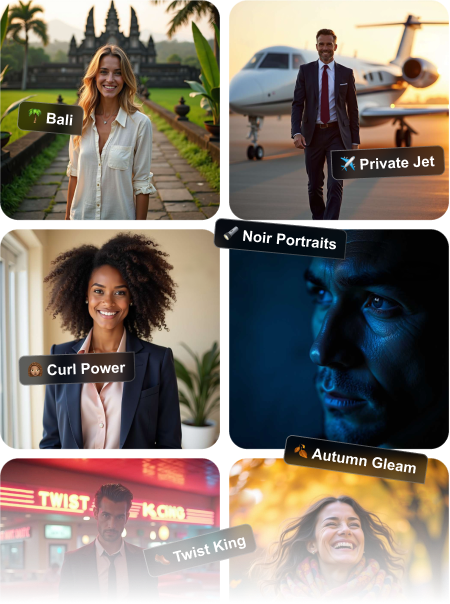
Lighting Control that shapes your presence
Choose from multiple lighting and studio setups to create crisp model digitals or a softer editorial fashion photo mood. The result is a smarter way to build an initial portfolio, with enough range to support your AI comp card and help you show versatility to agencies.
Agency Ready from first upload
Create a fast, polished set of modeling portfolio pictures that can help you look prepared before a traditional shoot. These AI-generated model digitals are suitable for building an initial portfolio, exploring distinct hairstyles and makeup looks, and assembling clean images for comp card use.

Frequently Asked Questions
Yes, the generator is designed to create editorial fashion photo looks and elevated portraits with a polished, modern finish. You can guide the mood toward runway, beauty, or luxury campaign style while keeping the results aligned with your modeling portfolio pictures.
Yes, the AI is built to keep your core facial structure recognizable while refining the overall presentation. That balance helps your model digitals and AI comp card look like you, not a generic version of you.
They can be a strong starting point for an initial modeling portfolio, especially when you need clean, professional visuals quickly. Use them to show range, then pair them with real test shoots as your portfolio grows.
Absolutely. You can explore multiple hairstyles, makeup tones, and finishing styles to see what best supports your modeling portfolio pictures and personal brand.
There are multiple lighting and studio setup options to help you create a wide range of looks, from clean model digitals to dramatic editorial fashion photo portraits. This variety makes it easier to build a portfolio with depth and consistency.
Yes, many creators use these images for an AI comp card, portfolio refresh, and agency submissions. For best results, choose the most natural-looking shots and keep your set consistent with standard model digitals expectations.
5.0
Show more
4.5
Show more
5.0
Show more
4.0
Show more
4.5
Show more
5.0
Show more