 Eltima AI Headshot Generator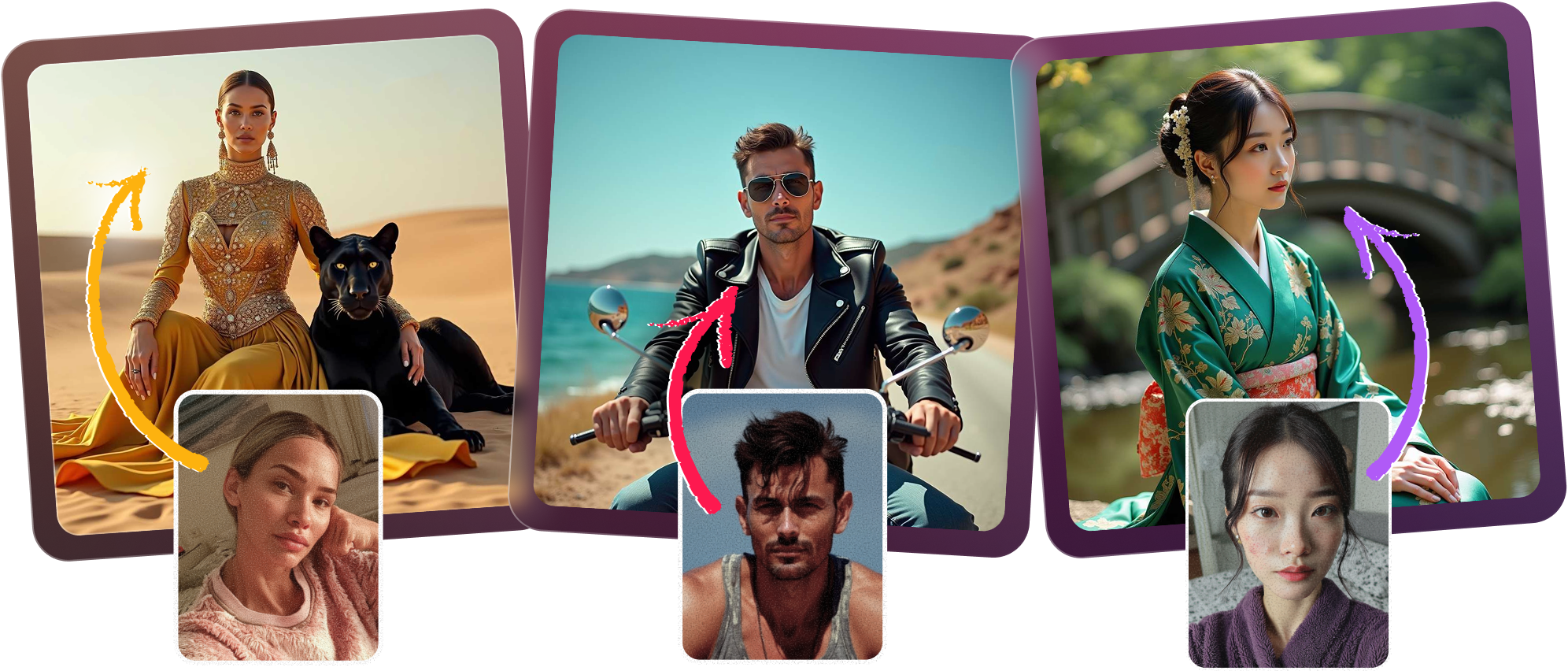
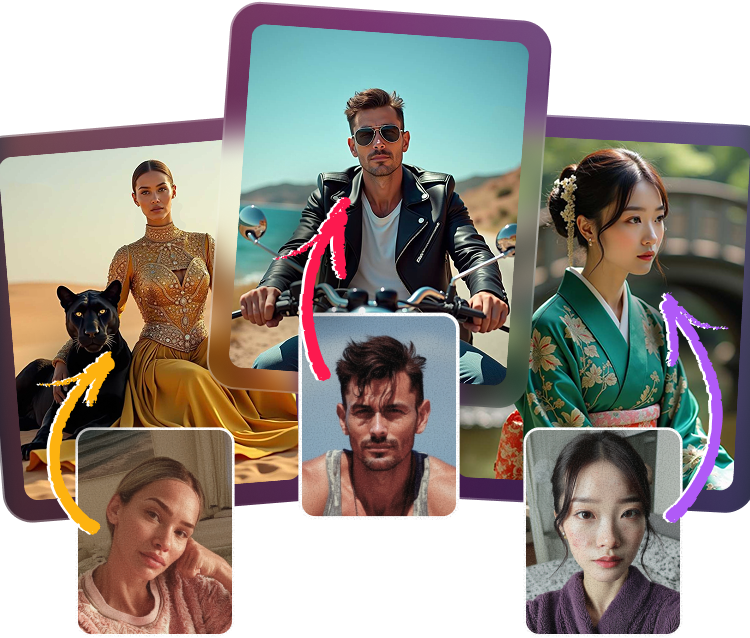
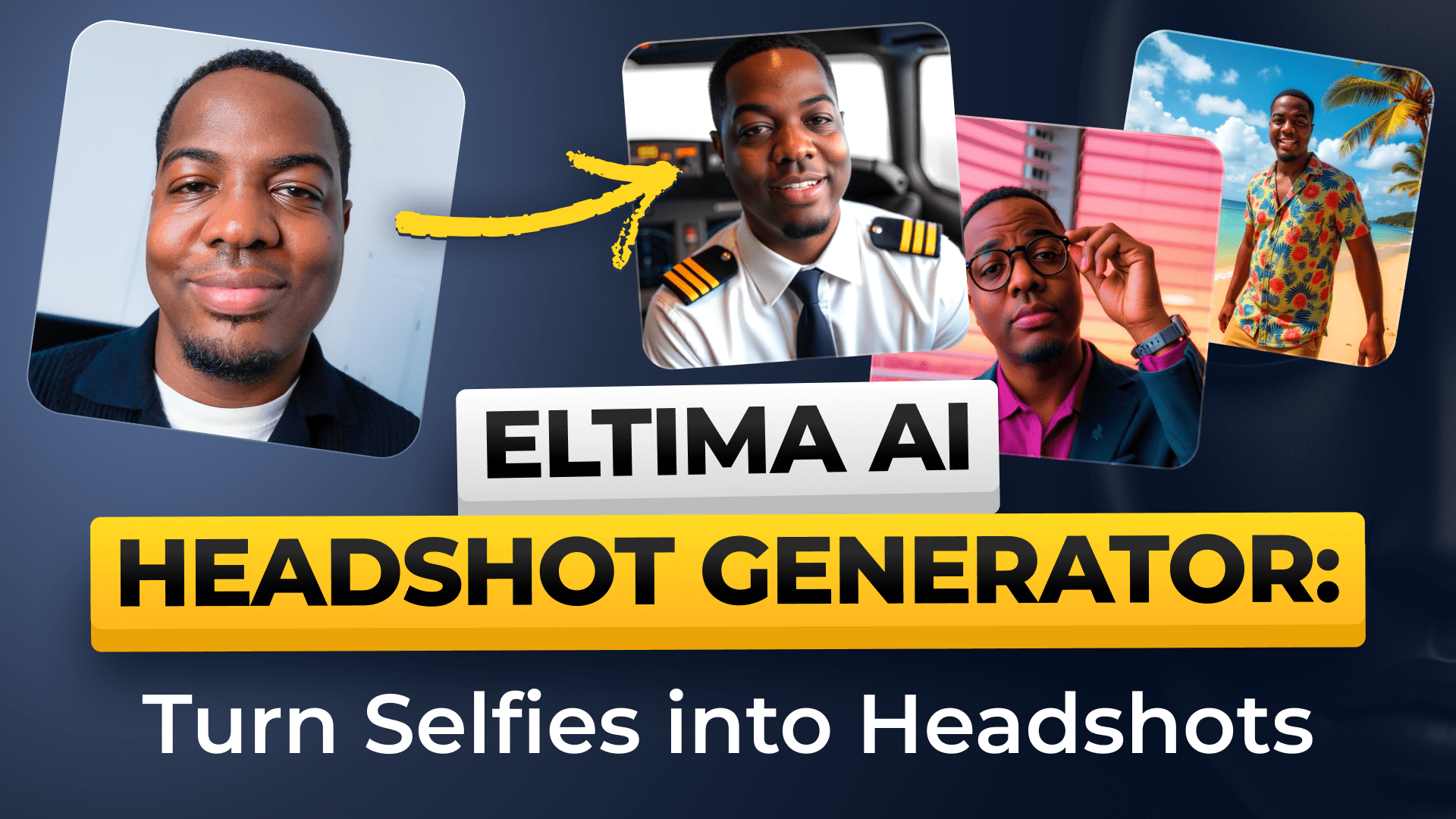
Create polished AI business headshots in minutes and turn everyday selfies into a refined corporate portrait with a clean studio background. Each professional photo is designed to look natural, confident, and ready for LinkedIn, while still leaving you options to choose the background color, ask about turnaround time, and keep your uploaded images private and secure.
How to get AI headshots that look LinkedIn-ready
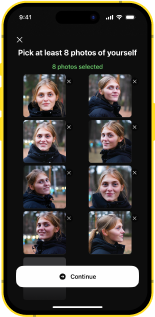
Upload your selfies
Choose clear, well-lit selfies with varied angles so the AI can build a more accurate corporate portrait.
Select your style
Pick a professional photo look with a studio background that fits your role, brand, or resume.
Generate portraits
Let the system create multiple AI business headshots so you can compare poses, expressions, and corporate portrait options.
Download and use
Save your favorite professional photo and use it on LinkedIn, your company website, or resume with confidence.
Fast Results without a studio visit
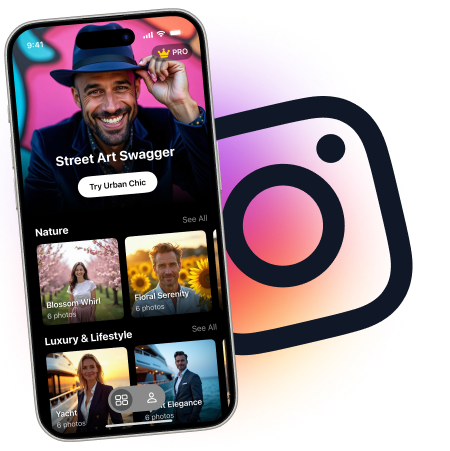
Get a polished corporate portrait fast, without booking a photographer or visiting a studio. These AI business headshots are built from your uploads and can deliver a professional photo that looks ready for LinkedIn, while still letting you ask how long it takes, whether the results fit your profile, and what selfies produce the best outcome.

LinkedIn Ready portraits that build trust
Show up with a professional photo that feels credible on LinkedIn, your website, and your resume. Our AI business headshots are designed to look like a clean studio background corporate portrait, and you can confidently ask whether they’re suitable for your profile, what background colors are available, and how your images are kept private and secure.
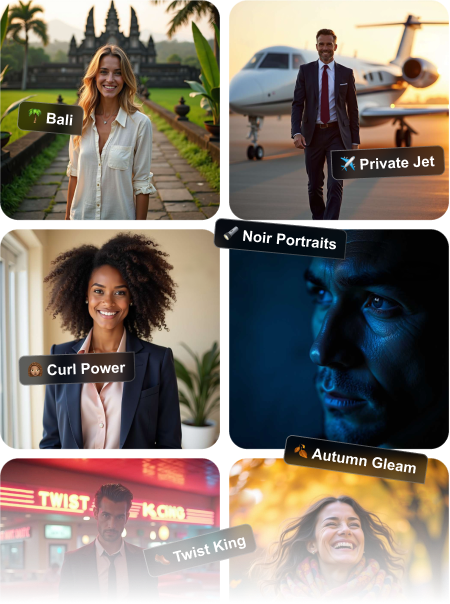
Custom Backgrounds to match your brand
Choose the background color that best supports your corporate portrait, from subtle neutrals to cleaner branded looks. Whether you want a studio background for a resume, a professional photo for a company site, or AI business headshots for LinkedIn, the results are created to feel refined and consistent.
Private by Design with secure uploads
Your uploaded images are handled with care so you can focus on getting a better professional photo, not worrying about privacy. The final AI business headshots can be used for LinkedIn, company websites, and resumes, and the whole process is built to help you create a trustworthy corporate portrait with minimal effort.

Frequently Asked Questions
Most users can create their AI business headshots in just a few minutes after uploading selfies. Exact timing can vary depending on image volume and processing demand, but it is far faster than a traditional studio session.
Yes, they are designed to look polished and credible for LinkedIn, especially when you want a clean corporate portrait or professional photo. Choose a result with natural expression and a studio background for the best profile impact.
Upload clear selfies with good lighting, a variety of angles, and no heavy filters so the AI can learn your features accurately. Photos that show your face fully and naturally tend to produce the most realistic AI business headshots.
Absolutely, these images are suitable for a company website, resume, speaker bio, or other professional use. They are created to present you as polished and consistent across business-facing platforms.
Yes, you can select background colors that complement your brand or personal style. A studio background with the right tone can make your corporate portrait feel more refined and cohesive.
Your uploads are handled with privacy and security in mind so you can create AI business headshots with confidence. If you have specific compliance needs, review the app’s current privacy details before uploading.
5.0
Show more
4.5
Show more
5.0
Show more
4.0
Show more
5.0
Show more
4.5
Show more